EasyManua.ls Logo

PIXELHUE P20 - Network

Default Icon
210 pages
Print Icon
To Next Page IconTo Next Page
To Previous Page IconTo Previous Page
Loading...
6 Menu Operations
www.pixelhue.com
87
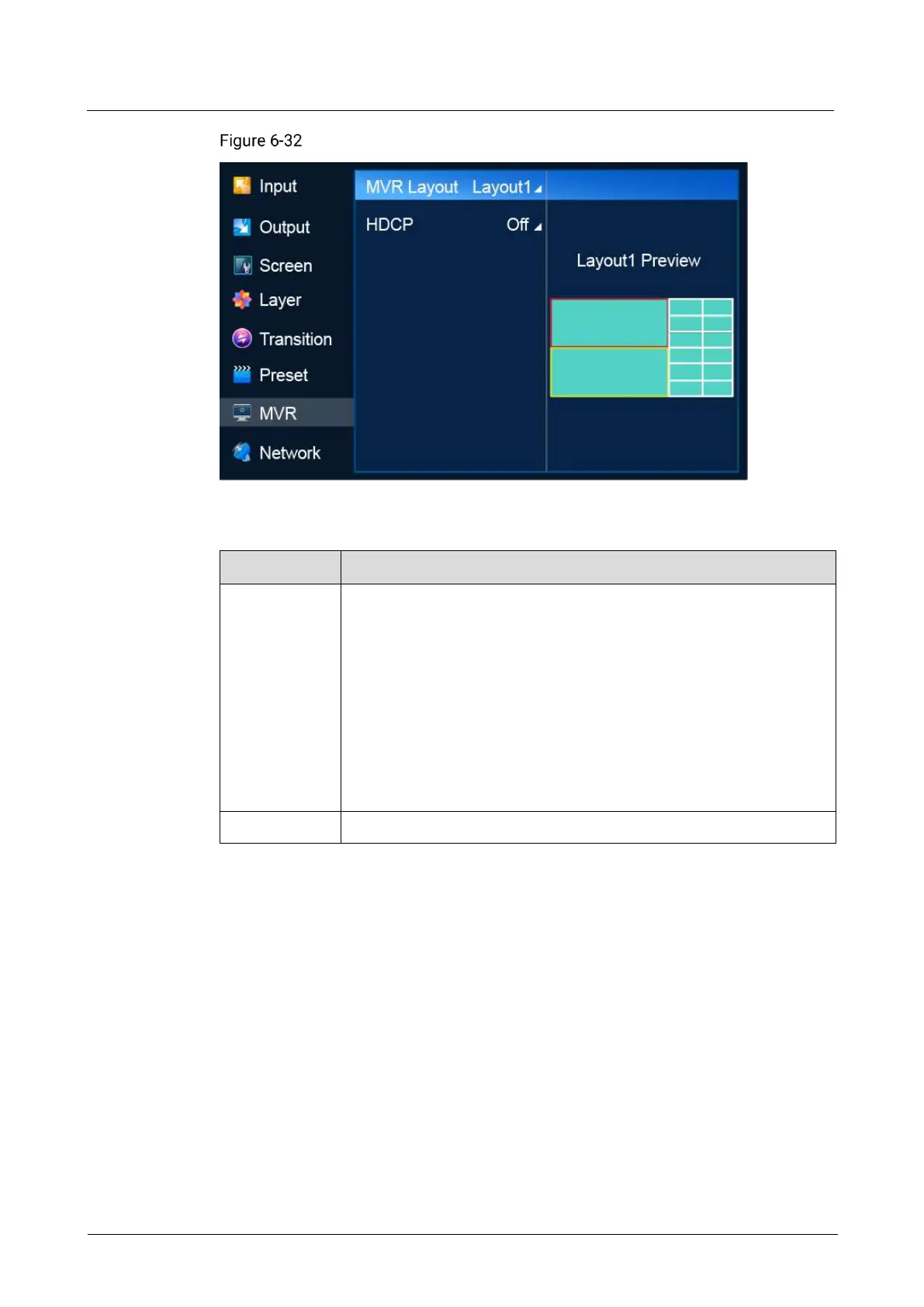
Multiviewer (P20)
Description
Menu Item
Description
MVR Layout
Select a layout for the Multiviewer screen.
P20
Switcher mode: 7 layout templates are provided.
PGM only mode: 5 layout templates are provided.
P10
Switcher mode: 9 layout templates are provided.
PGM only mode: 7 layout templates are provided.
After a Multiviewer layout is selected, all the accessed input sources
are displayed on the Multiviewer windows automatically.

HDCP
Select an HDCP version or turn off HDCP.
6.1.10 Network
Manually specify a static IP address for the device or set the device to obtain an IP
address automatically.
Menu Orientation
On the main menu screen, scroll to and select Network.

Table of Contents