All-New Event Presentation Switching Solutions
User Manual
Software Obtaining and Preparations
User registration has been completed in companion official website
(https://bitfocus.io/companion).
The supported Companion software version has been obtained from technical
support.
The computer with Companion installed is on the same network segment as the
seamless switcher.
The connection between Stream Deck and the seamless switcher has been
completed.
Software Configuration
After downloading the Companion installation package, double click the package to
install the software.
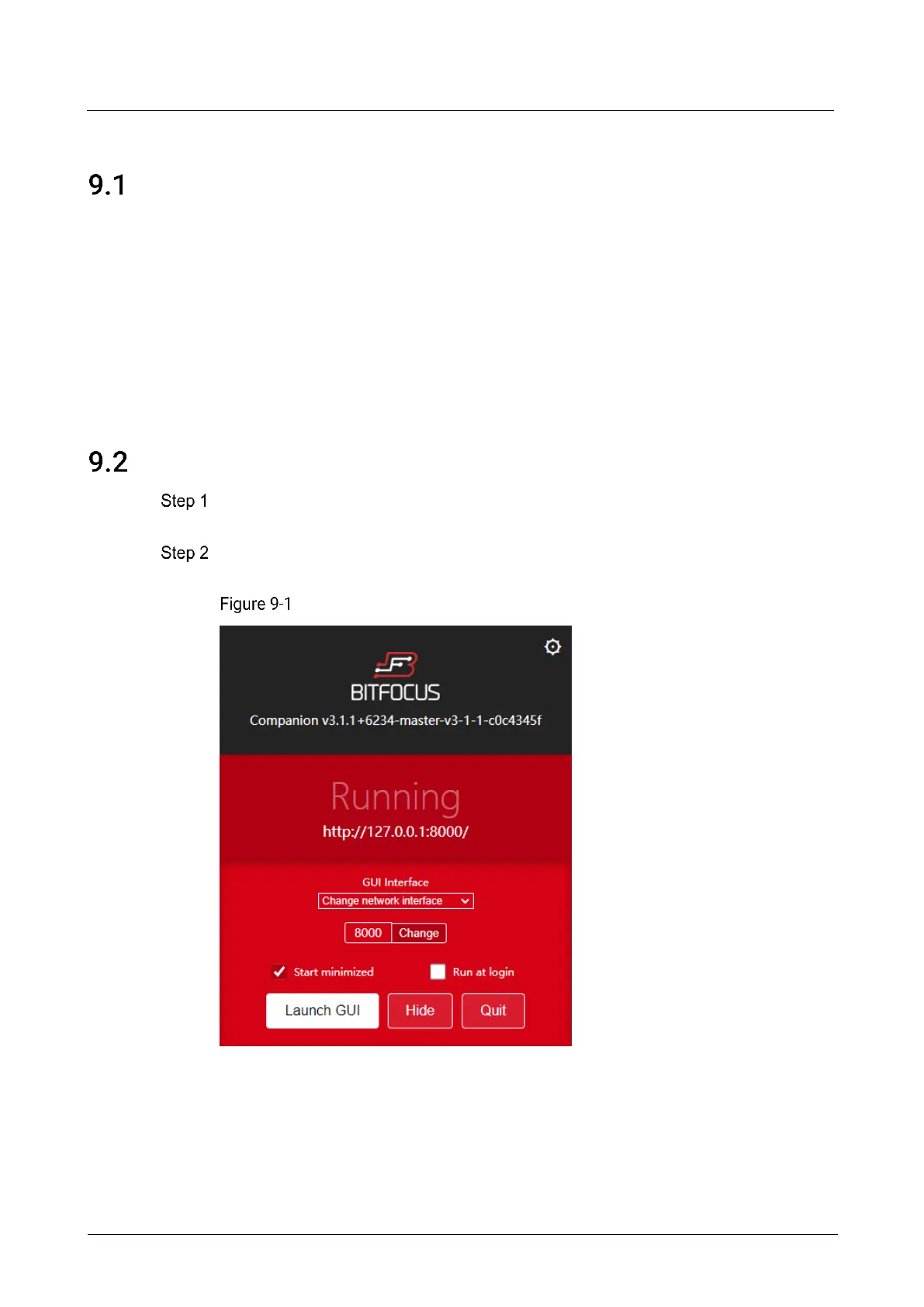
After the installation, double click the Companion software shortcut to open the
software.
Companion software interface



 To Next Page