All-New Event Presentation Switching Solutions
User Manual
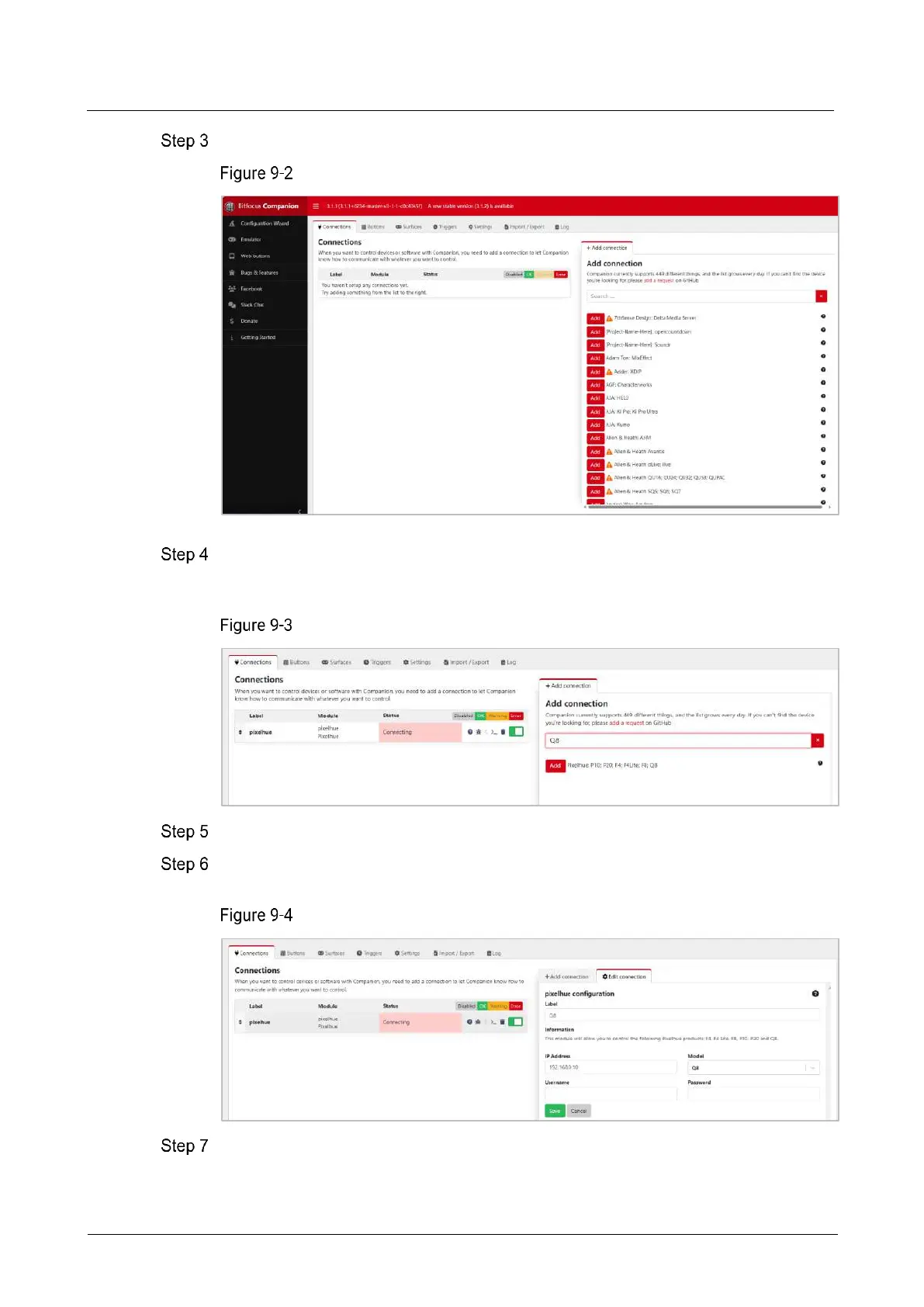
Click Launch GUI to enter the Companion configuration page.
Companion configuration page
Enter the desired device name in the Add connection area search box on the
Connections interface, “Q8” for example, and the system will automatically display all
relevant product models.
Search software
Click Add before the device model you want to control.
After adding the device, the system enters the Edit Connection configuration
interface.
Connection configuration
Configure the control device.
Label: The name of the controlled device is required. The name can only contain
letters, numbers, underscores and dashes.



 To Next Page