All-New Event Presentation Switching Solutions
User Manual
8 U5/U5 Pro Event Controllers
Introduction
The U series event controllers are equipped with two touchscreens, a main
touchscreen and a smart touchscreen. On the main touchscreen, you can do various
intuitive and free configurations for the seamless switchers, such as configurations
of layers, layer position, input sources, output resolutions, input keying, layer borders,
input crop and presets.
The 8'' smart touchscreen displays still images, timecode, switcher and event
controller status, and a Multiviewer image (Multiviewer 1, Multiviewer 2, or HDMI 1.3),
and can be customized as a virtual MIDI keyboard.
The U series event controllers include the following two models:
U5 event controller
U5 Pro event controller
Hardware Introduction
8.2.1 Front Panel
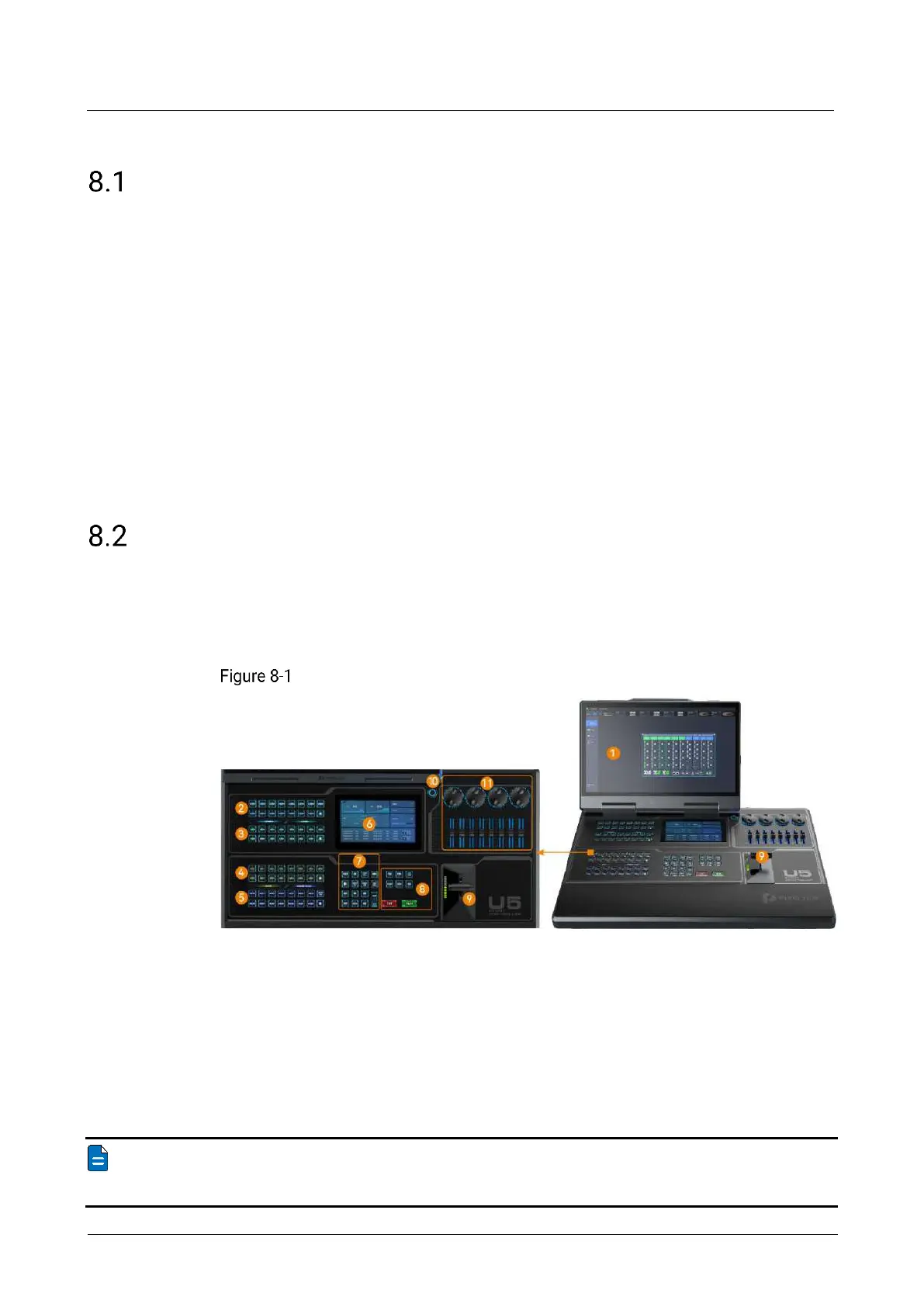
U5 Front Panel
U5 front panel
8. Switching control area
Note
The U5 LCD screen can be folded and lock at any angle between 45° and 125°.



 To Next Page