All-New Event Presentation Switching Solutions
User Manual
About This Manual
This user manual describes how to operate the P20/P10/Q8 seamless switchers and
U5/U5 Pro event controllers, as well as how to use the matched all-new event
management software PixelFlow. This manual is designed to be a reference for your
daily use of our products. It contains a complete description of the hardware and
control software.
Note
Always check for the latest version of all documents at www.pixelhue.com.
Version History
Updated the descriptions of P20/P10 front panel
buttons, home screen and LCD menu operations.
Added the stream Deck control instruction.
Updated the descriptions of the event management
software PixelFlow.
Updated the sections related to P20/P10.
Updated the descriptions of the event management
software PixelFlow.
Updated the Q8 physical specifications.
Updated the U5/U5 Pro physical specifications.
Updated the front panel related content of the Q8.
Added Stream Deck as a control option of the P20 and P10.
Added Q8 function limitation information
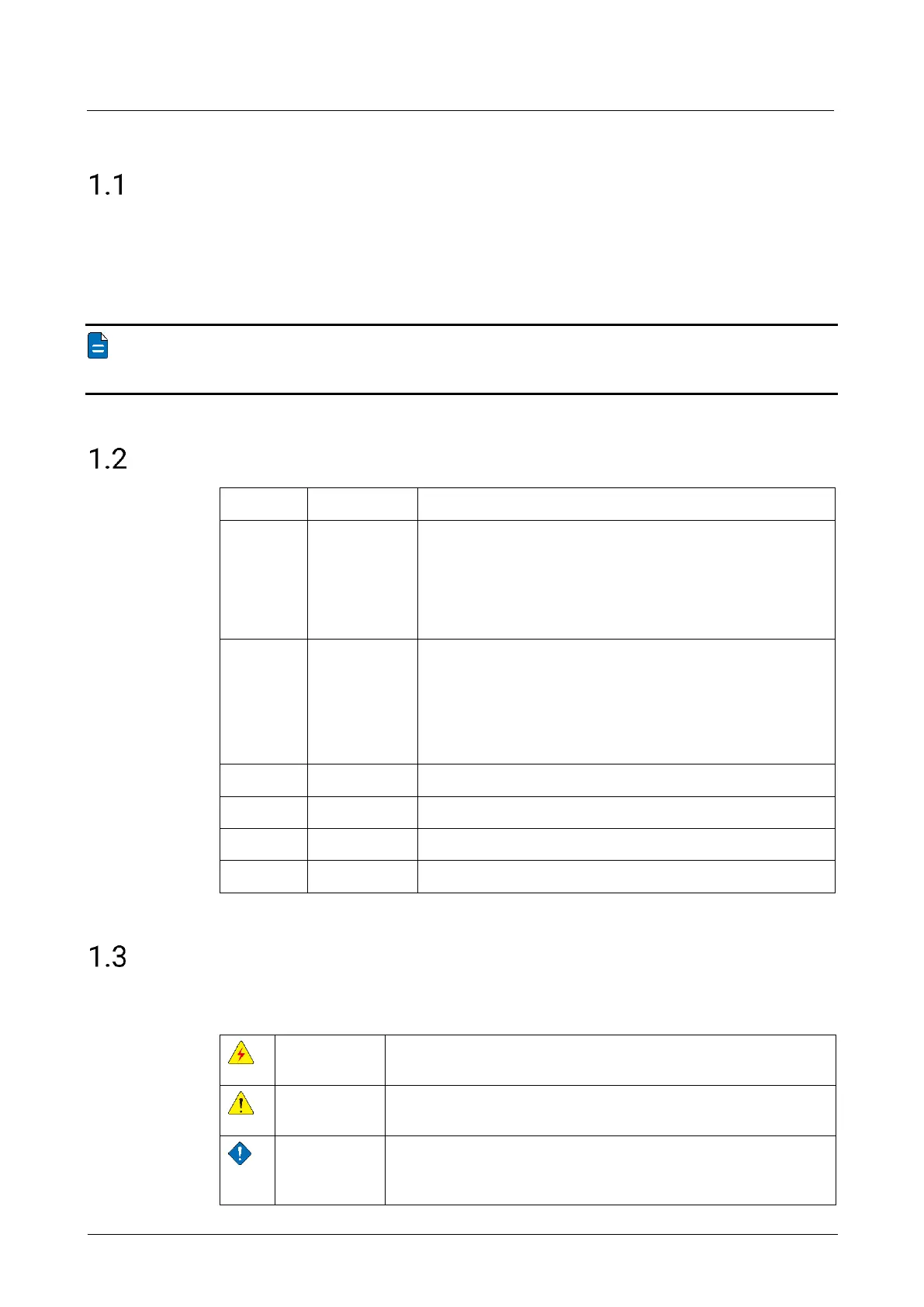
Symbols and Pictures
Symbol Overview
Indicates a hazard with a high level of risk, which if not
avoided, will result in death or serious injury.
Indicates a hazard with a medium or low level of risk, which if
not avoided, could result in minor or moderate injury.
Indicates a potentially hazardous situation, which if not
avoided, could result in equipment damage, data loss,
performance degradation, or unexpected results.



 To Next Page