All-New Event Presentation Switching Solutions
User Manual
8 U5/U5 Pro Event Controllers
: Press to bring the selected layer to front.
: Press to send the selected layer to back.
: Press to copy the selected layer.
: Press to flip the selected layer
: Hold down to lock the T-Bar. After it is locked and then pushed, the layer will
not be switched.
: Hold down to lock the front panel and main touchscreen of the event
controller. After locked, they cannot be used.
: In the U5 event controller, press this button to turn the page of the two rows of
buttons on the left of this button.
Blank button: Reserved button for custom functions.
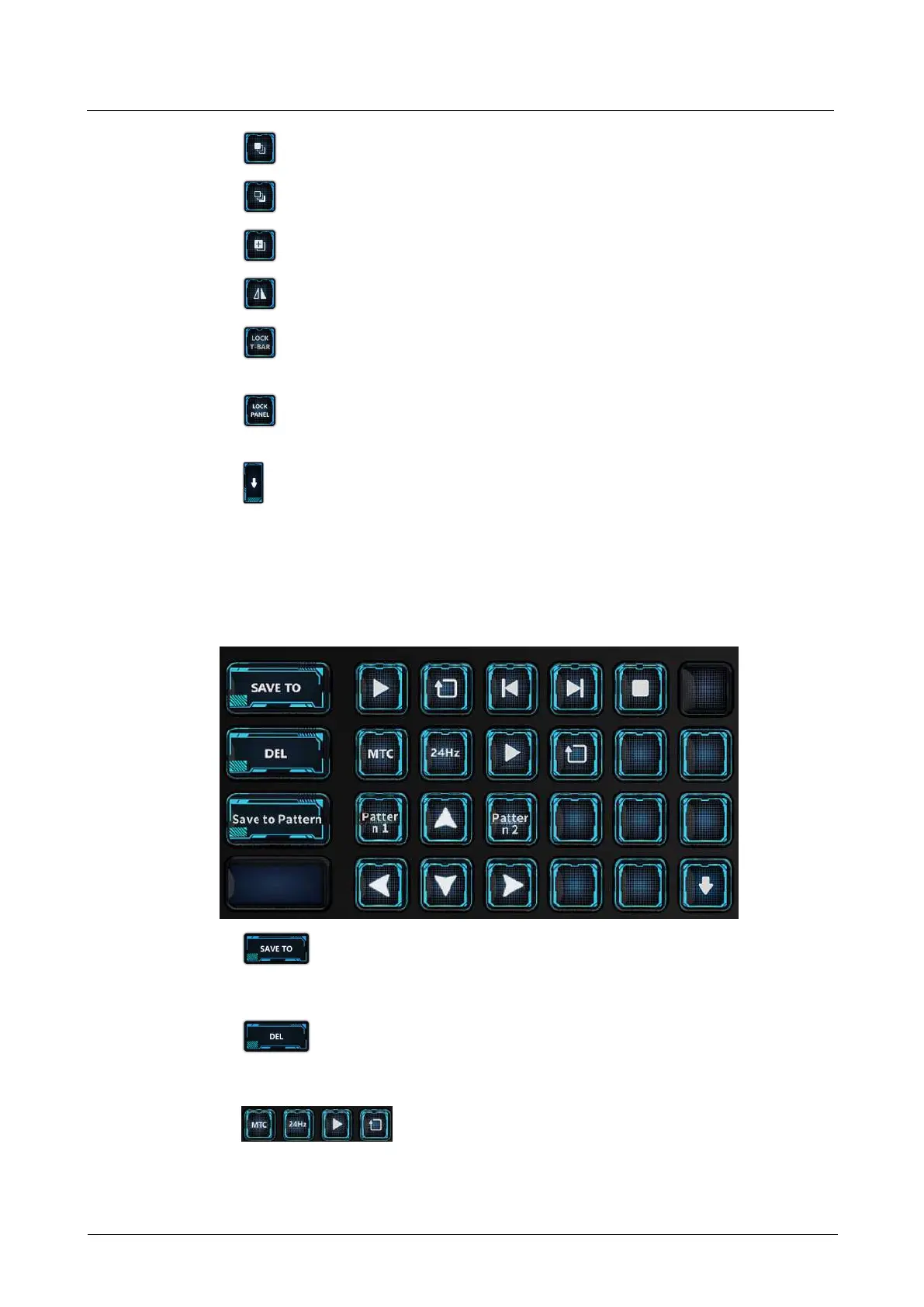
8.3.10 Camera and Timecode Control Area
The U5 Pro allows for adjusting the PTZ camera position and the timecode output.
: Save to button. Press to activate the save to function and the button
flashes yellow. Then, press a preset button, and the current layer or program will
be saved to the selected preset.
: Delete button. Press to activate the delete function and the button
flashes yellow. Then, press a preset, layer or screen button, and the selected
preset, layer or screen will be deleted.
: Timecode module control buttons



 To Next Page