All-New Event Presentation Switching Solutions
User Manual
2.5.2 Electromagnetic Interference
Keep the device away from transformers, high-voltage power lines and high-
current devices.
Keep the device away from high-power broadcast transmitters.
If there is a mobile communication transmitter around the device, its interference
degree should meet the requirements of relevant standards. If needed, take
necessary measures to prevent interference, such as shielding and isolation.
When using hand-held wireless communication devices, such as interphones,
keep at least 30 cm away from the device.
2.5.3 Anti-Static
Always wear anti-static wrist bands and insulating gloves when touching the
static-sensitive components.
Always hold the board by the edges to avoid touching the circuits or components,
and do not touch the chip with your hands.
The disassembled board must be packaged with anti-static packaging material
before storage or transportation.
Unpacking and Inspection
2.6.1 Unpacking
After receiving the device, check whether the packing box is damaged. If there is
any damage, do not open the box and contact the carrier in time to confirm the
damage to the device and matters related to compensation.
After unpacking, save the packing box and materials for possible storage and
transportation in the future.
2.6.2 Inspection
When the packing box is in perfect condition, unpack the box. Check the
appearance of the device for damage. If there is damage, please contact the
salesperson.
Check the box contents according to the packing list described in the certificate of
approval. If any item is missing, please contact the salesperson in time.
Device Labels
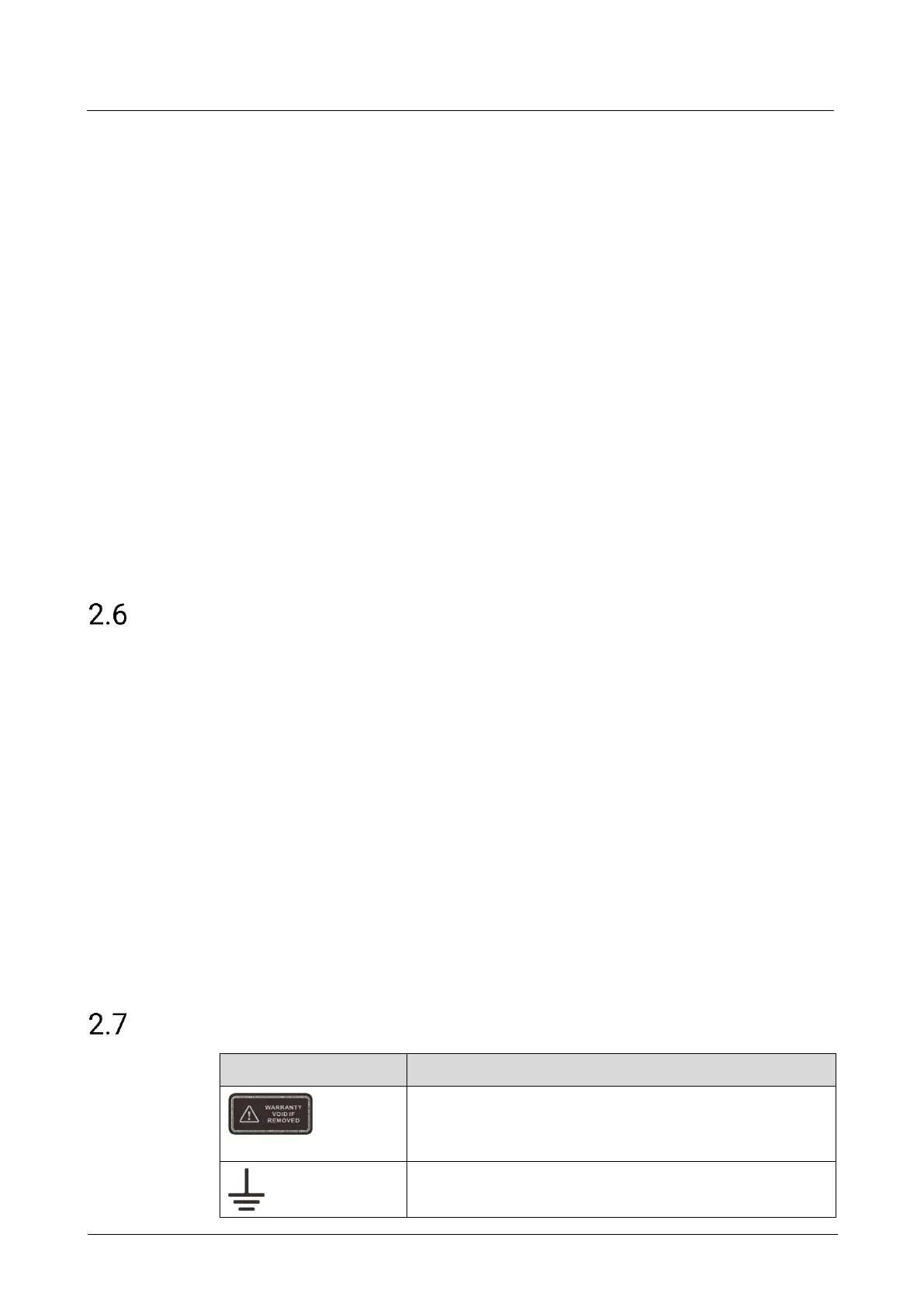
Warranty void if removed
Do not open the chassis. If this label is damaged, the device
will not be covered by the warranty.
Grounding
The two ends of the grounding wire are connected to the



 To Next Page