All-New Event Presentation Switching Solutions
User Manual
Menu Orientation
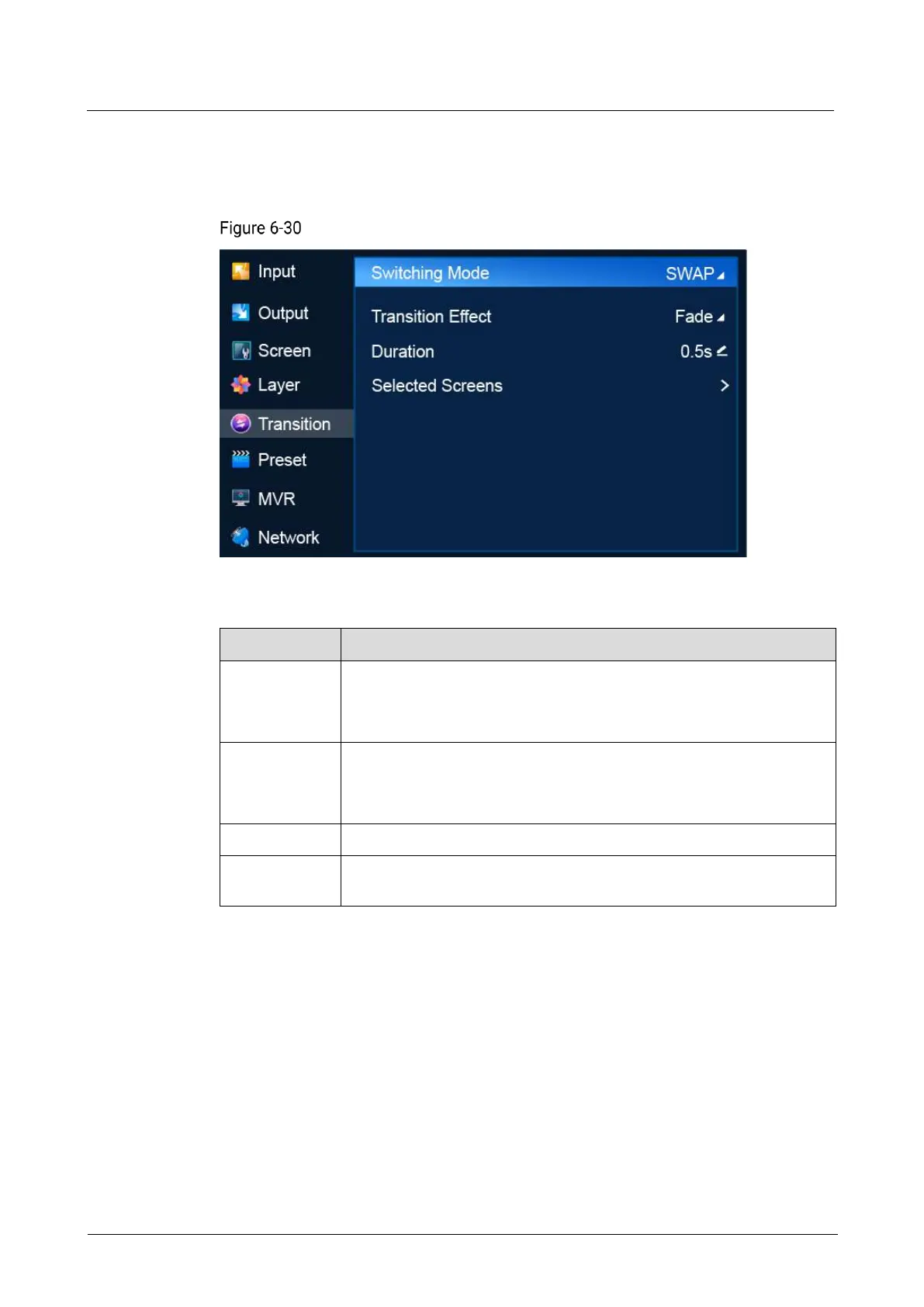
On the main menu screen, scroll to and select Transition.
Switching (P20)
Description
Select a mode to switch content from PVW to PGM.
SWAP: Swap the contents on the PVW screen and PGM screen.
COPY: Copy the content on the PVW screen to the PGM screen.
Select a transition effect.
Cut: Switch content from PVW to PGM with no transition effect.
Fade: Switch content from PVW to PGM with a fade effect.
Duration of the transition effect.
Screens selected for switching, including common screens and AUX
screens. Multiple screens can be selected.
6.1.8 Preset
Save the content on PVW or PGM as a preset, load and delete presets.
Note
A maximum of 128 presets can be saved.
Menu Orientation
On the main menu screen, scroll to and select Preset.



 To Next Page