All-New Event Presentation Switching Solutions
User Manual
7 Event Management Software PixelFlow
Project Management
Create, edit and delete projects, and view project details. The project file (.uprj) can
be exported by a device, and then imported into other devices of the same model, so
as to quickly apply the device parameters and resource files in the project file.
7.2.1 Create New Projects
Create a new project and add one or more devices.
Before creating an online project, there must be online devices available.
For creating a virtual project, virtual devices are not required initially, but it is
possible to create virtual devices during the process of creating a virtual project.
Virtual devices do not have any physical connections, but simulate the
configuration scenarios of real devices, providing convenience for users to use
and understand the software.
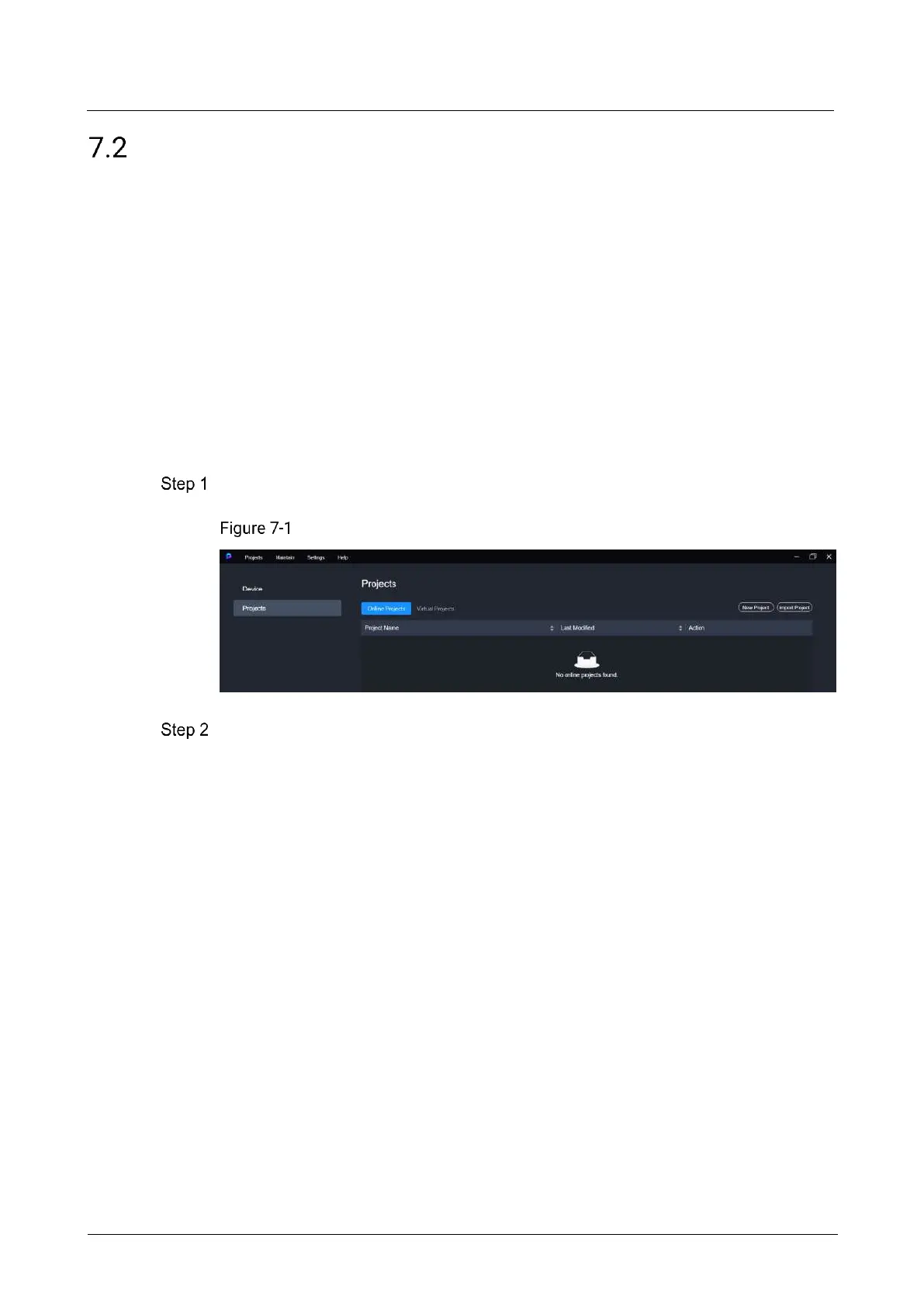
Select Projects on the left side of the interface to show the project list.
Project list
If creating a project for an online device, click New Project on the Online Projects tab
interface.
If creating a project for a virtual device, select the Virtual Projects tab and click the
New Project.



 To Next Page