All-New Event Presentation Switching Solutions
User Manual
8 U5/U5 Pro Event Controllers
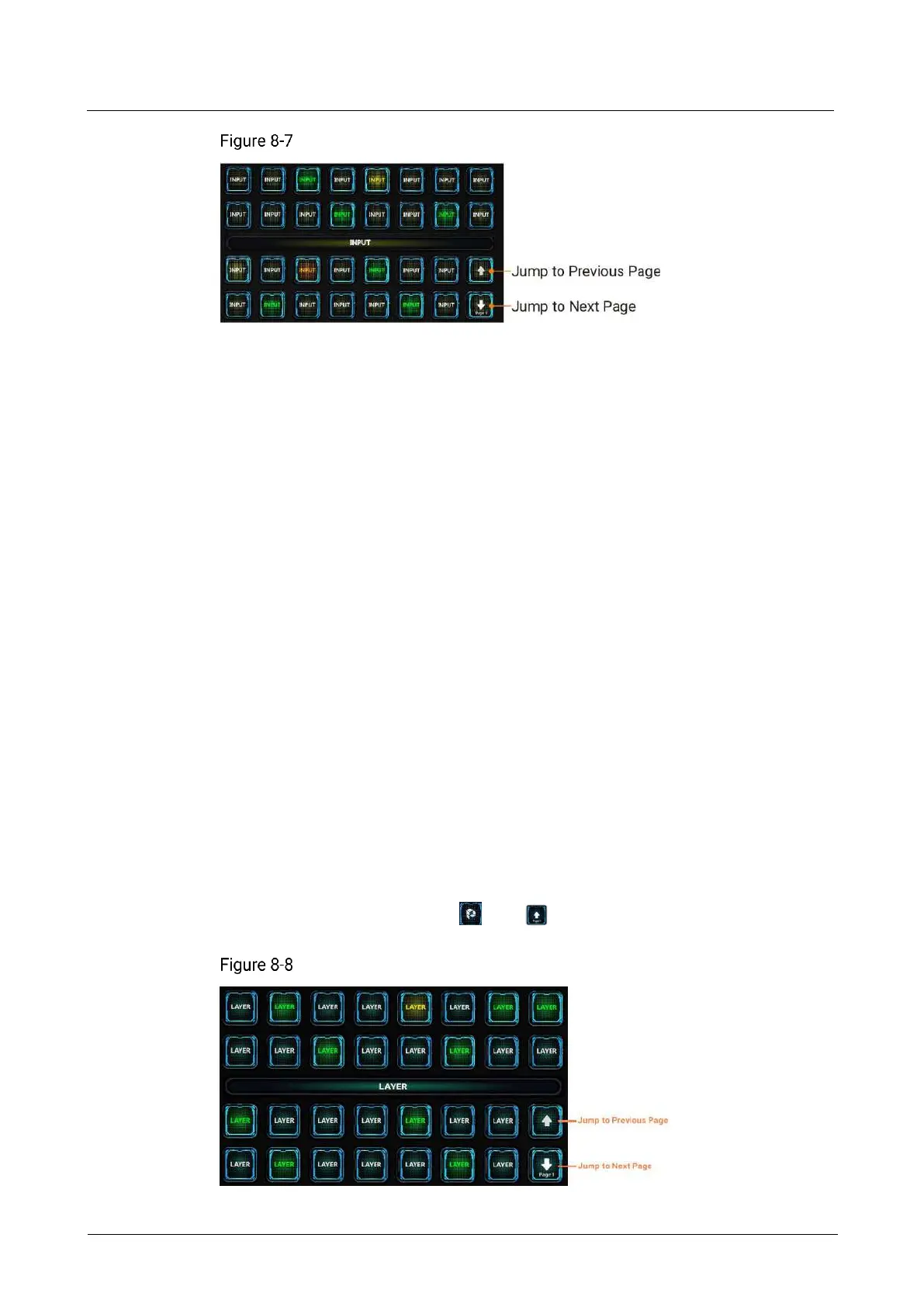
Input source buttons
The input source page turning button supports cyclic page turning.
All the input sources are bound to the input buttons by default. When the input source
changes, the button name will be automatically updated.
The status of input source buttons are described as follows:
Green: The input source is being used by the selected layer.
Yellow: The input source corresponding to the button has signal but it is not used
by the layer.
Red: The input source corresponding to the button has signal but it is used by the
layer.
Orange: The input source corresponding to the button exceeds the connector's
load capacity.
White: The input source corresponding to the button has no signal.
Blank button: The button does not have corresponding input source.
8.3.7 Layer Buttons
Pressing a layer button selects the corresponding layer and the PVW page of the
screen corresponding to that layer will be displayed on the main touchscreen with
that layer in the selected status.
The layer name displayed in the layer button can be modified on the layer editing
page.
The U5 Pro has 34 layer buttons and 2 page turning buttons.
The U5 has 15 layer buttons and 1 page turning button. To jump to the previous
page, use the combination of and buttons.
Layer buttons



 To Next Page