All-New Event Presentation Switching Solutions
User Manual
Main menu (P20)
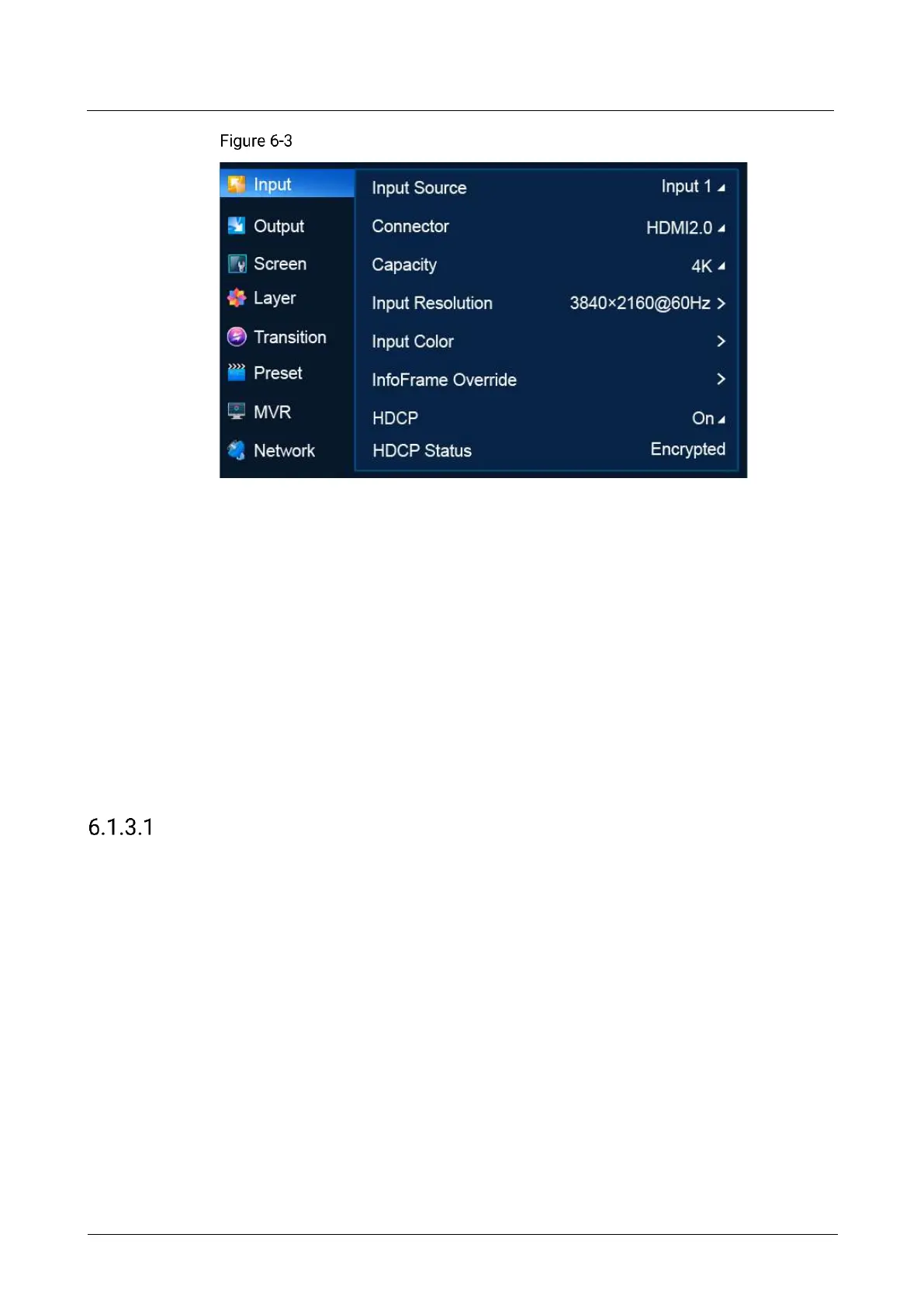
6.1.3 Input
The Input menu allows you to do the following:
Select Connector Type
Select Connector Capacity
Set EDID
Import and Export EDID
Set Input Color
Set InfoFrame Override
Set HDCP
View HDCP Status
Select Connector Type
Select the desired input connector to use it as the input source.
Prerequisites
For a DP 1.2/HDMI 2.0 input, only one connector can be selected as the input
source at the same time.
Connector type selection is not available for the 12G-SDI connectors.
Notes:
After the input connector is changed:
The layers on the common screen and AUX screen become blank.
The connector properties such as the resolution and color settings are reset to the
defaults.



 To Next Page