All-New Event Presentation Switching Solutions
User Manual
The layers on the common screen become blank and the DSK function is turned
off.
The connector properties such as the resolution and color settings are reset to the
defaults.
Menu Orientation
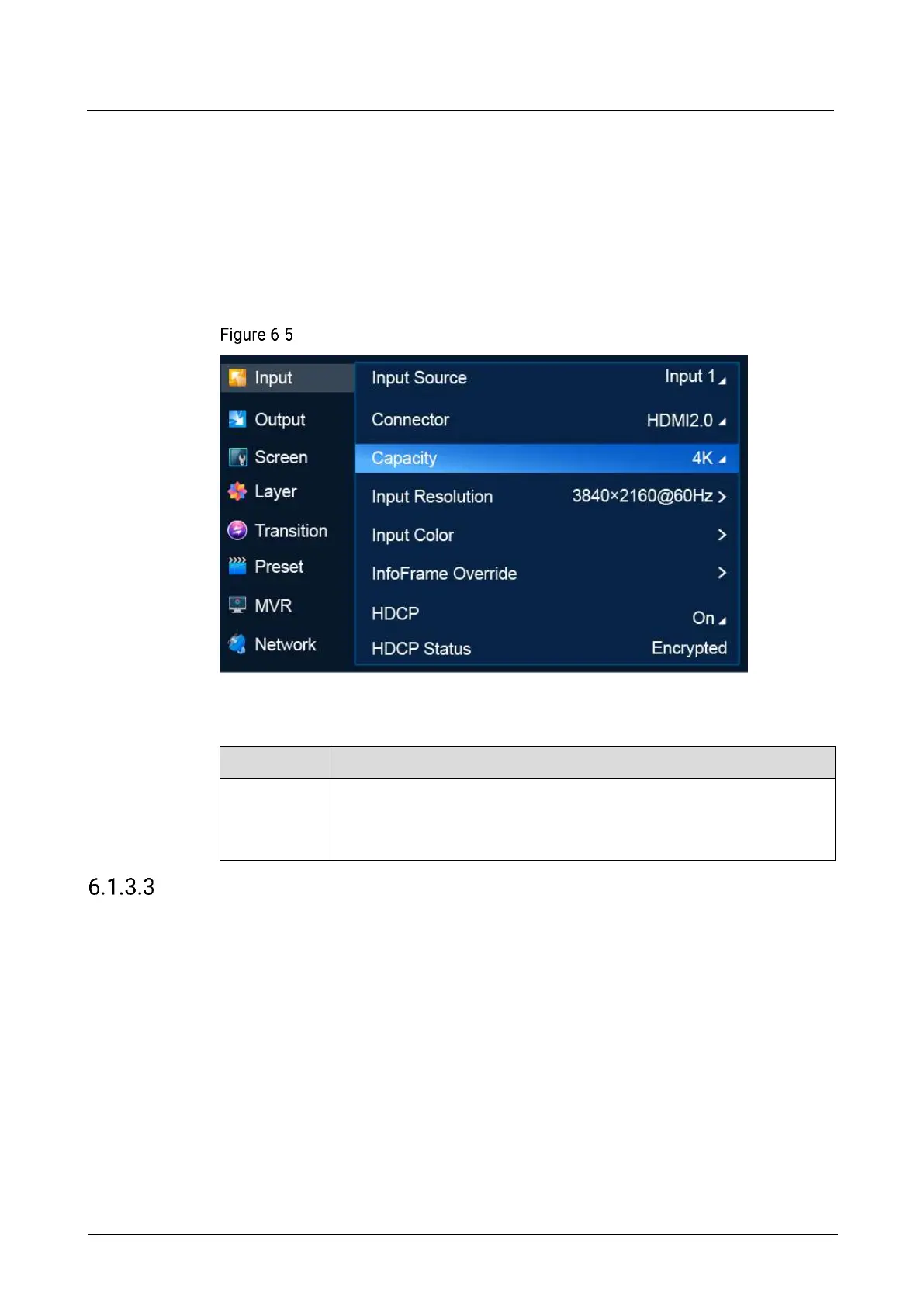
On the main menu screen, scroll to and select Input > Capacity.
Connector capacity selection (P20)
Description
Resource usage of the input connector
DL: 4K×1K
4K: 4K×2K
Set EDID
Set input resolution and frame rate. You can either choose a standard resolution
provided by the system or customize a resolution, and set advanced parameters.
Prerequisites
The video source is output by graphics card.
An input source and connector type (DP 1.2/HDMI 2.0) are selected. EDID settings
are not available for the 12G-SDI connectors.
Notes
Advanced settings must be done by trained professionals.



 To Next Page