All-New Event Presentation Switching Solutions
User Manual
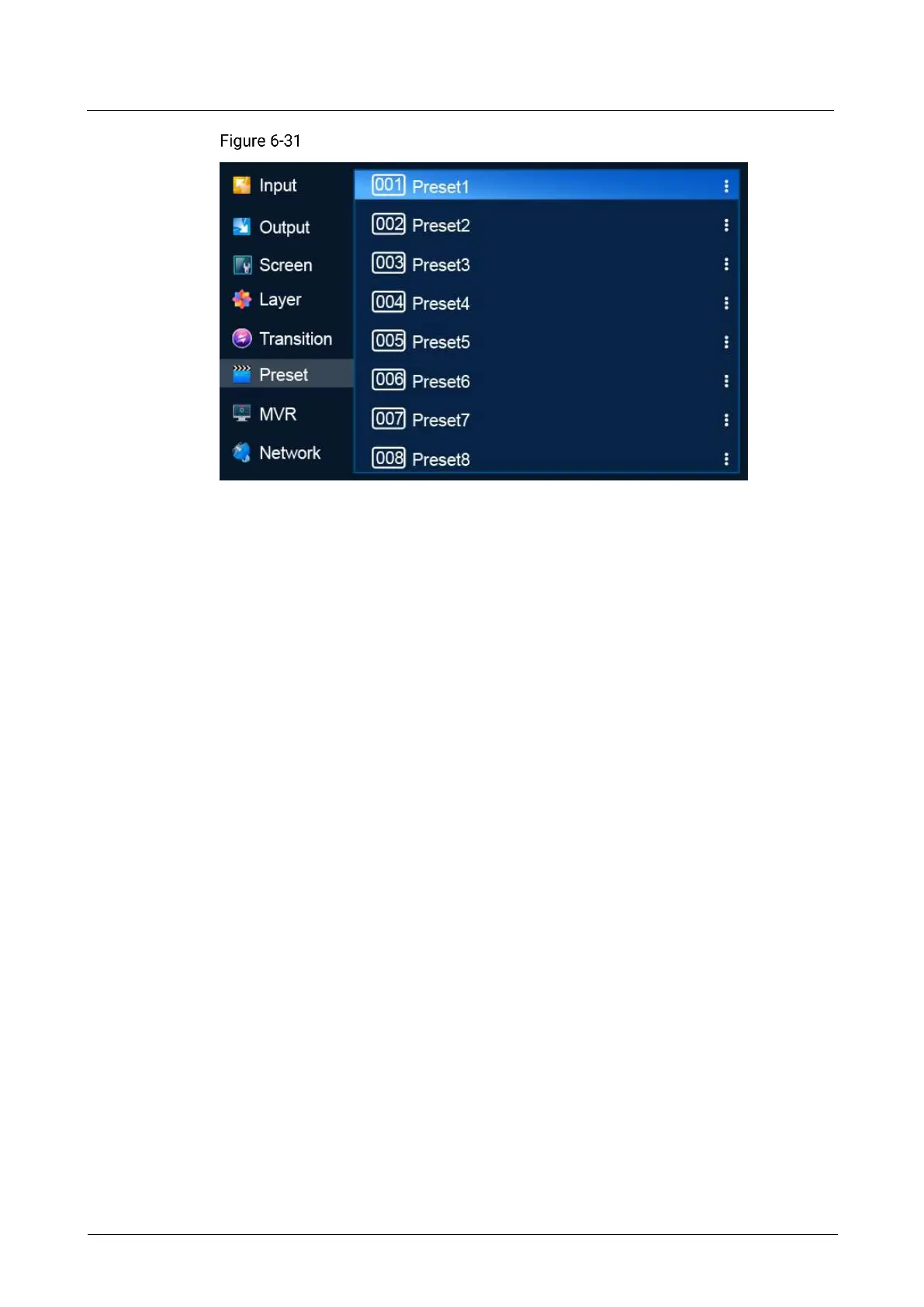
Preset (P20)
Description
Save a preset
− In switcher mode, select a blank preset and then select Save from PVW or
Save from PGM from the window that appears.
− In PGM only mode, select a blank preset and then select Save Preset from
the window that appears.
After the preset is saved successfully, the status of the preset changes to Saved.
Load a preset
Select a saved preset and select Load from the dialog box that appears to use the
preset on the screen.
Delete a preset
Select a saved preset and select Delete from the dialog box that appears to clear
the content in the preset.
6.1.9 Multiviewer (MVR)
Set the layout on the Multiviewer screen.
Note
The resolution of the Multiviewer screen is fixed at 1920×1080@60Hz.
If the input source exceeds the bandwidth limits, the Multiviewer monitor will
display a black screen.
Menu Orientation
On the main menu screen, scroll to and select MVR.



 To Next Page