All-New Event Presentation Switching Solutions
User Manual
8 U5/U5 Pro Event Controllers
SWAP enabled: The button is solid green and the switching mode from PVW to
PGM is swapping. That is, the PVW and PGM images are swapped during image
switching.
SWAP disabled: The button is off and the switching mode from PVW to PGM is
copying. That is, PGM copies the PVW image during image switching.
TIME: Set the transition effect duration.
Trans: Set the transition effect during switching.
Currently only the Fade effect is supported.
CUT: Press to send PVW to PGM directly without transition effect.
TAKE: Press to send PVW to PGM with a selected transition effect.
8.3.14 MIDI Module Area
The MIDI module has 4 encoders and 8 faders, which can be used for property
adjustment or MIDI keyboard control.
When used as a property adjustment, they can adjust the layer size, position,
image quality, etc.
To use them used as a MIDI keyboard, connect the USB (MIDI/KVM) connector of
the event controller to the controlled device, such as an audio console, a lighting
console, etc.
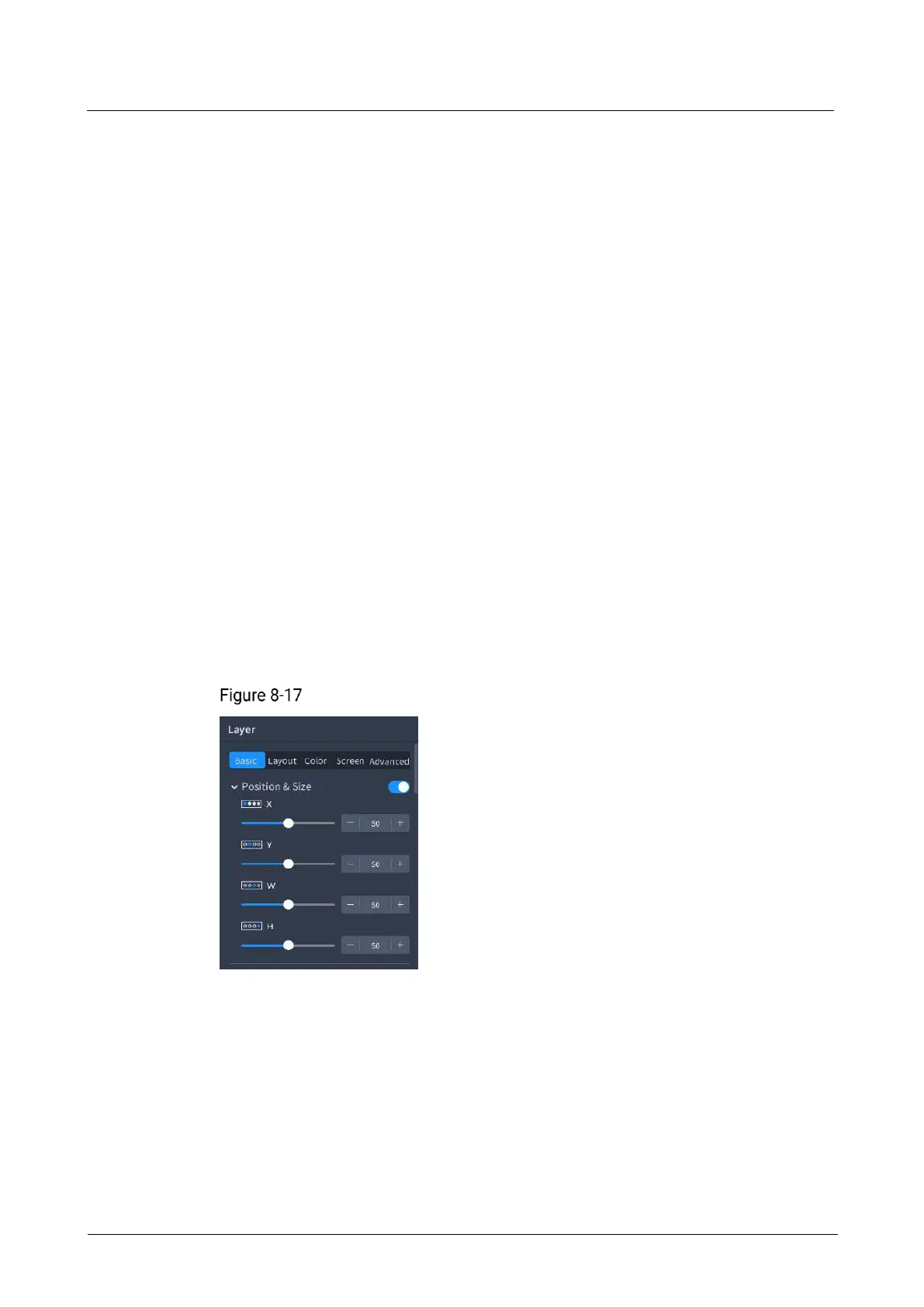
After the property adjustment information is bound to the encoders and faders, the
corresponding encoder or fader icons will be displayed on the property adjustment
page.
Bound to encoders
When you enter a property area, the adjustment parameters are automatically bound
to the encoders and faders, and the binding relation icons are displayed under the
menu in the property area. The corresponding relation between the icons and MIDI
buttons is shown in the figure below.
When you rotate an encoder or a fader, the system automatically adjusts the
parameters corresponding to the encoder or fader. If a property parameter does not
have a corresponding encoder or fader, rotating the encoder or pushing the fader
does not take effect.
Turn the encoder right to increase the corresponding parameter value, and turn
the encoder left to decrease the value.



 To Next Page