All-New Event Presentation Switching Solutions
User Manual
8 U5/U5 Pro Event Controllers
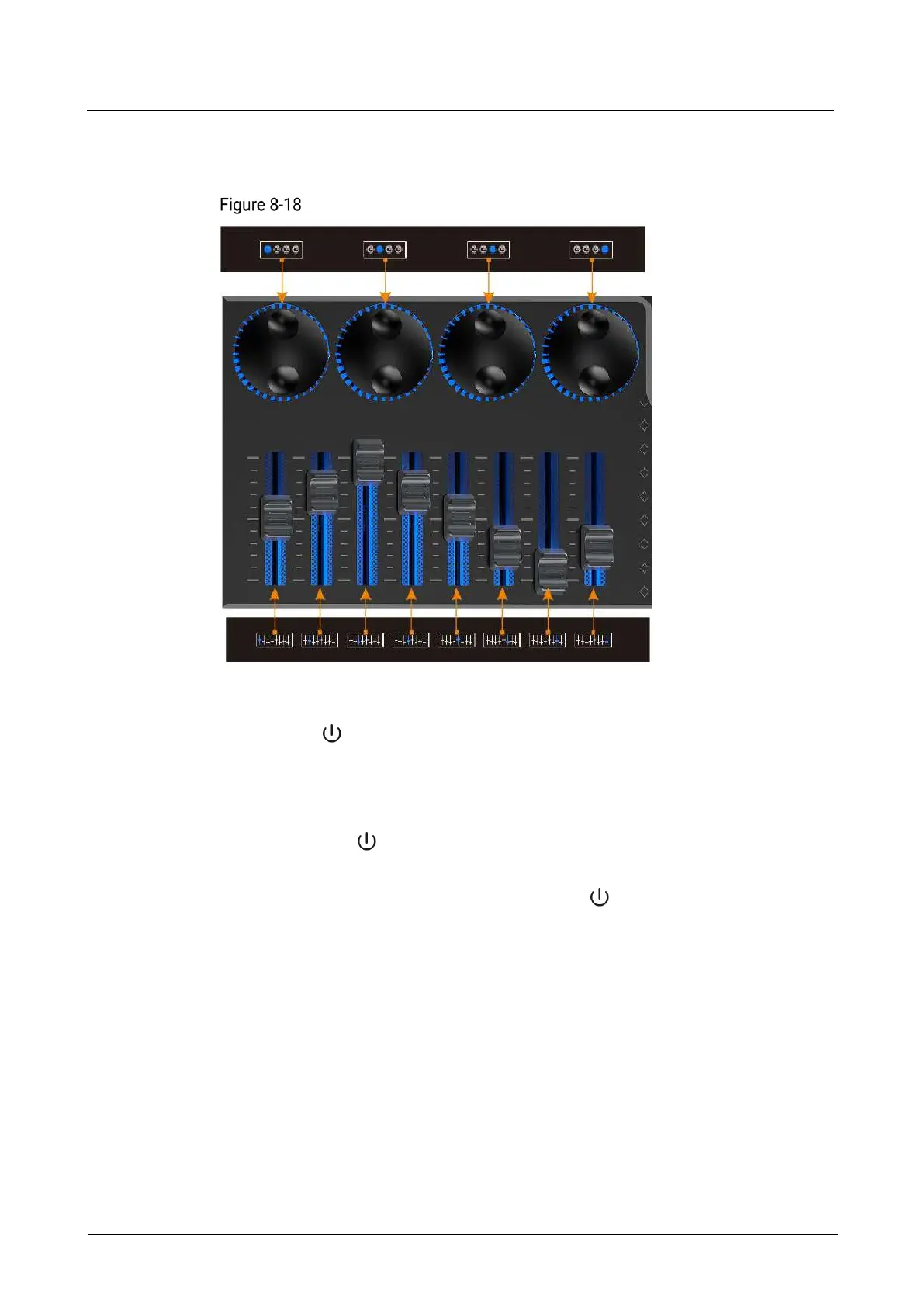
Push the fader up to increase the corresponding parameter value, and pull the
fader up down to decrease the value.
Binding relationship between menu adjustment and MIDI buttons
8.3.15 Power Button
Press the button in the upper right corner of the panel, and the system will
automatically start up. After startup, the main touchscreen displays the home
screen.
Power off the event controller through the following methods:
− Press the button in the upper right corner of the panel, select OK in the
pop-up dialog box on the main touchscreen, and the system will shut down.
− During the startup process, hold down the button to force shutdown.
8.3.16 T-Bar
Pushing the T-Bar up or pulling it down to manually control the switching from PVW
to PGM. The LED indicator shows the switching progress.
During the process of pushing or pulling the T-Bar, pressing the buttons on the front
panel of the event controller does not take effect.



 To Next Page