All-New Event Presentation Switching Solutions
User Manual
6.1.6.4.3 Set Input Crop
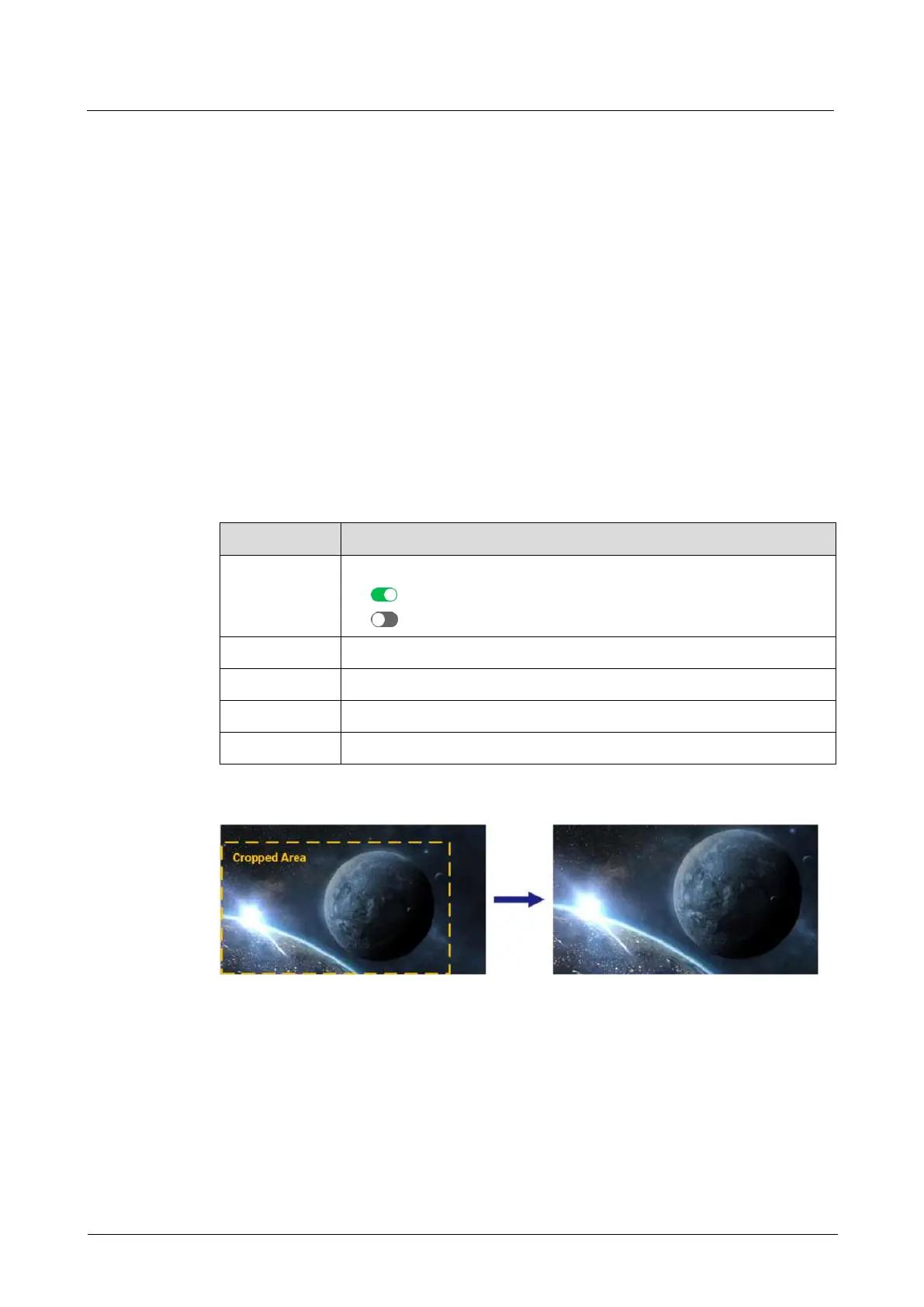
When there are black borders or unnecessary information on the input source, input
crop allows you to crop the input source and display the desired area.
Prerequisites
A common screen and AUX layer are selected.
The layer source is accessed.
Note
The input source status and capacity after cropping is the same as the original.
Menu Orientation
On the main menu screen, scroll to and select Layer > Layer Name > Input Crop.
Description
Turn on/off input crop.
: On
: Off
Set the horizontal start position of the cropped area.
Set the vertical start position of the cropped area.
Set the pixel width of the cropped area.
Set the pixel height of the cropped area.
Crop Effect Example
6.1.7 Transition
Select a mode to switch content from PVW to the PGM.
Prerequisites
The device is in switcher mode. This menu is not available in PGM only mode.



 To Next Page