All-New Event Presentation Switching Solutions
User Manual
7 Event Management Software PixelFlow
To change an output, simply drag another output connector to the screen.
7.4.2 Configure Screen Properties
Click the desired screen, and then set the screen-related properties in the property
area on the right pane.
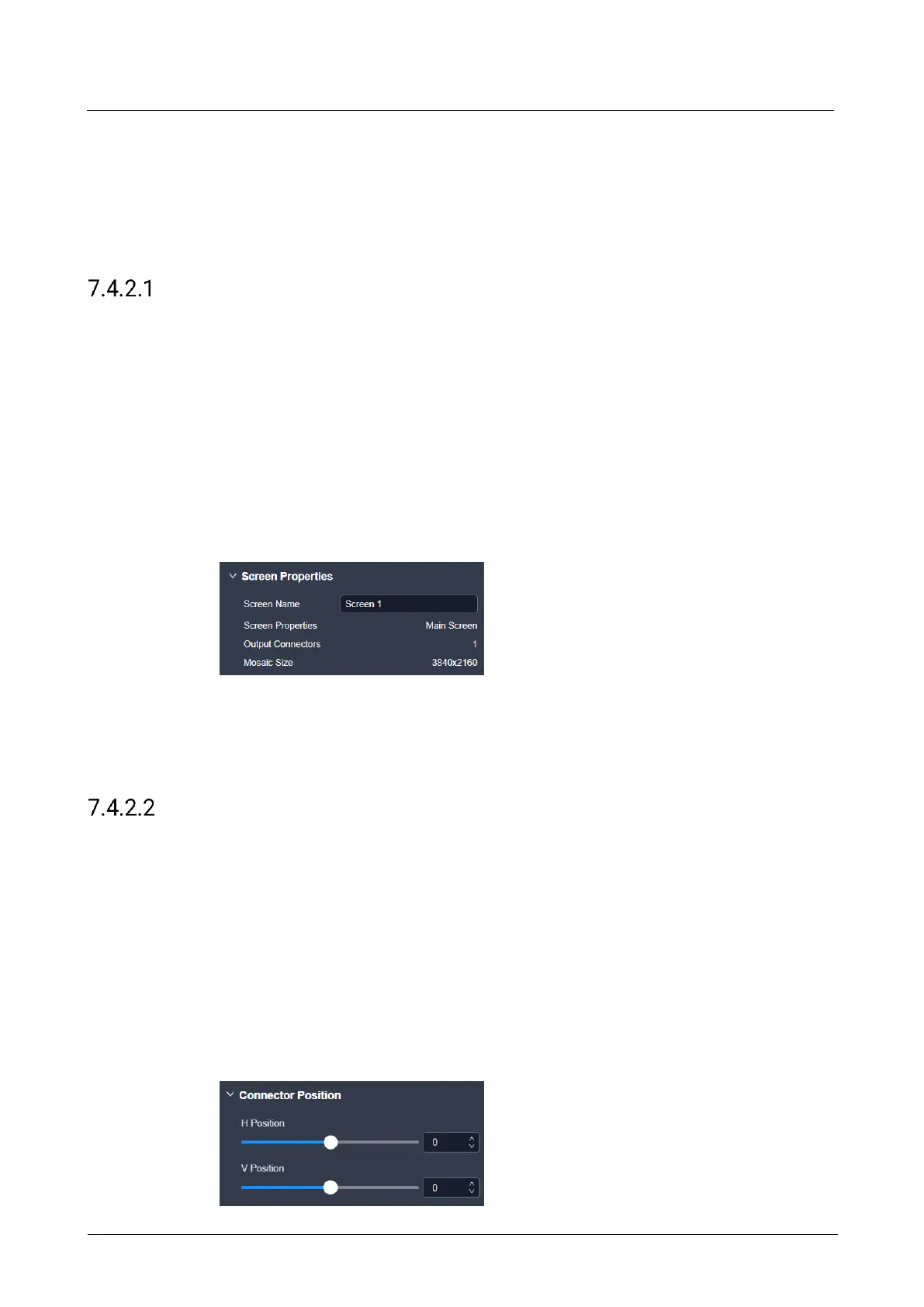
Rename Screens
Change the screen name.
Prerequisites
None
Notes
None
Interface Example (P20)
Description
On the Basic tab interface, enter a new screen name, and then click elsewhere in the
interface to complete the screen name change.
Configure Connector Position
Configure the start position of the output connector.
Prerequisites
None
Notes
None
Interface Example (P20)



 To Next Page