All-New Event Presentation Switching Solutions
User Manual
7 Event Management Software PixelFlow
Description
On the Basic tab interface, configure the following parameters.
The horizontal start position of the output connector
The vertical start position of the output connector
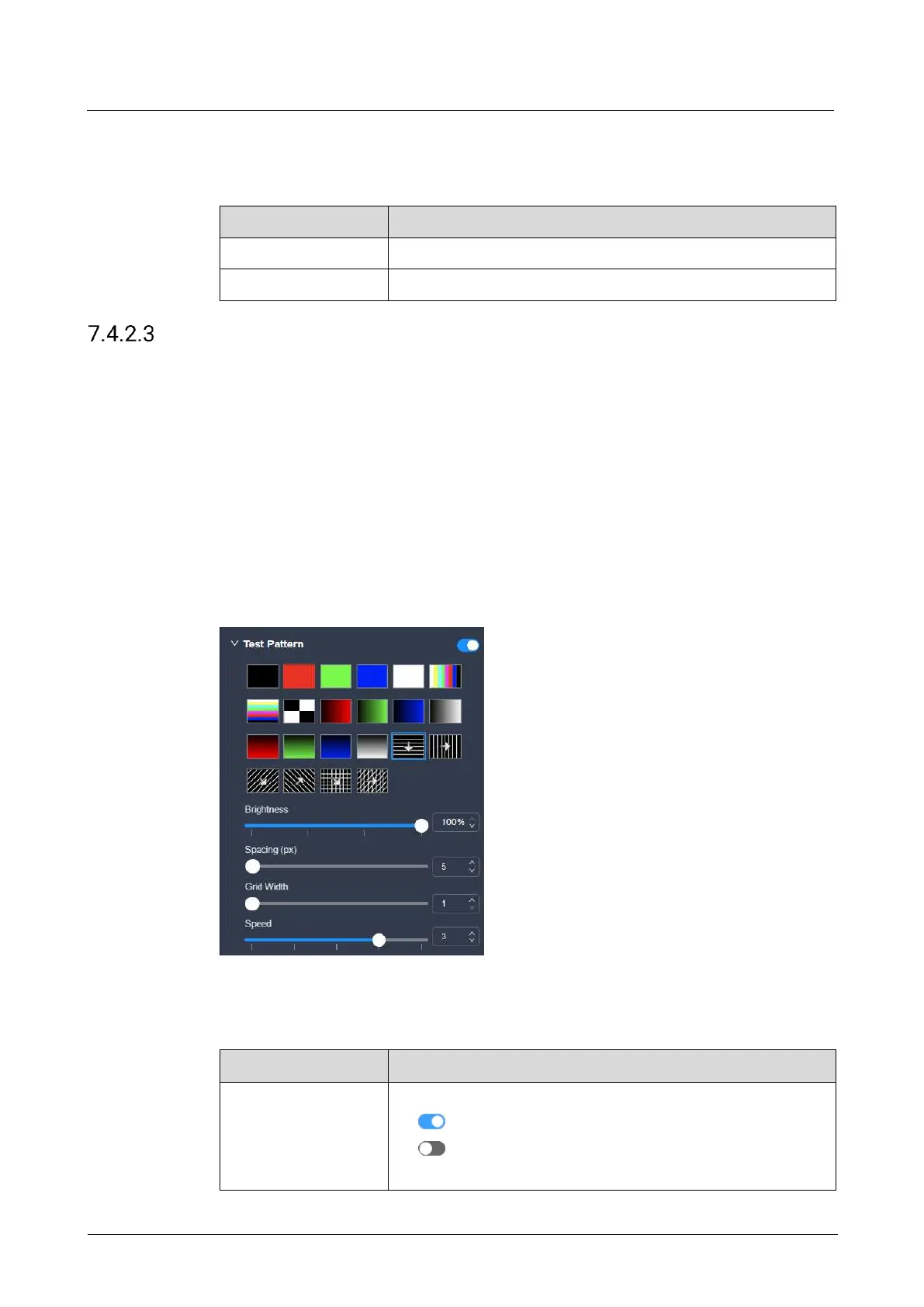
Configure Test Patterns
Test patterns are used to check the connection relation between the output
connectors and the screen, and check whether the screen display is good.
Prerequisites
The screen is a main (not AUX) screen.
Notes
None
Interface Example (P20)
Description
On the Basic tab interface, configure the following parameters.
Turn on or turn off the function.
: On
: Off
After the function is enabled, select the desired test pattern.



 To Next Page