All-New Event Presentation Switching Solutions
User Manual
7 Event Management Software PixelFlow
Sett the brightness of the test pattern.
Set the spacing between different color areas.
If a multi-color test pattern is selected, this parameter is
displayed.
Set the spacing between the lines.
If a grid test pattern is selected, this parameter is displayed.
Set the width of the grid lines.
Set the moving speed of the lines.
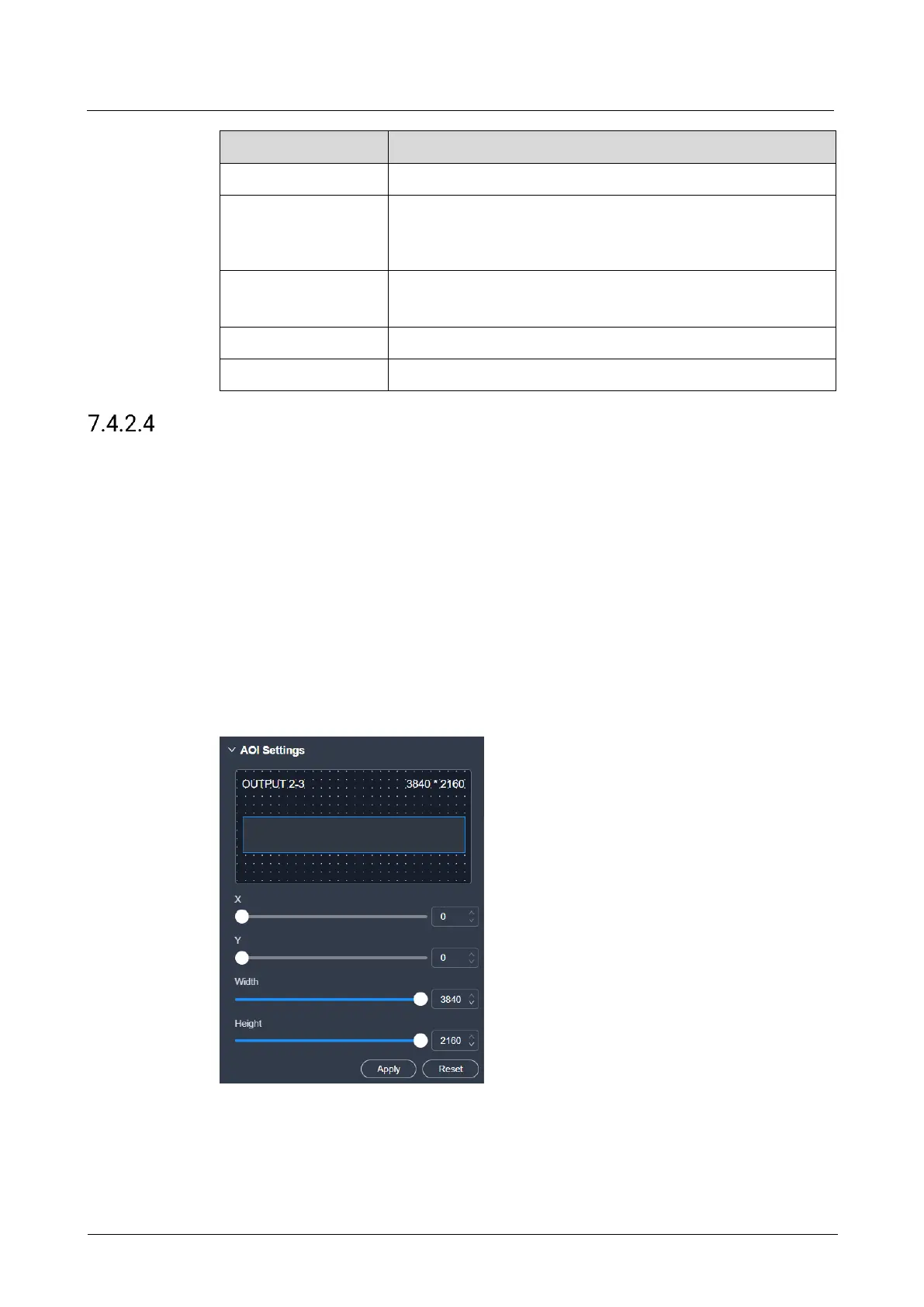
Configure AOI
When the output connector resolution is greater than the actual screen resolution,
you can configure an unequal mosaic rather than changing the resolution of the
output connector.
Prerequisites
The screen is a main (not AUX) screen.
Notes
None
Interface Example (P20)
Description
Select the output connector on the canvas, and then configure the following
parameters on the Basic tab interface. After the settings, click Apply.



 To Next Page