All-New Event Presentation Switching Solutions
User Manual
8 U5/U5 Pro Event Controllers
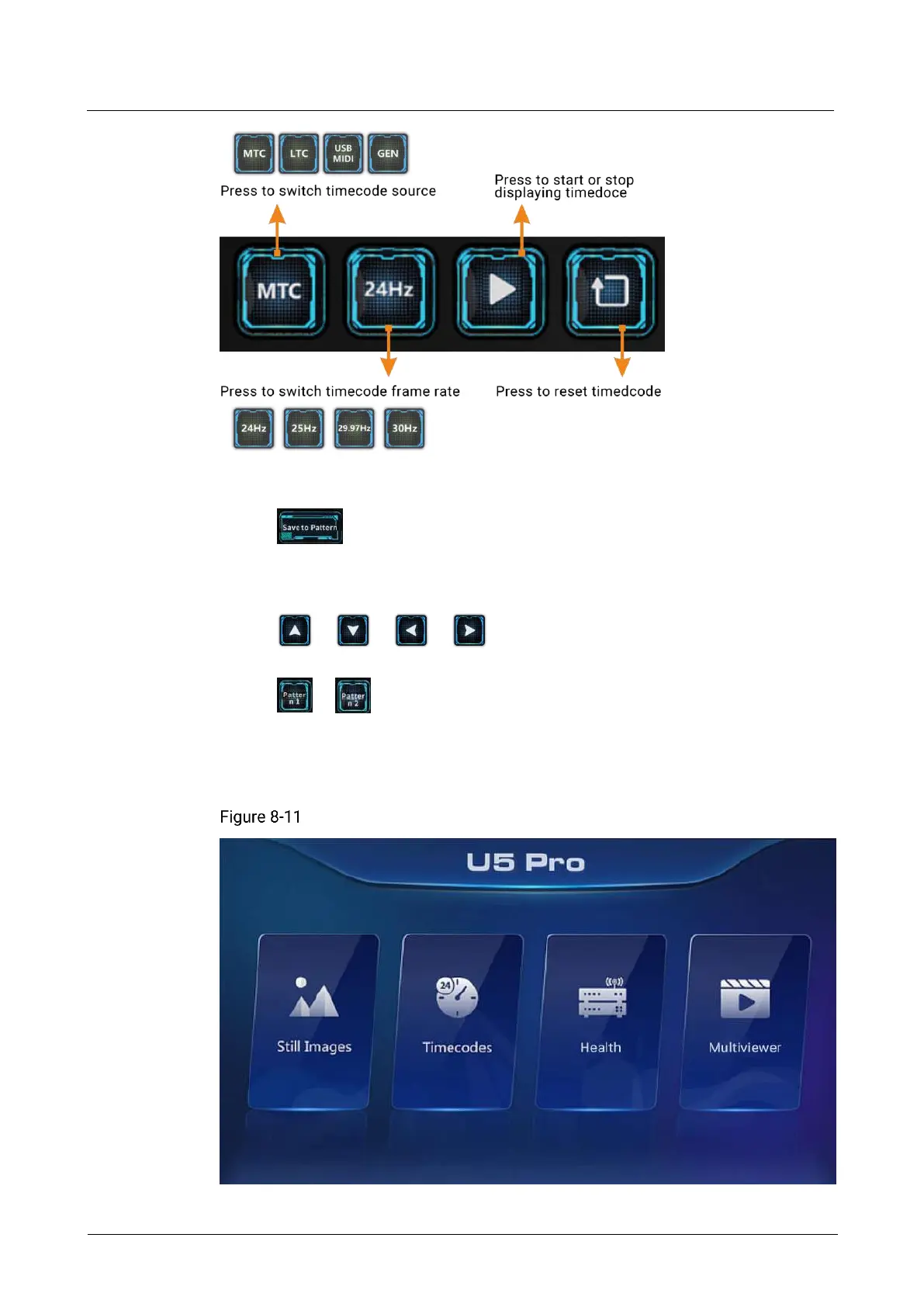
PTZ camera adjustment buttons:
− : Save the PTZ position after adjustment as a pattern for quick PTZ
switching in the future. Press the button to activate it and it flashes yellow.
Then, press Pattern 1 or Pattern 2 to save the PTZ camera positions in the
two buttons.
− / / / : Adjust the PTZ camera shooting angle up,
down, left and right.
− / : The saved PTZ camera positions. Press these buttons to apply
the position to quickly adjust the PTZ camera.
8.3.11 Smart Touchscreen
Smart touchscreen home



 To Next Page