All-New Event Presentation Switching Solutions
User Manual
8 U5/U5 Pro Event Controllers
Video page
The following requirements must be met to view Multiviewer images.
The HDMI 2.0 connector in the MULTIVIEWER area on the rear panel of the event
controller has been connected to the Multiviewer connector of the seamless
switcher.
The Multiviewer configuration is completed on the main touchscreen.
The software control output connector of the media server has been connected to
the HDMI 1.3 connector on the rear panel of the event controller.
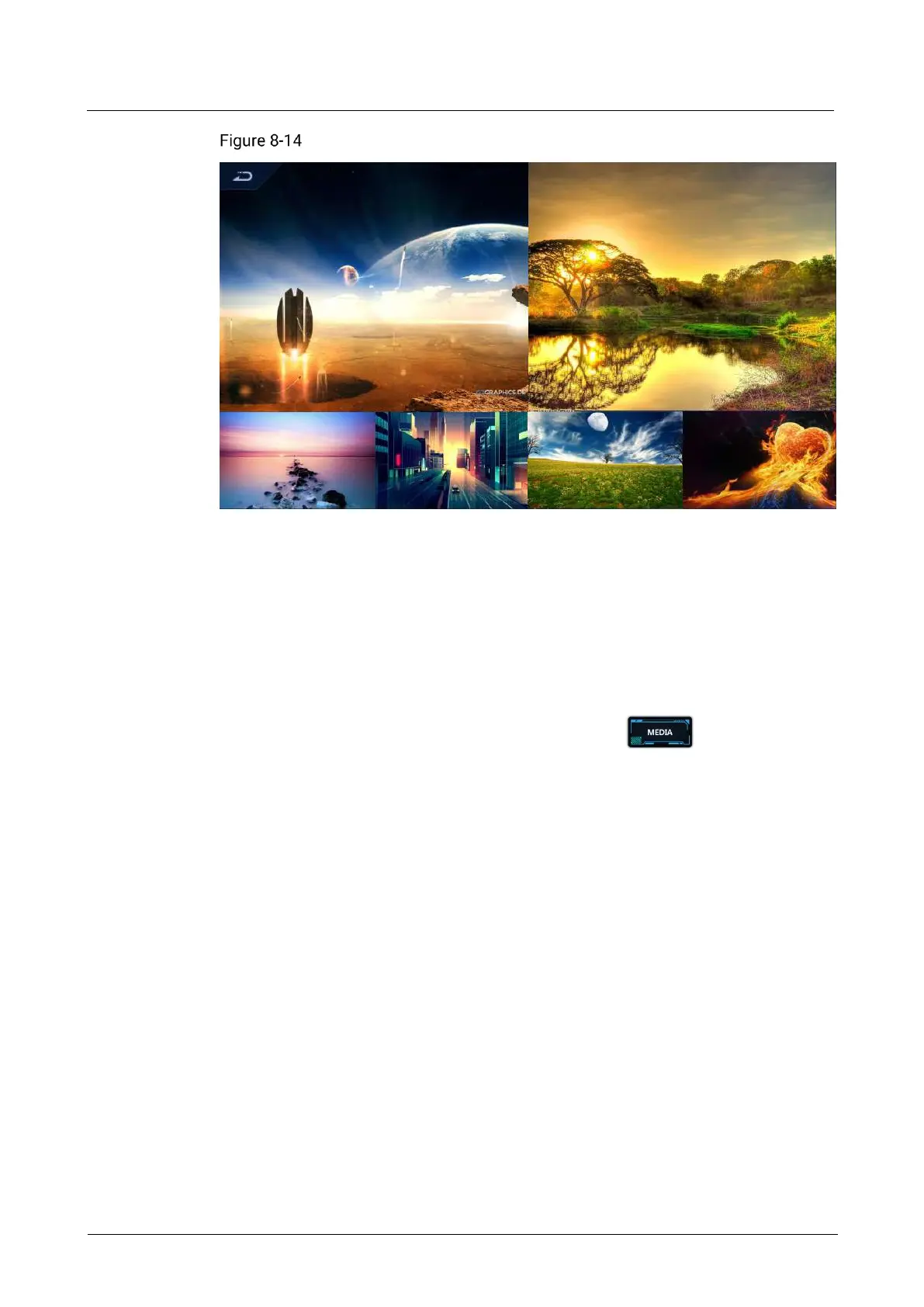
On the event controller area of the front panel, press to switch between
Multiviewer image and image from the media server. Each time you press it, the
image displayed on the smart touchscreen display screen changes from MVR1 to
MVR2 and then HDMI 1.3 (control interface of the media server).
8.3.12 Number Buttons
The U5 Pro is equipped with number buttons, which are used to enter numbers when
adjusting layer size, position, etc.



 To Next Page