All-New Event Presentation Switching Solutions
User Manual
8 U5/U5 Pro Event Controllers
There are two ways to and configure timecode:
On the main touchscreen, choose Settings > Event Controller, select the Smart
Screen tab to enter the tab page, and configure the timecode display format and
display information.
In the “timecode control area” on the U5 Pro panel, press the corresponding
button to change the timecode format, enable or reset timecode.
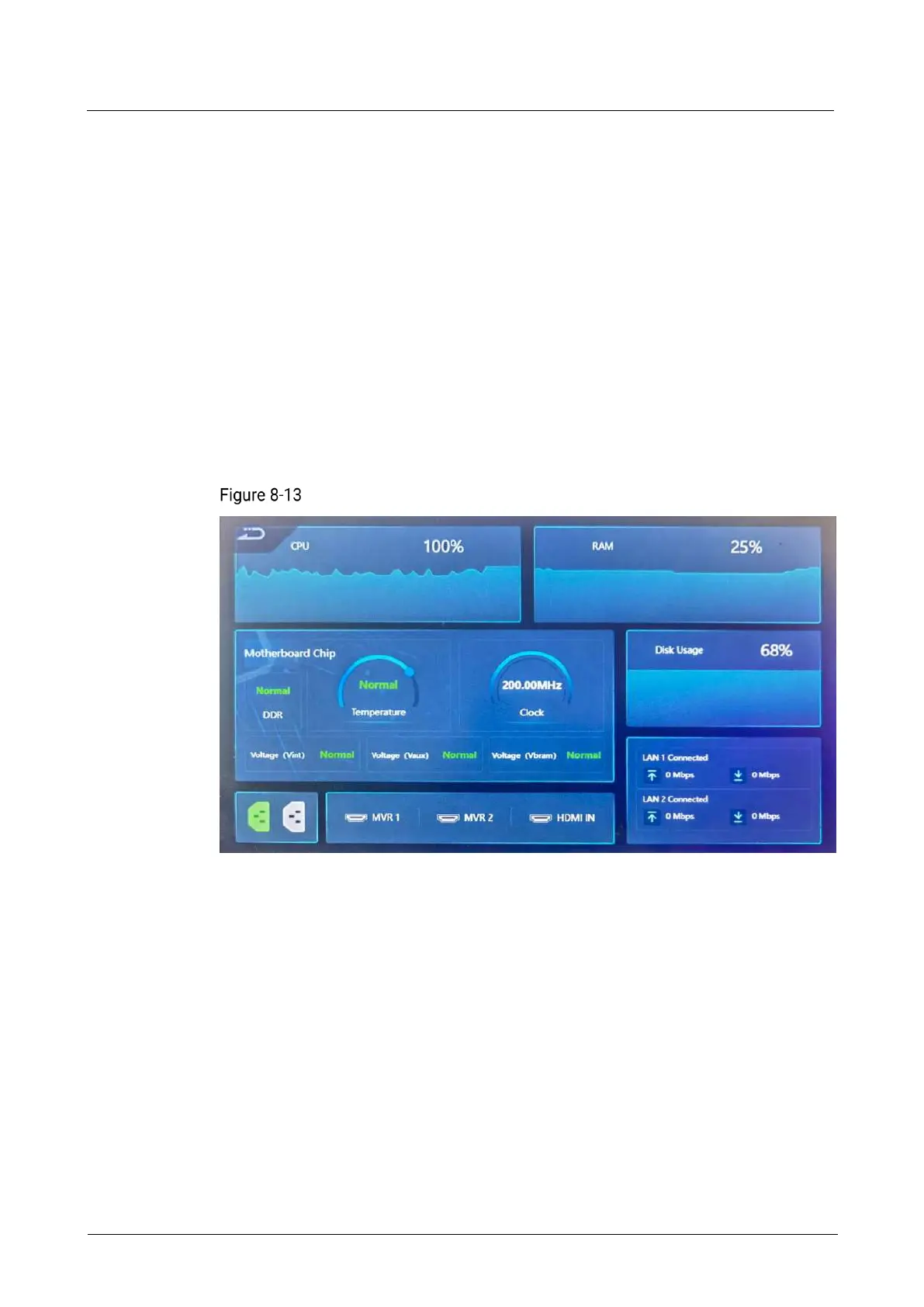
Check Event Controller Running Status
On the home of smart touchscreen, click Health to enter the subpage where you can
check the following information:
CPU, RAM, motherboard, and disk running status
Power supply and HDMI connector connection status
Transmission rate of the Ethernet ports
Event controller health
View Multiviewer Images
On the home of smart touchscreen, click Multiviewer to enter the Multiviewer (MVR)
page.



 To Next Page