All-New Event Presentation Switching Solutions
User Manual
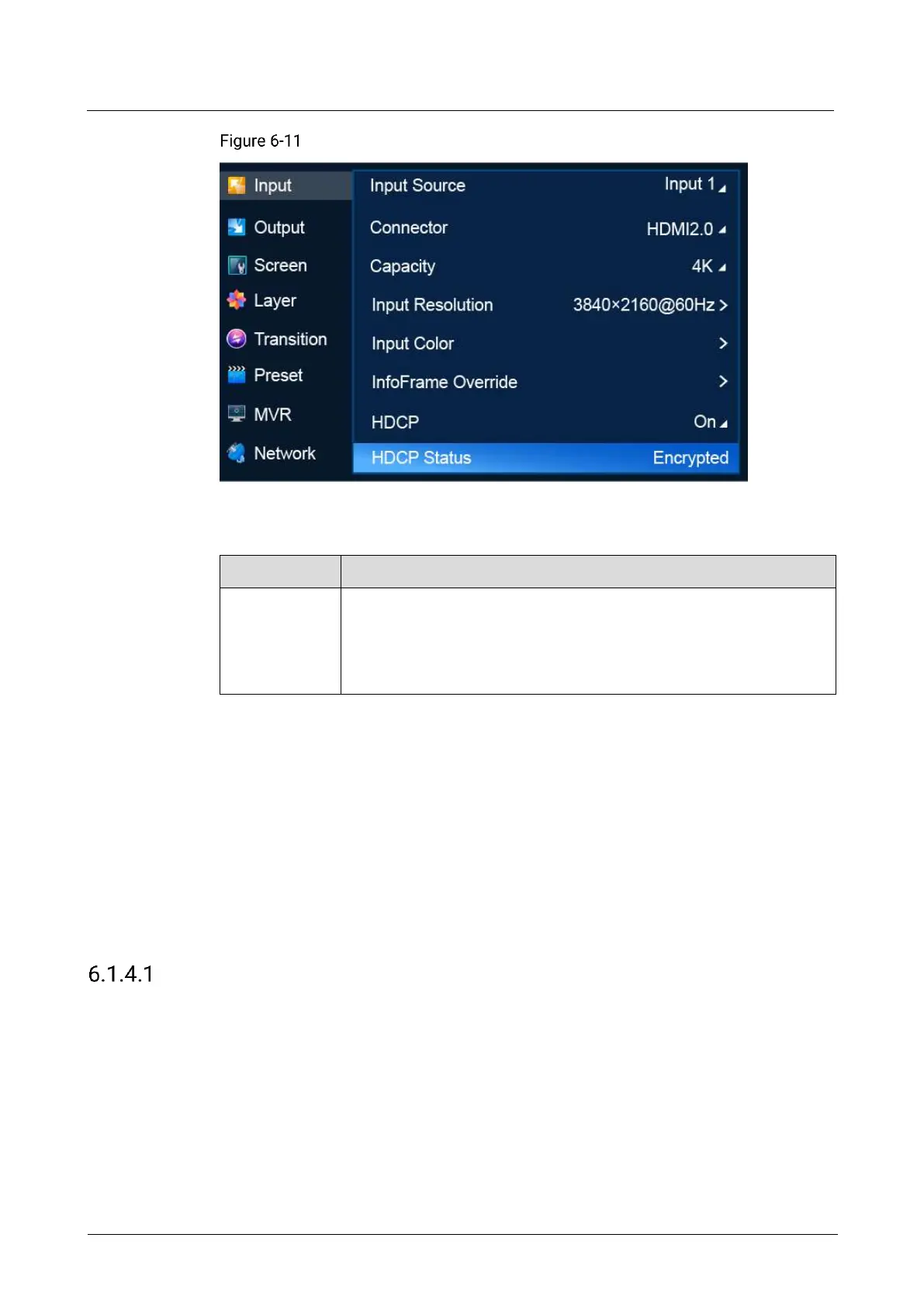
HDCP status (P20)
Description
HDCP status of the selected video source
Encrypted: The video source is encrypted by HDCP.
Not Encrypted: The video source is not encrypted by HDCP.
Unknown: The HDCP encryption status is not obtained.
6.1.4 Output
The Output menu allows you to do the following:
Select Output Capacity
Set Output Resolution
Export EDID
Set Output Color
Set Output Information
Set HDCP
Select Output Capacity
Set the output capacity of the common screen.
Prerequisites
An output is selected. Output capacity selection is not available for AUX outputs.
Menu Orientation
On the main menu screen, scroll to and select Output > Output Capacity.



 To Next Page