All-New Event Presentation Switching Solutions
User Manual
IP address settings
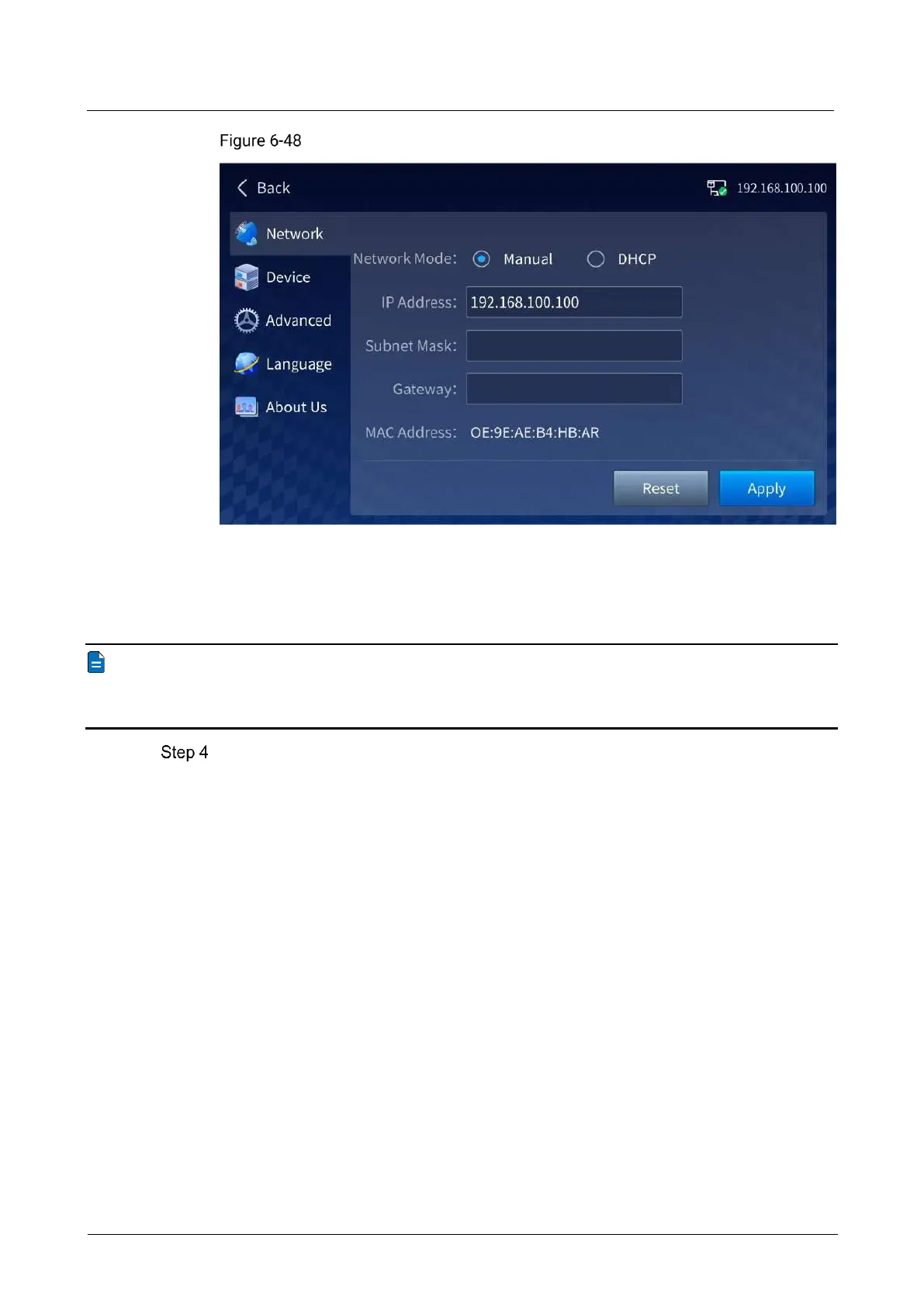
The device supports both automatic (DHCP) and manual IP configuration. When the
device is connected via router or switch, DHCP is recommended. The router or switch
will automatically assign IP address to the device. When the network mode is set to
Manual, you need to set IP Address, Subnet Mask and Gateway.
Note
When manually configuring the IP address, the device IP address and the control
computer IP address must be on the same network segment.
Tap Apply to complete the settings.
6.2.4 Device Information
On the Device screen, you can check the power supply status, card temperature and
fan running status of the device.



 To Next Page