All-New Event Presentation Switching Solutions
User Manual
8 U5/U5 Pro Event Controllers
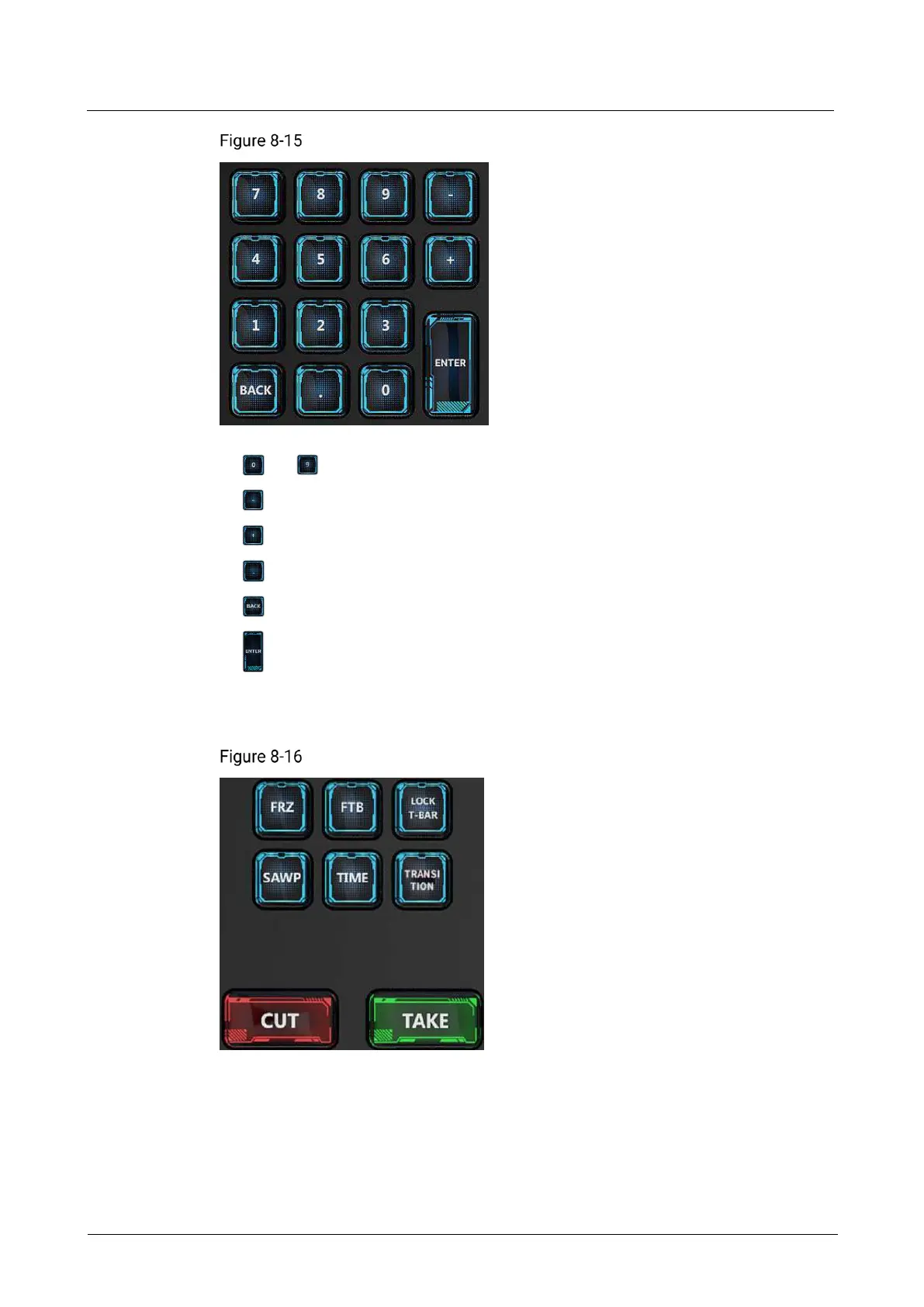
Number buttons
to : Press to enter the corresponding number.
: Press to subtract 1 from the current number for fine adjustment.
: Press to add 1 to the current number for fine adjustment.
: Press to enter the decimal point.
: Press to delete a number or character to the left of the cursor.
: Confirm and exit the current input.
8.3.13 Switching and Control Area
Switching and control area
FRZ: Freeze all the images of the selected screen.
FTB: Make the output images displayed on the selected screens fade to black.
LOCK T-BAR: Lock the T-Bar. After it is lock, pushing T-Bar does not take effect.
SWAP: Press the button to enable or disable the SWAP function.



 To Next Page