All-New Event Presentation Switching Solutions
User Manual
Spacing between different colors
This option is displayed only when the test pattern contains multiple
colors.
Spacing between grid lines
This option is displayed only when the grid style is specified.
Width of grid lines
This option is displayed only when the grid style is specified.
Moving speed of grid lines
This option is displayed only when the grid style is specified.
6.1.6 Layer
The Layer menu allows you to do the following:
Set Regular Layers
Set Basic Information
Manage LOGO
Set AUX Layers
Set Regular Layers
6.1.6.1.1 Create and Delete Layers
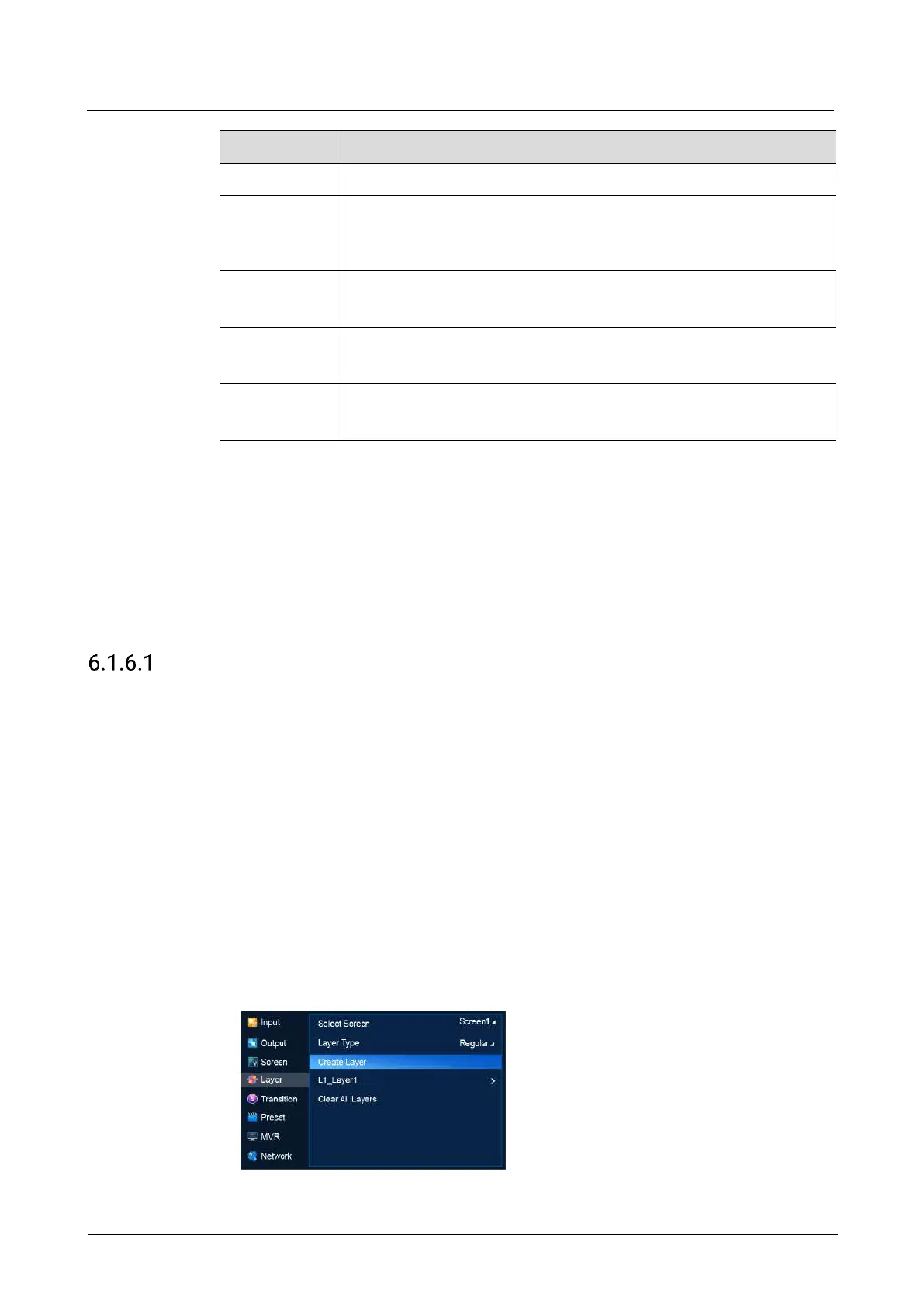
Create, delete and clear regular layers. The LCD menus of P20 are used as examples
in this section for illustration.
Menu Orientation
On the main menu screen, scroll to and select Layer.
Description
Select a common screen, set Layer Type to Regular, and then do the following as
required.
Create a regular layer
Select Create Layer.
Delete a regular layer



 To Next Page