All-New Event Presentation Switching Solutions
User Manual
Description
Turn on or off PGM edit.
: On
The edits you make on the LCD menu modify the layers on PGM
and the edit process is displayed on the screen in real time.
: Off
The edits you make on the LCD menu modify the layers on PVW.
Set Display Status
Make the screen display content normally, fade to black, freeze the current frame of
the input source, or display test patterns.
Prerequisites
The screen is a common screen or AUX screen and Screen Status is set to .
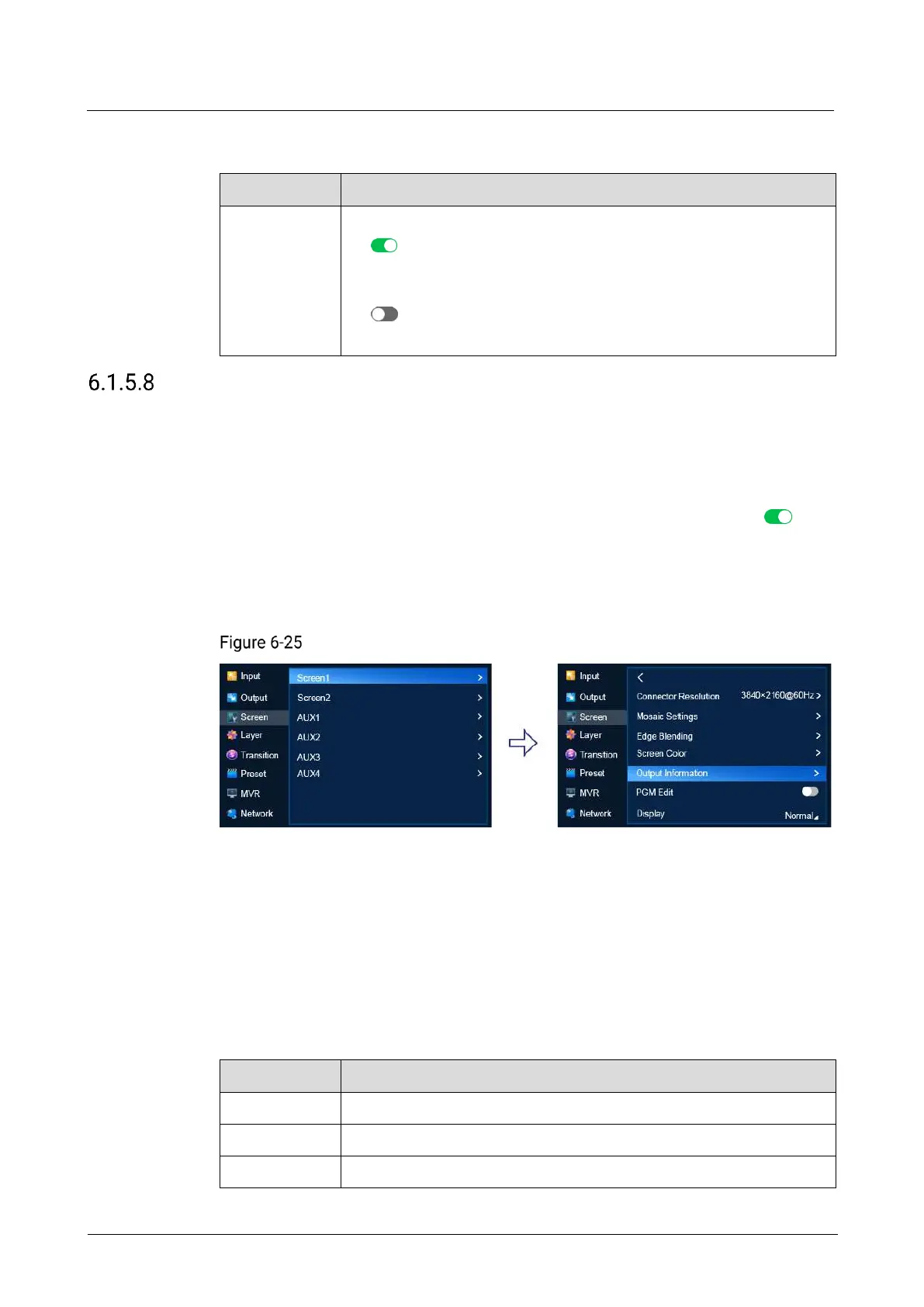
Menu Orientation
On the main menu screen, scroll to and select Screen > Screen1 > Display.
Display status (P20)
Description
Common Screen
Set Display to Normal, FTB, Freeze or Test Pattern.
AUX Screen
Set Display to Normal, FTB, or Freeze.
After Test Pattern is selected for a common screen, users can set the following
parameters in the sub-menu.
Gradient style of the test pattern
Grid style of the test pattern



 To Next Page