All-New Event Presentation Switching Solutions
User Manual
8 U5/U5 Pro Event Controllers
Blue: This button is bound with the program of the media server. Pressing this
button switches the program of the media server.
Purple: This button is bound with a preset and the program of the media server.
Press this button to switch the program of the media server and switch the preset
of the seamless switcher.
Blank button: The button does not have corresponding preset or program.
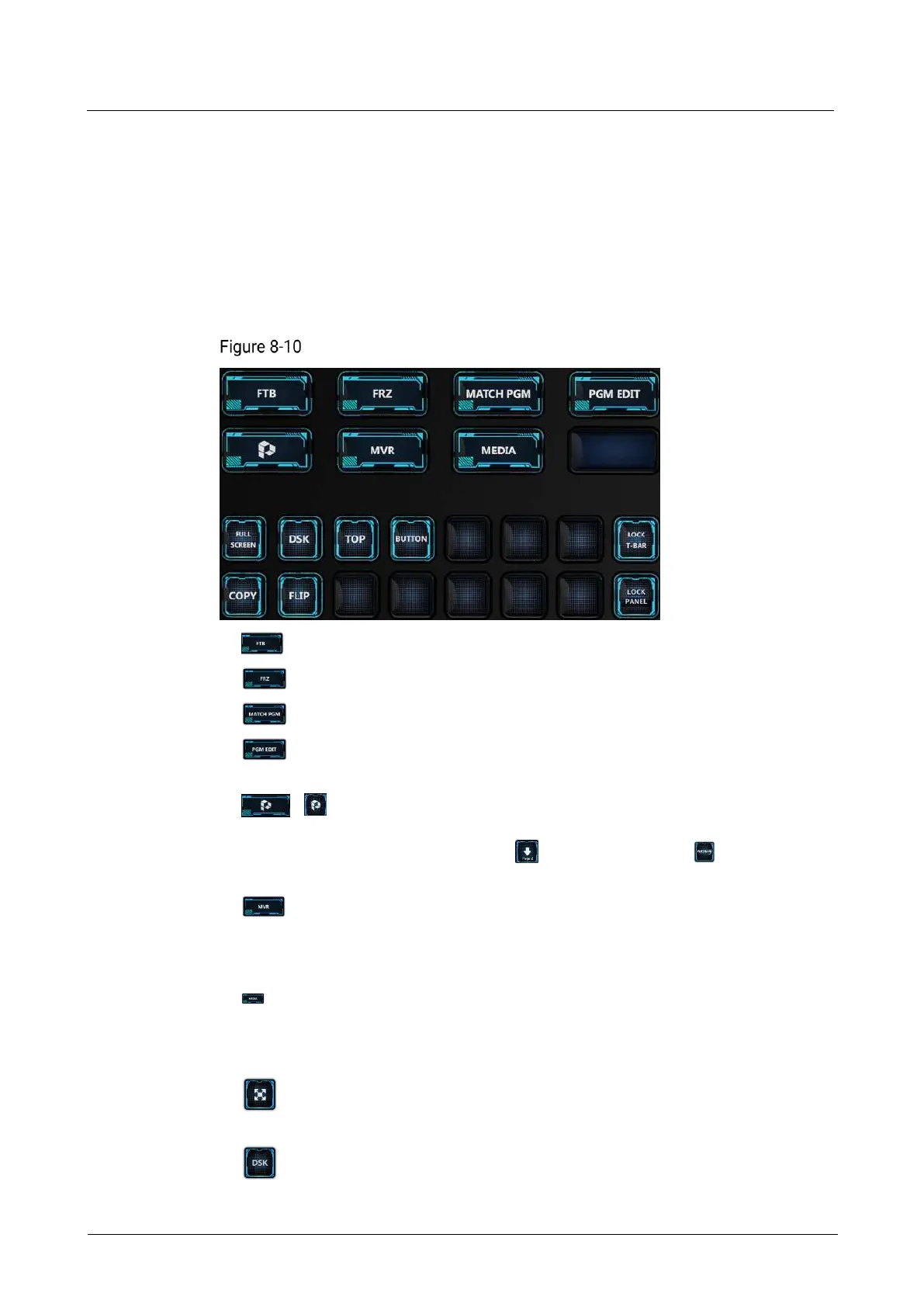
8.3.9 Function Control Area
Function control area of U5 Pro
FTB: Make the output image fade to black.
FRZ: Freeze the current frame of the output image.
MATCH PGM: Press to synchronize all layer information in PGM to PVW.
PGM EDIT: Enable or disable the PGM editing function. After it is enabled,
the layers in the current screen PGM can be edited.
/ : Control button, which can be used together with another button.
Press and hold this key, and then press another function button to realize a
specific function. For example, press while holding down on the U5 Pro
to jump to the previous page.
: MVR button for checking the Multiviewer image on the right side of the
main touchscreen from the MULTIVIEWER and HDMI IN connectors on the rear
panel. If you press it consecutively, the Multiviewer image will be switched with
the order of MULTIVIEWER (HDMI 1) > MULTIVIEWER (HDMI 2) > HDMI I
: MEDIA button. When the HDMI IN connector is connected to the media server,
its user interface will be displayed on the main touchscreen. If its user interface is
displayed by pressing the MVR button, pressing the MEDIA button enables KVM
control.
: Press to stretch the selected layer to fill the screen area(s) in which the
selected layer is located before it is stretched.
: Press to enter the DSK page for you to do chroma key and luma key
operations on the input source.



 To Next Page