All-New Event Presentation Switching Solutions
User Manual
7 Event Management Software PixelFlow
Screen Maintenance
7.7.1 Device Maintenance
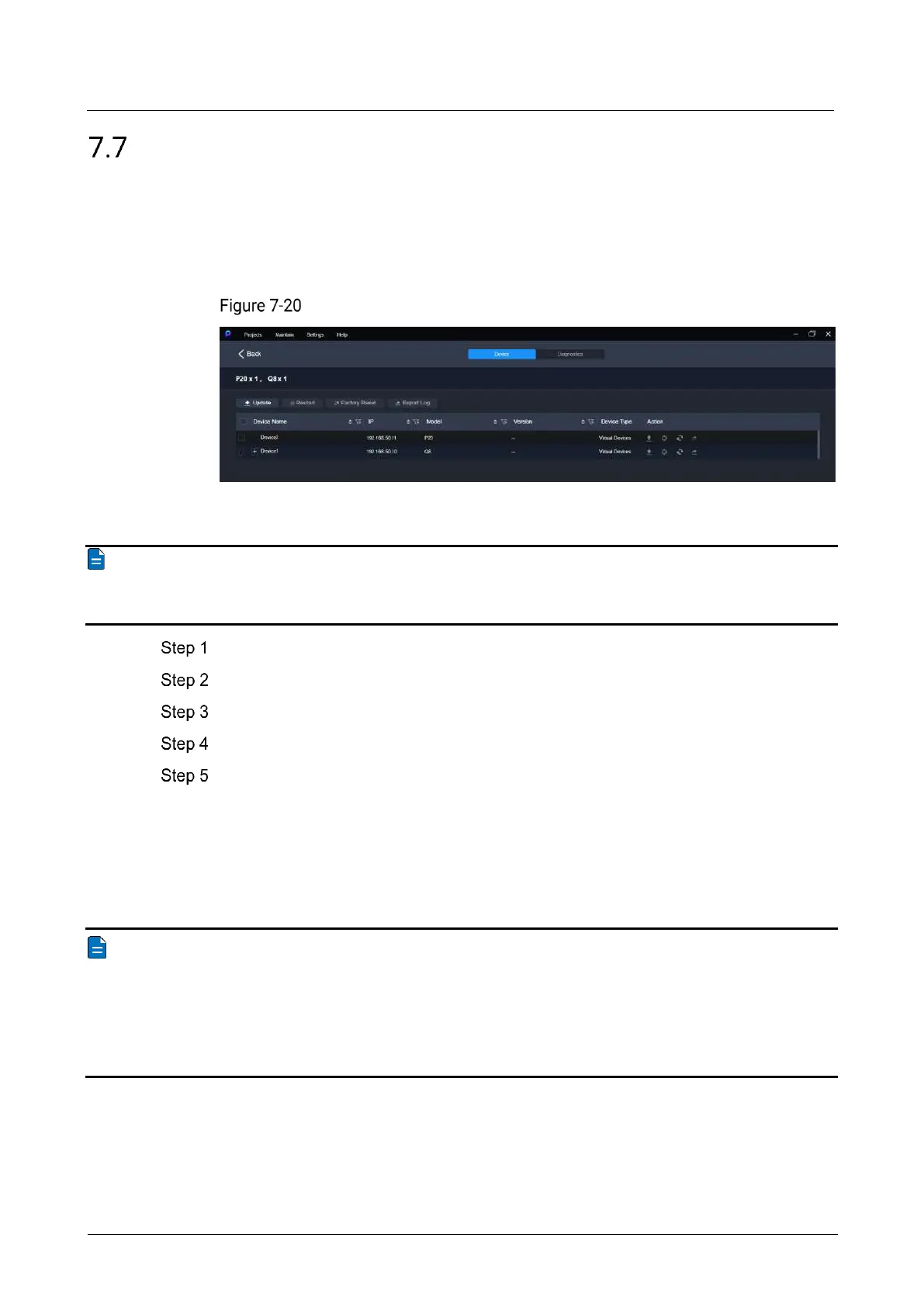
In the menu bar, select Maintain. Select the Device tab and the target devices, and
then do the following as required.
Device maintenance
Update
Note
During the update process, power-off and all operations are NOT allowed.
Click Update.
In the pop-up dialog box, select the update file (.img) and click OK.
Confirm the devices to be updated, and click the Update button.
In the pop-up dialog box, click Yes and wait until the update completes.
After the update completes, click OK.
Restart
Click Restart. In the displayed dialog box, click Yes to restart the device.
Factory Reset
Notes
Please do this with great caution.
The reset action does not affect the device firmware version.
Power-off is NOT allowed during the reset process.
The device will restart automatically after the reset is completed.
Click Factory Reset. In the pop-up dialog box, select Keep user data or Reset all, and
then click OK.
Keep user data
Retain the network parameters, project files, EDID files, gallery files and device
language settings.



 To Next Page