All-New Event Presentation Switching Solutions
User Manual
7 Event Management Software PixelFlow
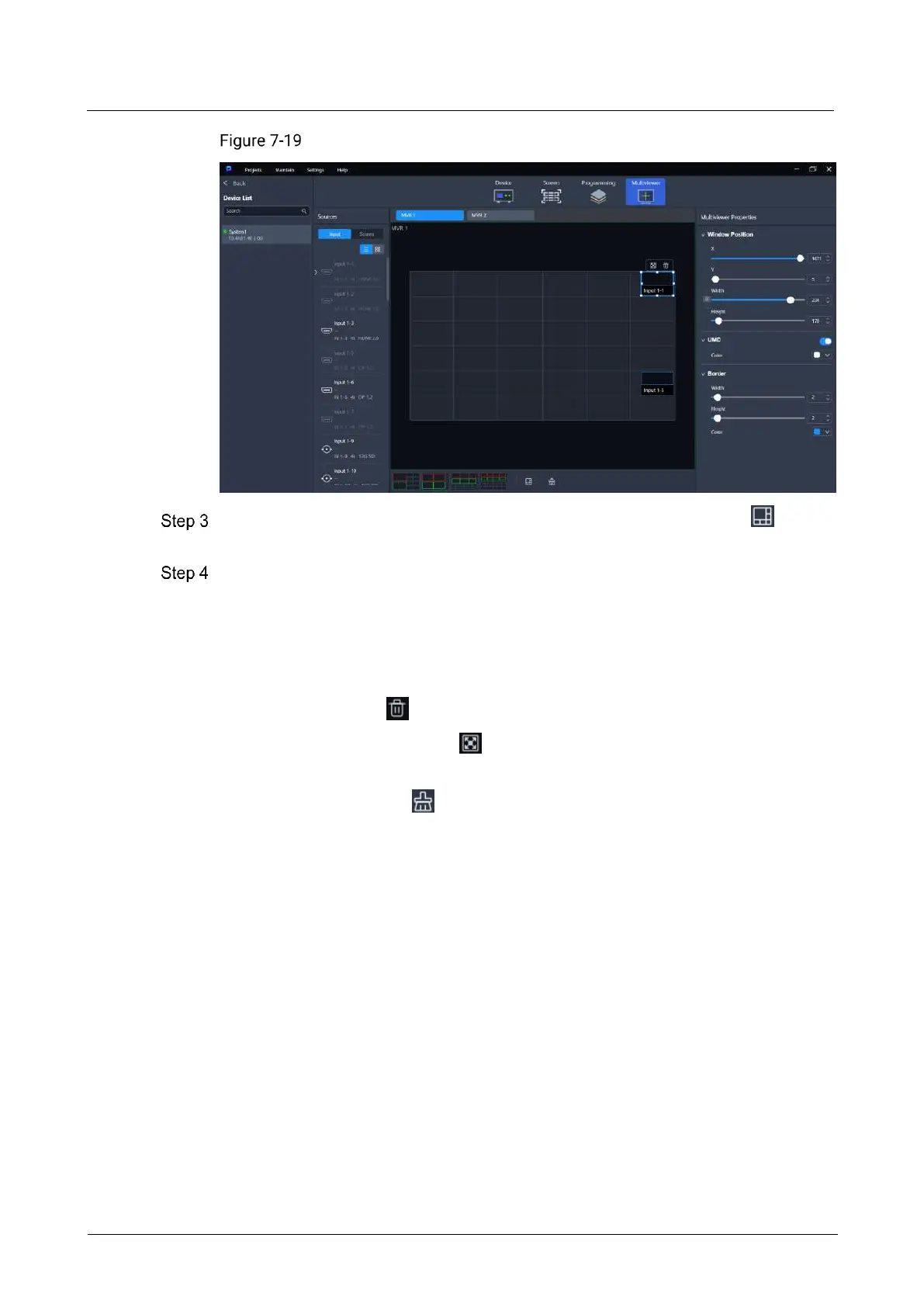
MVR management (Q8)
Select a layout style. When the device model is the Q8, you can also click to
customize the number of rows and columns of the windows.
If the device model is the Q8, drag an input in the input list or drag PVW and PGM in
the screen list to the MVR window.
If the device model is the P20 and P10, please skip this step.
To replace a signal of a specified window, simply drag another signal to the window.
After a signal is selected, the following operations can be performed:
Delete signal: Click to delete the signal from the window.
Maximize signal image: Click to maximize the signal image according to the
windows it crosses.
To delete all signals, click .
7.6.2 Configure MVR Properties
Configure the position, UMD and borders of the MVR window.
Prerequisites
The device model is the Q8.
Notes
None



 To Next Page