All-New Event Presentation Switching Solutions
User Manual
Language (P20)
Description
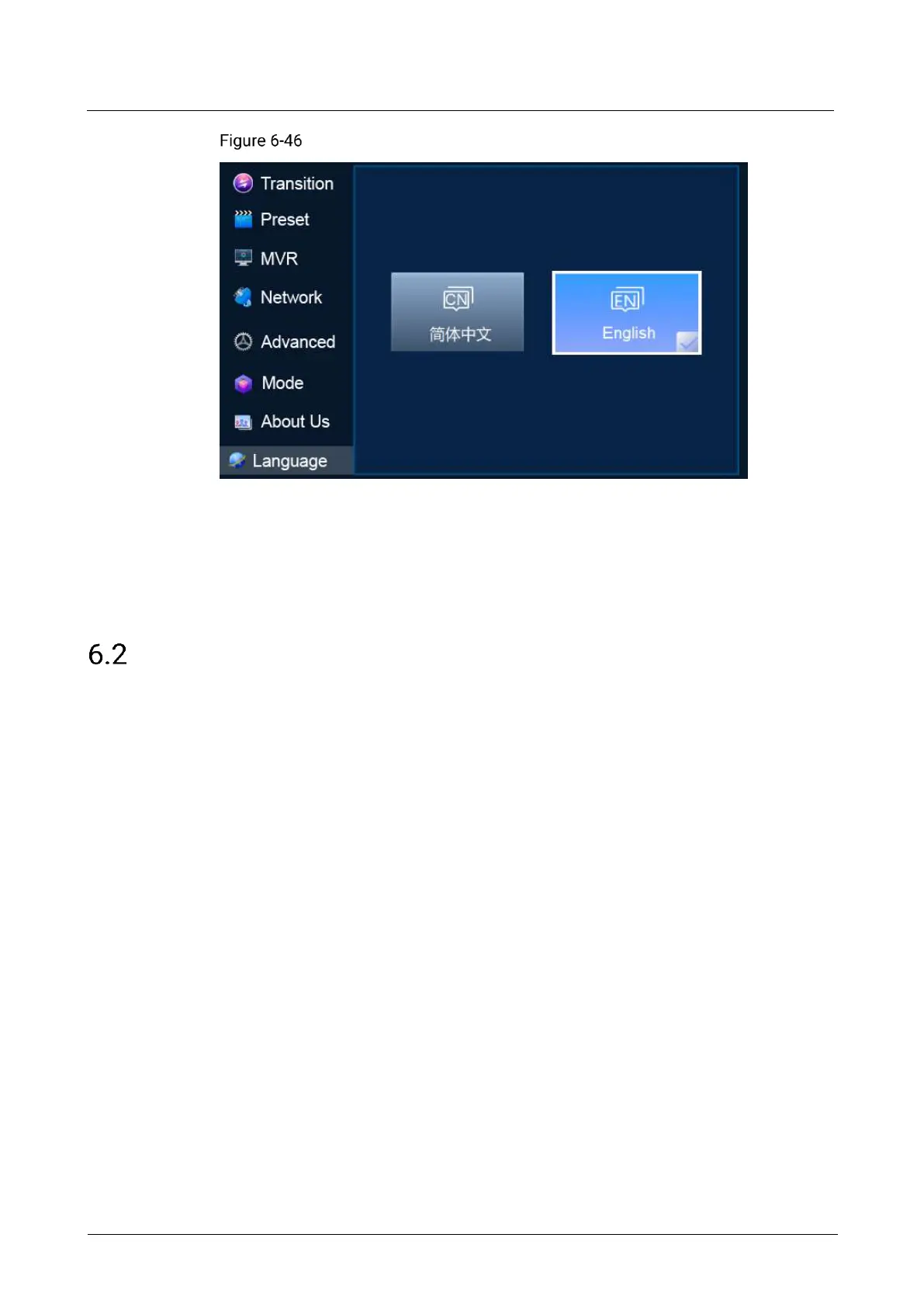
Select 简体中文 or English. After a language is selected, ✓ appears on the bottom
right, as shown in Figure 6-46.
Q8 Menu Operations
6.2.1 Startup and Shutdown
Connect all the necessary cables and at least two power cords properly, and press
the power button on the front panel to power on the Q8.
To turn off the Q8, press the power button on the front panel and select OK from the
dialog box displayed on the LCD screen.
6.2.2 Home Screen
After the startup, the home screen is displayed.



 To Next Page