All-New Event Presentation Switching Solutions
User Manual
7 Event Management Software PixelFlow
Description
On the Advanced tab interface, configure the following parameters and click Apply.
Turn on or turn off the function.
: On
: Off
The width of the actual screen
The height of the actual screen
Layer Operation
7.5.1 Add Layers
Add the layers to the screen. Multiple layers can be added to a main screen, but only
one layer can be added to an AUX screen. The AUX screen layer fills the screen, with
its size and position unadjustable.
Enter the device configuration page as described in 7.3.1 Enter Device Configuration
Page.
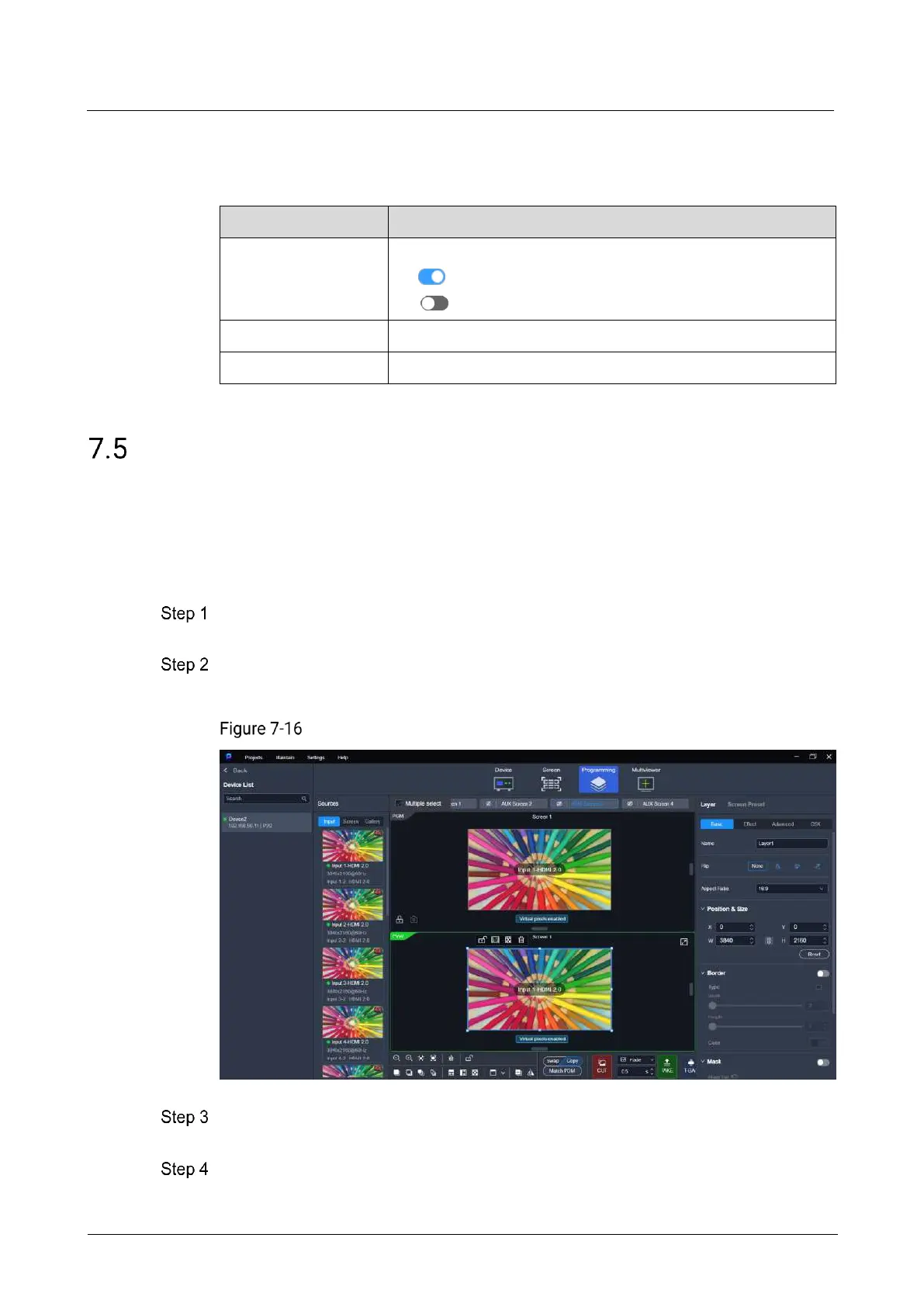
Select the target device on the left, and then select Programming at the top of the
page.
Programming (P20)
Click a screen name to select the screen, or click Multiple select to select multiple
screens.
Add the layers to the screens.



 To Next Page