All-New Event Presentation Switching Solutions
User Manual
7 Event Management Software PixelFlow
Notes
None
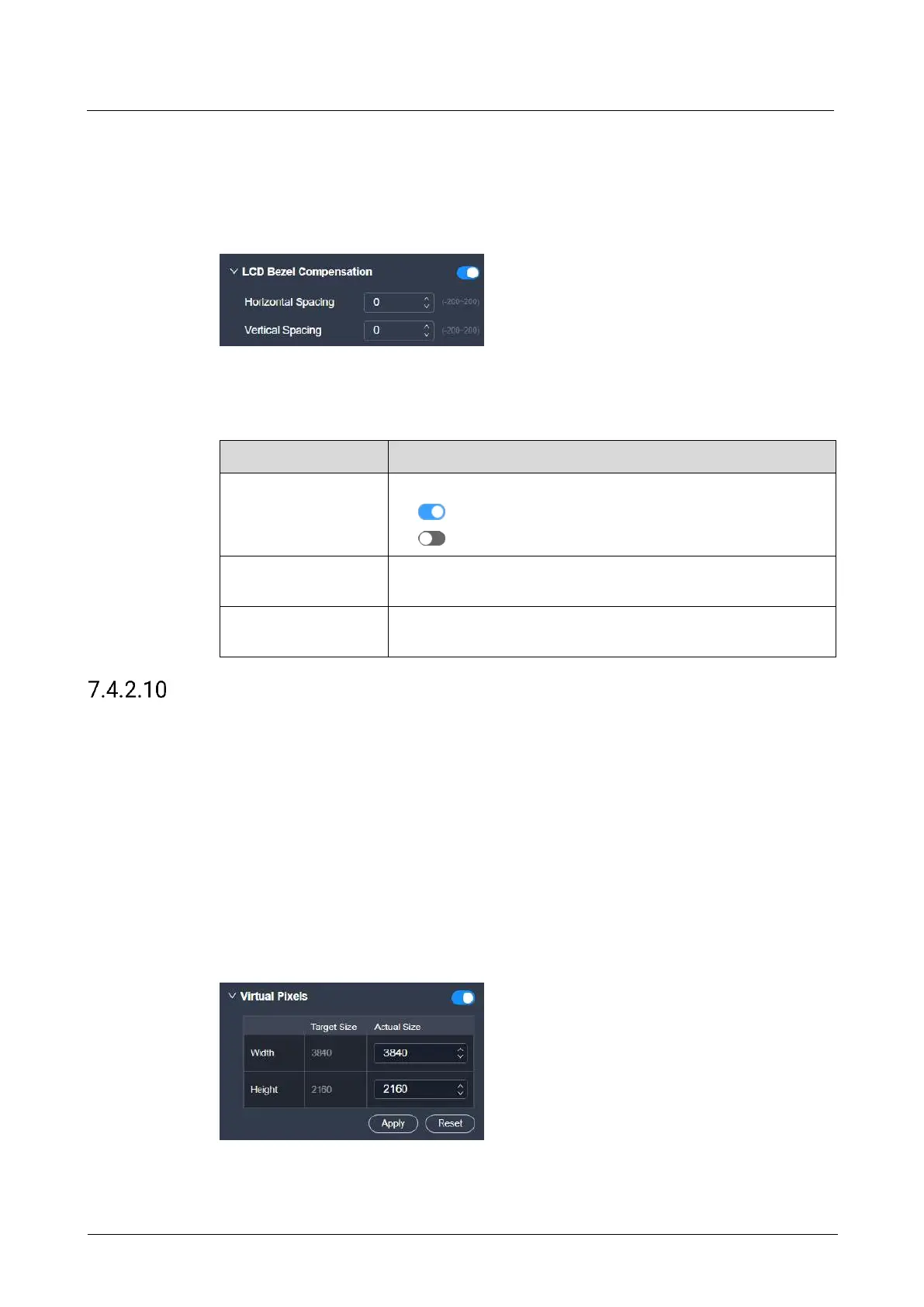
Interface Example (P20)
Description
On the Advanced tab interface, configure the following parameters.
Turn on or turn off the function.
: On
: Off
The total width of the borders at the horizontal joints of the
screens
The total width of the borders at the vertical joints of the
screens
Configure Virtual Pixels
With the help of the virtual pixel function, the complicated calculations during the
screen configuration process will not be troublesome.
Prerequisites
The screen is a common screen.
Notes
The virtual pixels have no effect on the actual output content.
Interface Example (P20)



 To Next Page