All-New Event Presentation Switching Solutions
User Manual
7 Event Management Software PixelFlow
need to overlap edges slightly and compensate for the double brightness created in
different regions.
Prerequisites
The screen is a common screen.
The offset angles of the projectors have been adjusted.
Notes
None
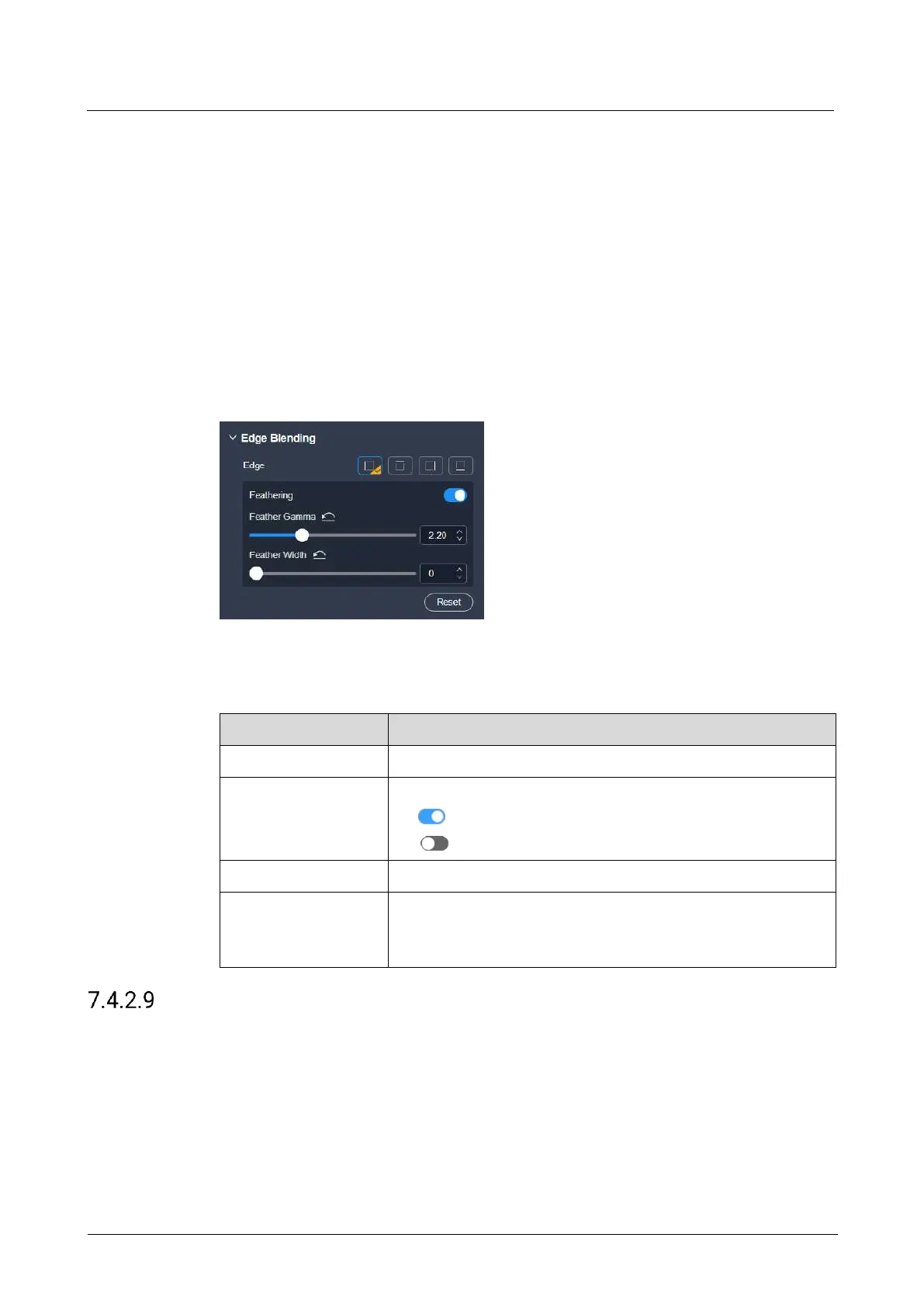
Interface Example (P20)
Description
On the Advanced tab interface, configure the following parameters.
Select the edge for blending.
Turn on or turn off the function.
: On
: Off
The feathering gamma for the blending area
The feathering width for the blending area
The blending area is inside the projector image and facing
inward.
Configure LCD Bezel Compensation
Configure the edge compensation parameters for LCD splicing screens to make the
image visually integrated.
Prerequisites
None



 To Next Page