All-New Event Presentation Switching Solutions
User Manual
7 Event Management Software PixelFlow
The offset in lines between the end of the active
output area and the beginning of V sync
The vertical sync width in rows (or between rows)
The polarity of the vertical sync pulse
Configure Output Parameters
Configure the output-related parameters.
Prerequisites
Before setting the HDR format conversion related parameters here, make sure your
device is the P20 and you have turned on the HDR format conversion function. For
specific operations, please refer to 7.3.2.5 Configure HDR Format Conversion.
Notes
None
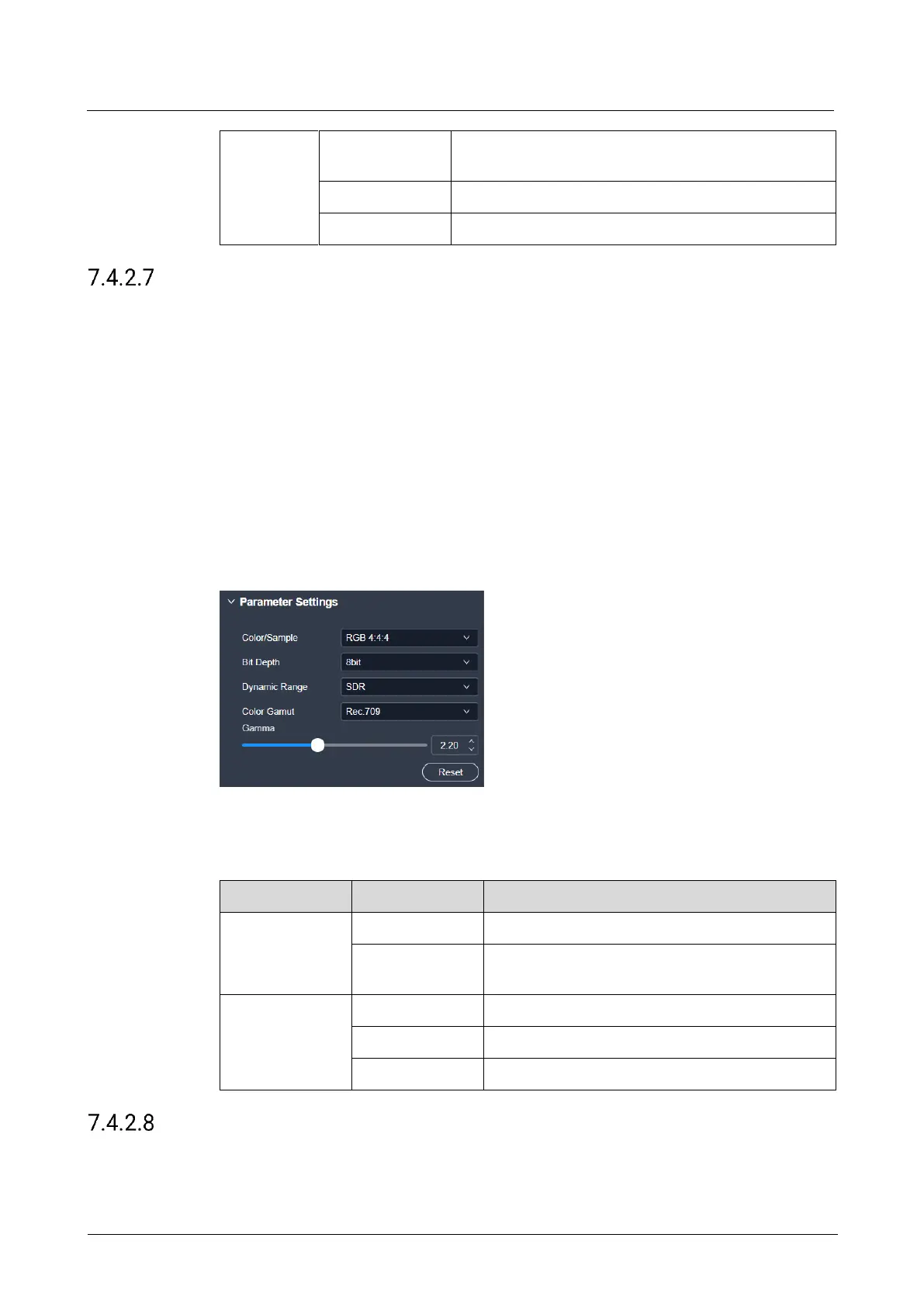
Interface Example (P20)
Description
On the Output tab interface, configure the following parameters.
The sampling format of the output
The bit depth of the output, i.e., the binary digits
to represent a single color
The dynamic range format of the output
The color gamut standard of the output
Configure Edge Blending
Edge blending is a technique used when using multiple projectors to display different
regions of a single image. To display a single seamless image, adjacent projectors



 To Next Page