All-New Event Presentation Switching Solutions
User Manual
: On. Luminance overrides Peak Screen Brightness.
: Off. Luminance overrides Max CLL.
Peak luminance. This menu item is displayed when Dynamic Range is
HDR10 or HLG.
Set HDCP
HDCP (High-Bandwidth Digital Content Protection) is a coding scheme used to
protect audio and video signals traveling through DVI, HDMI, and DP from being
copied and illegally intercepted during a streaming session. Users can select an
HDCP version for the output connector or turn off the HDCP function. HDCP is turned
on by default.
Prerequisites
An output is selected.
Menu Orientation
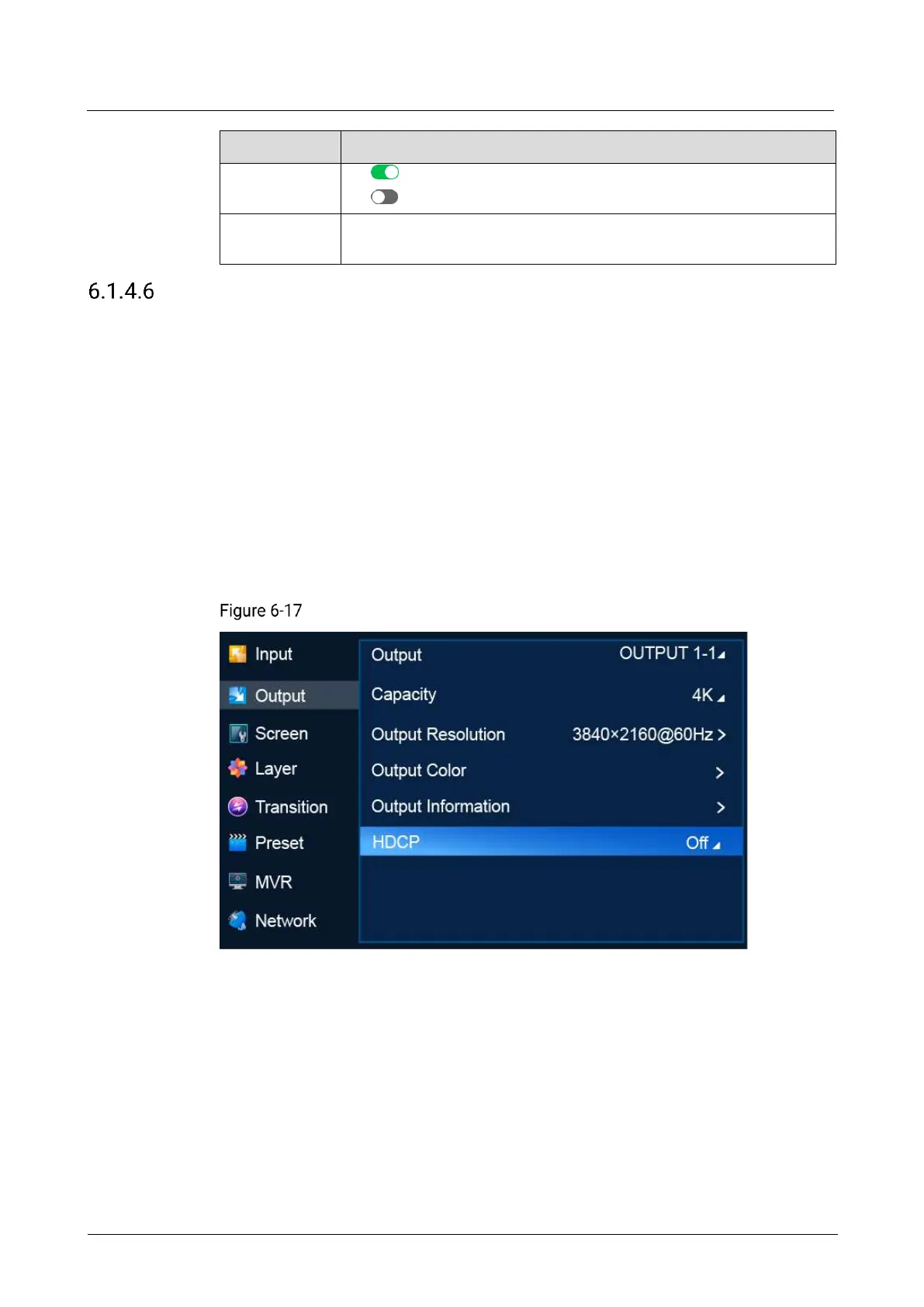
On the main menu screen, scroll to and select Output > HDCP.
HDCP (P20)
Description
Select an HDCP version, or select Off to turn off HDCP.
6.1.5 Screen
The Screen menu allows you to do the following:
Set Screen Status
Set Connector Resolution
Set Mosaic



 To Next Page