All-New Event Presentation Switching Solutions
User Manual
Prerequisites
An output is selected.
To set dynamic range conversion, make sure the device is P20 and a primary
output is selected.
Menu Orientation
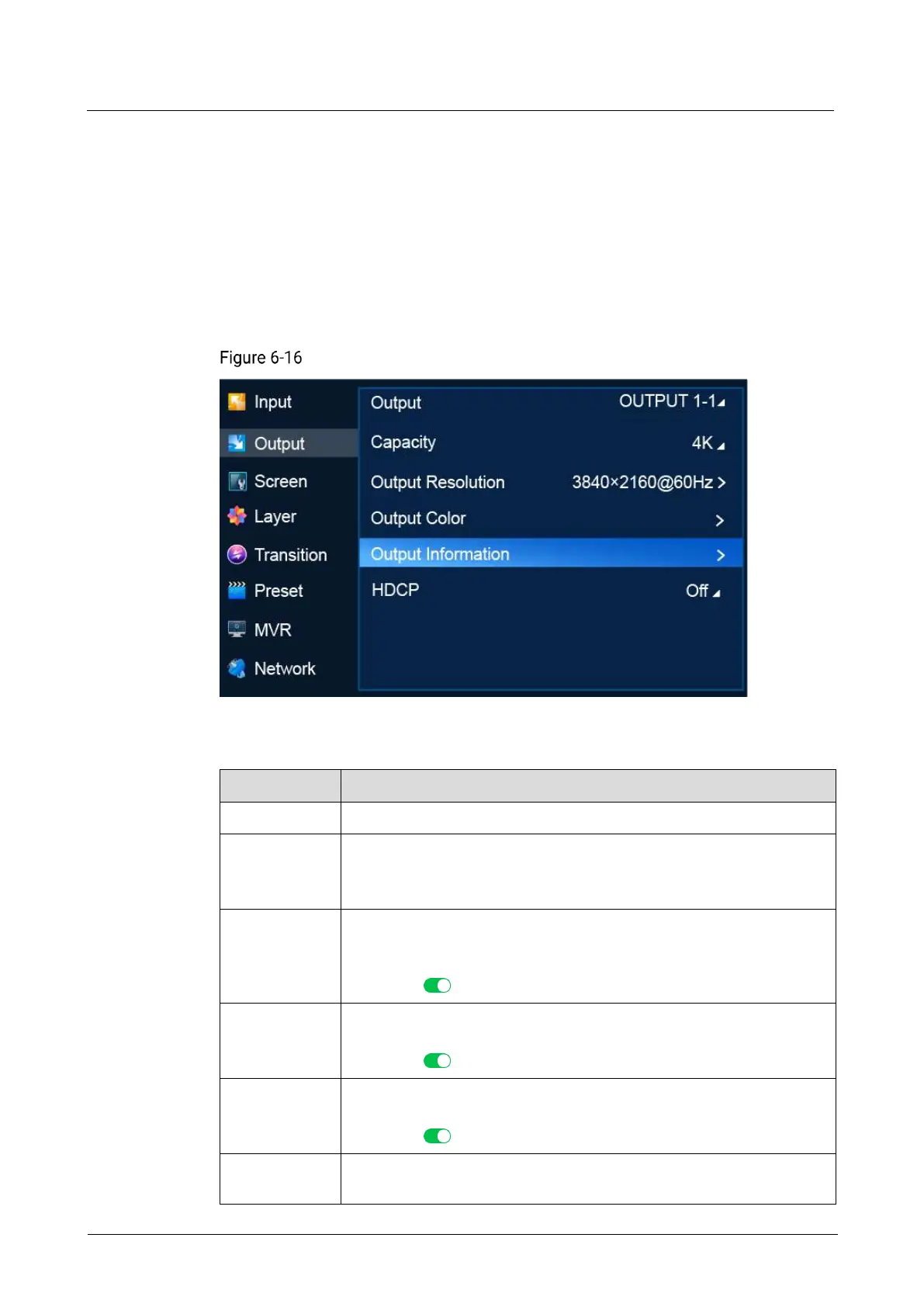
On the main menu screen, scroll to and select Output > Output Information.
Output information (P20)
Description
Set output color space and sampling rate.
Set output bit depth.
Bit depth refers to the color information stored in an image. The higher
the bit depth of an image, the more colors it can store.
Convert the dynamic range. Free conversion between SDR, HDR10 and
HLG is supported.
This menu item is displayed only when Dynamic Range Conversion is
turned on ( ).
Set gamma value.
This menu item is displayed only when Dynamic Range Conversion is
turned on ( ).
Set output color gamut standard.
This menu item is displayed only when Dynamic Range Conversion is
turned on ( ).
Mapping mode. This menu item is displayed when Dynamic Range is
HDR10.



 To Next Page