All-New Event Presentation Switching Solutions
User Manual
7 Event Management Software PixelFlow
In the displayed dialog box, select a file path and click Save.
Device Management
7.3.1 Enter Device Configuration Page
Online Devices
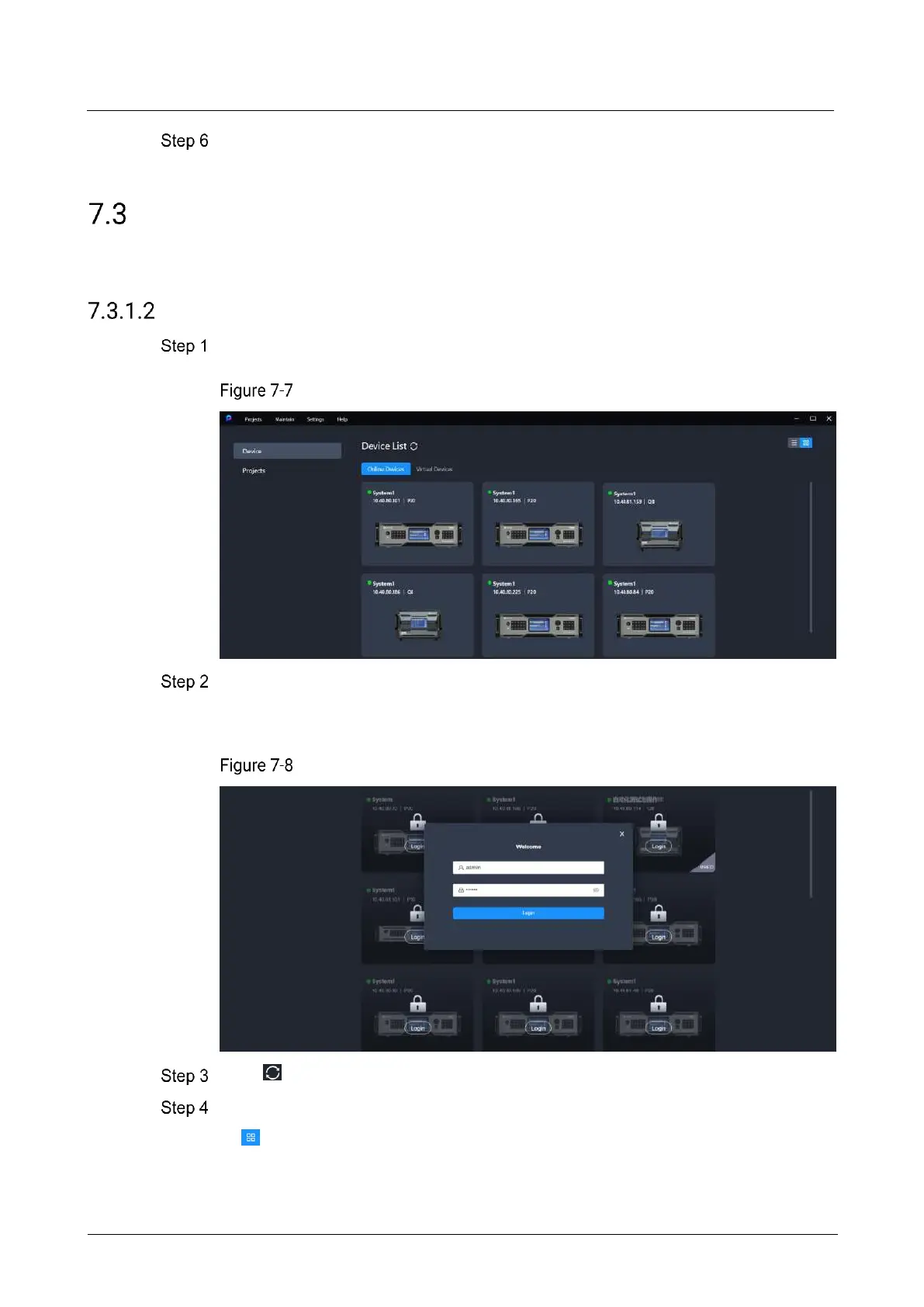
Select Device on the left side of the interface to show the device list.
Online device list
On the Online Devices tab page, if the device is not logged in, click on Login. In the
dialog box that appears, simply click Login (keeping the default values for username
and password). If the device is already logged in, skip this step.
Device login
Click to refresh the device list.
(Optional) Switch the display style of the device list as desired.
: Graphical view
− View the device name, IP address and model.



 To Next Page