All-New Event Presentation Switching Solutions
User Manual
7 Event Management Software PixelFlow
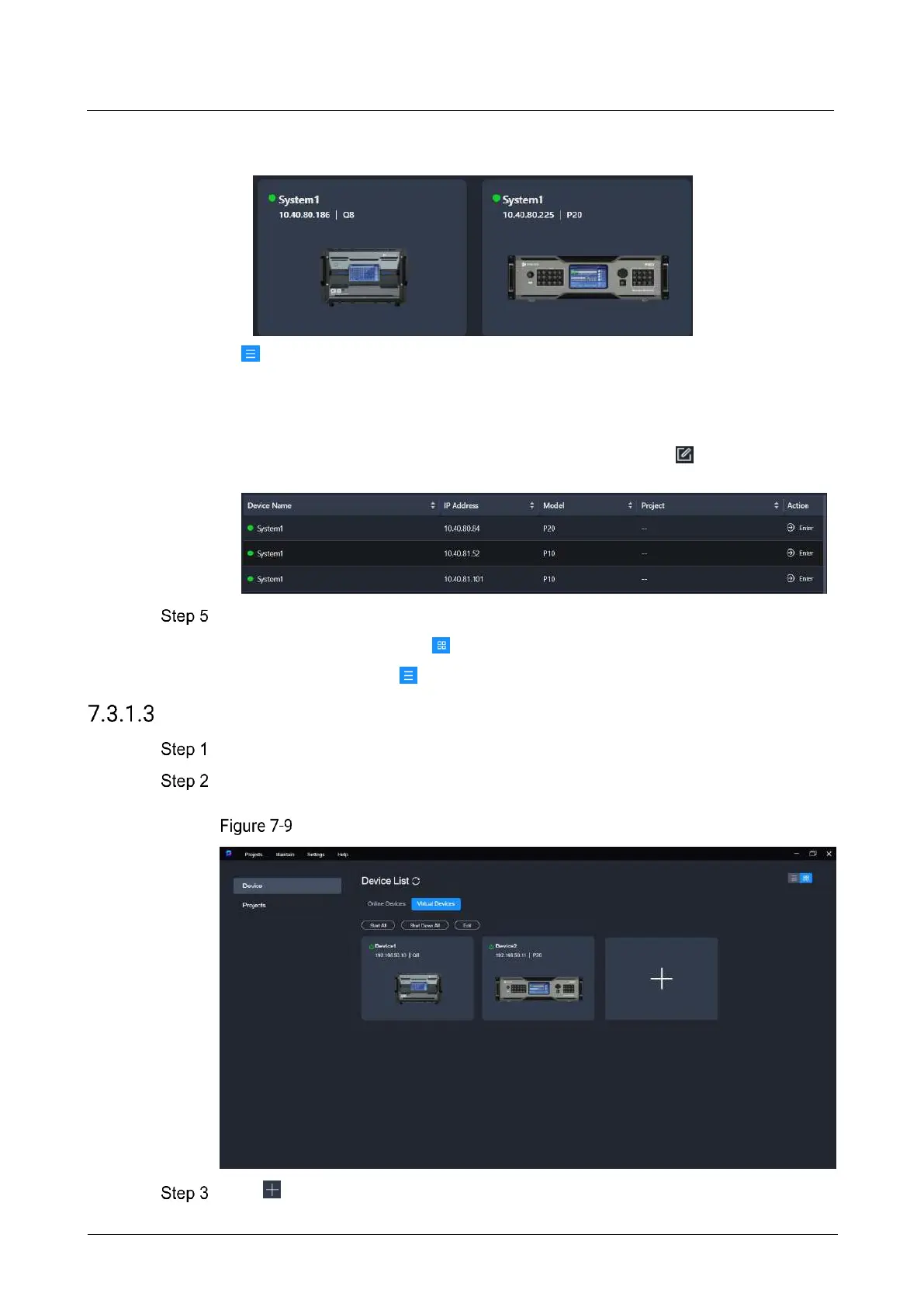
− Double clicking the device front panel image allows you to access the device
configuration interface.
: List view
− View the device name, IP address, model, and the project the device belongs
to.
− In the Action column, you can access the device configuration interface.
− Place the mouse over the device information and click that appears on
the right side of the device name to change the device name.
Perform either of the following actions to enter the device configuration page.
In the graphic view mode ( ), double click the image of the device front panel.
In the list view mode ( ), click Enter in the Action column.
Virtual Devices
Select Device from the left side of the interface to enter the device list interface.
Select the Virtual Devices tab.
Virtual device list
Click .



 To Next Page