All-New Event Presentation Switching Solutions
User Manual
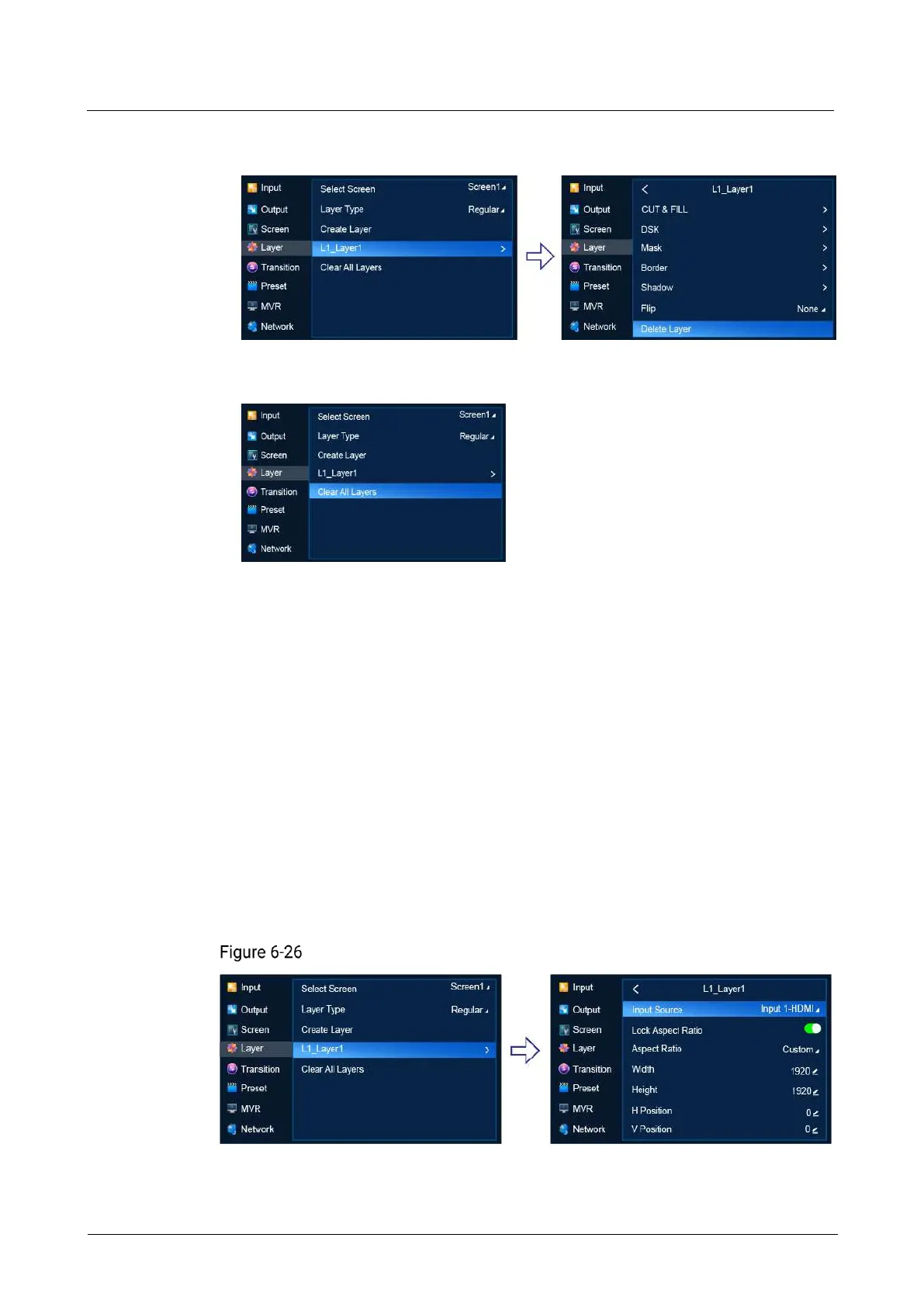
Select the layer to be deleted to access the sub-menu and then select Delete
Layer.
Clear regular layers
Select Clear All Layers.
Note: If PGM is displayed next to Select Screen, it denotes that PGM Edit is turned
on. If not, PGM Edit is turned off.
6.1.6.1.2 Set Basic Information
Set the basic information of regular layers.
Prerequisites
A common screen and regular layer are selected.
Note
If the layer source bandwidth is exceeded, the layer displays a black screen.
Menu Orientation
On the main menu screen, scroll to and select Layer > Layer Name.
Basic layer information (P20)



 To Next Page