All-New Event Presentation Switching Solutions
User Manual
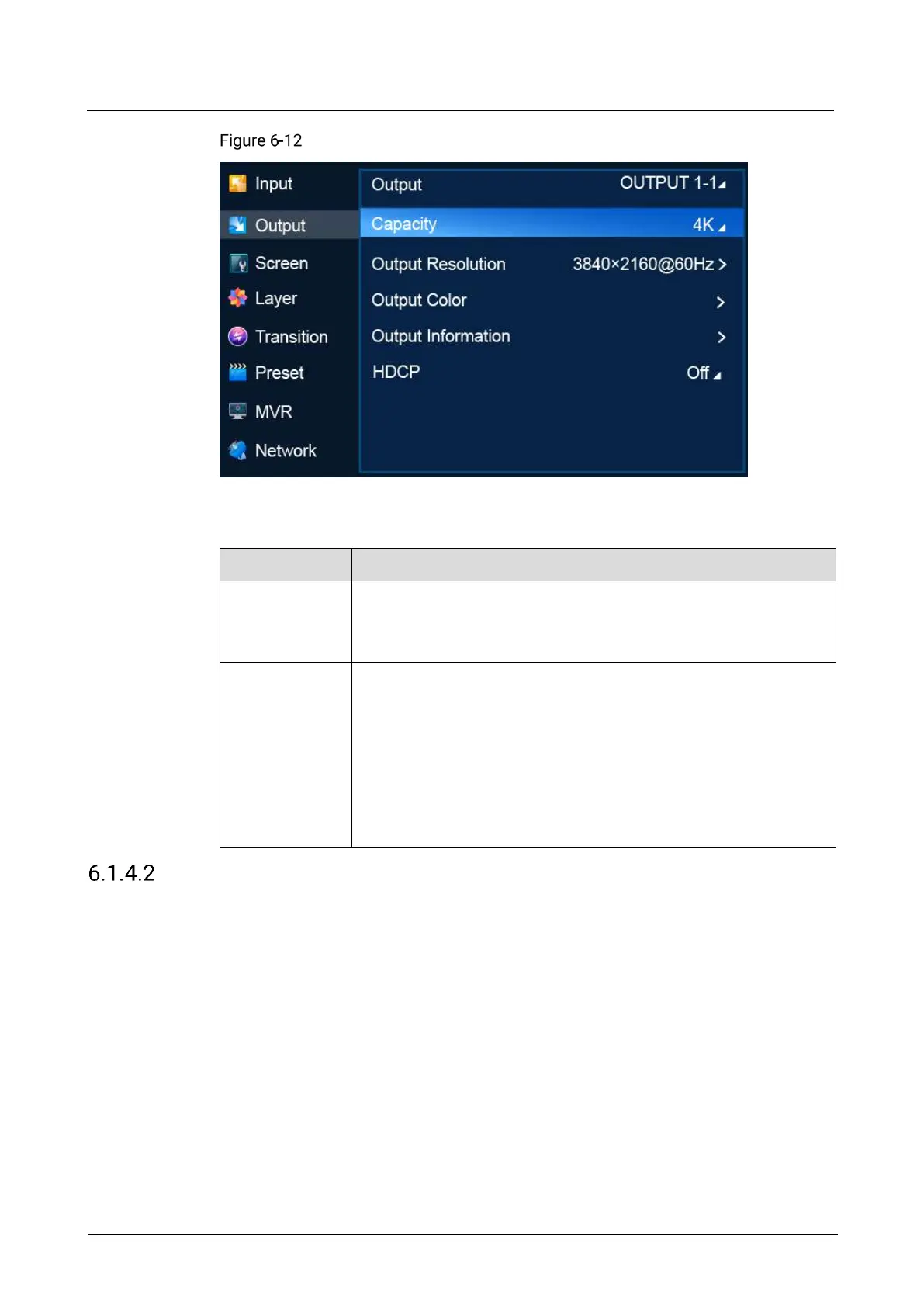
Output capacity (P20)
Description
Select an output for settings.
OUTPUT: Primary output
AUX: AUX output
Select the output capacity of the common screen.
P20
− DL: 4K×1K
− 4K: 4K×2K
P10
− SL: 2K×1K
− 4K: 4K×2K
Set Output Resolution
Set the resolution and frame rate of the common screen. You can select a standard
resolution provided by the system or customize a resolution, and complete advanced
settings.
Prerequisites
The EDID information of the connected device is obtained.
An output connector is selected.
Note
Advanced settings must be done by trained professionals.
After the output resolution is changed, the AOI parameters related to the
connector are reset to defaults.



 To Next Page