All-New Event Presentation Switching Solutions
User Manual
Menu Orientation
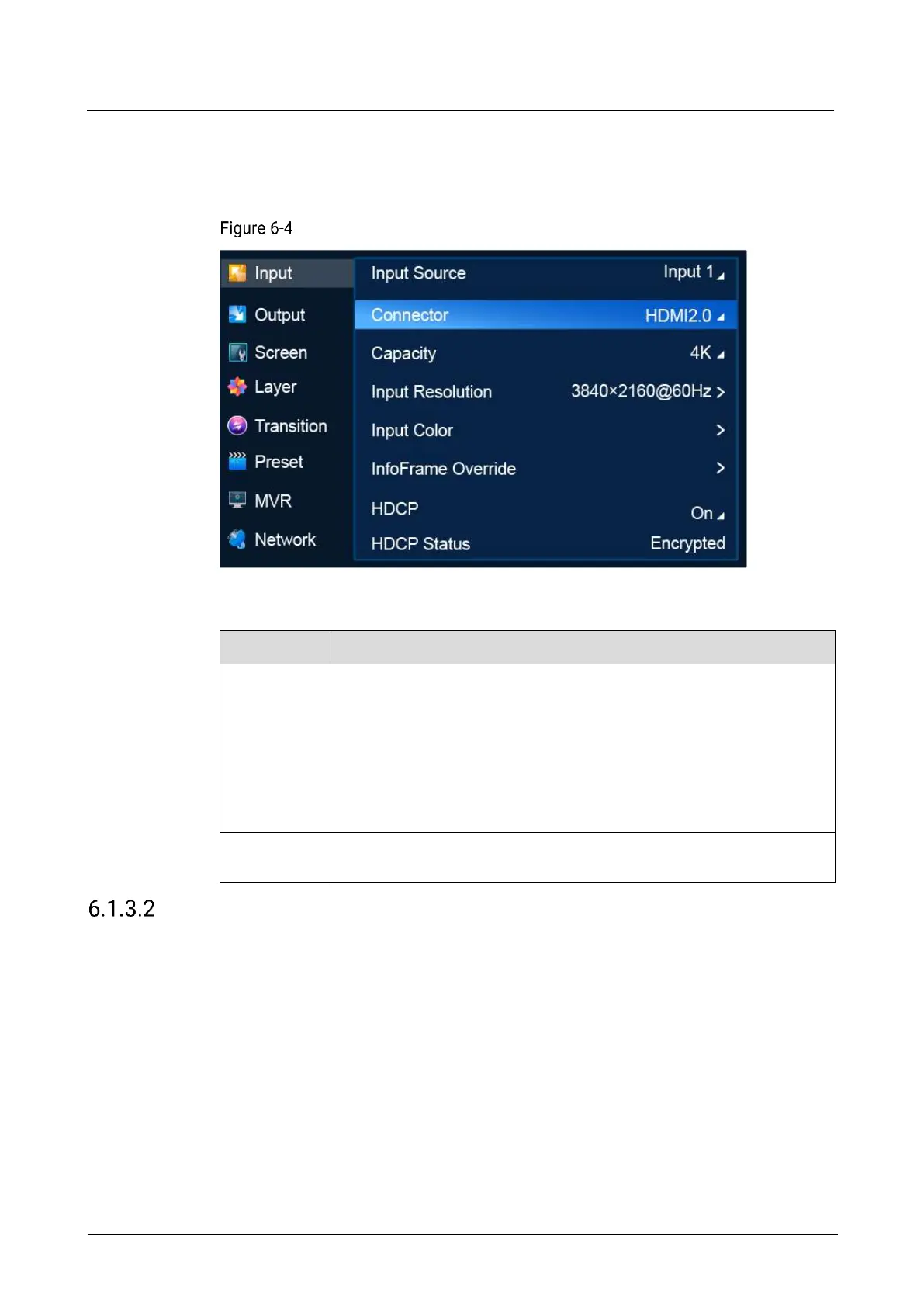
On the main menu screen, scroll to and select Input > Connector.
Input connector selection (P20)
Description
Select an input source.
P20
Includes 12x input sources. Inputs 1 to 8 contain 8x DP 1.2/HDMI 2.0
and Inputs 9 to 12 contain 4x 12G-SDI.
P10
Includes 6x input sources. Inputs 1 to 4 contain 4x DP 1.2/HDMI 2.0
and Inputs 5 to 6 contain 2x 12G-SDI.
Select the type of the input connector. Either DP 1.2 or HDMI 2.0 can be
selected.
Select Connector Capacity
Select a connector capacity so that the device can calculate the number of layers
that can be added on the common screen according to the selected connector
capacity.
Prerequisites
An input source and connector type are selected. Connector type selection is not
available for 12G-SDI.
Notes
After the connector capacity is changed:



 To Next Page