All-New Event Presentation Switching Solutions
User Manual
Description
Import EDID
a. Scroll to and select Import EDID to access the EDID file screen.
b. Select the file to be imported.
c. In the dialog box that appears, select OK.
Export EDID
d. Scroll to and select Export EDID to access the submenu.
e. From the drop-down options, select a file format (.bin or .dat).
f. Select Apply.
Note:
If you want to modify the content of an imported EDID file, modify the file, import it
again and overwrite the original one.
Set Input Color
Set the color parameters of an input connector so that the color effect can be applied
to all the video sources accessed from this connector.
Prerequisites
An input source and connector type are selected. Input color settings are not
available for the 12G-SDI connectors.
Menu Orientation
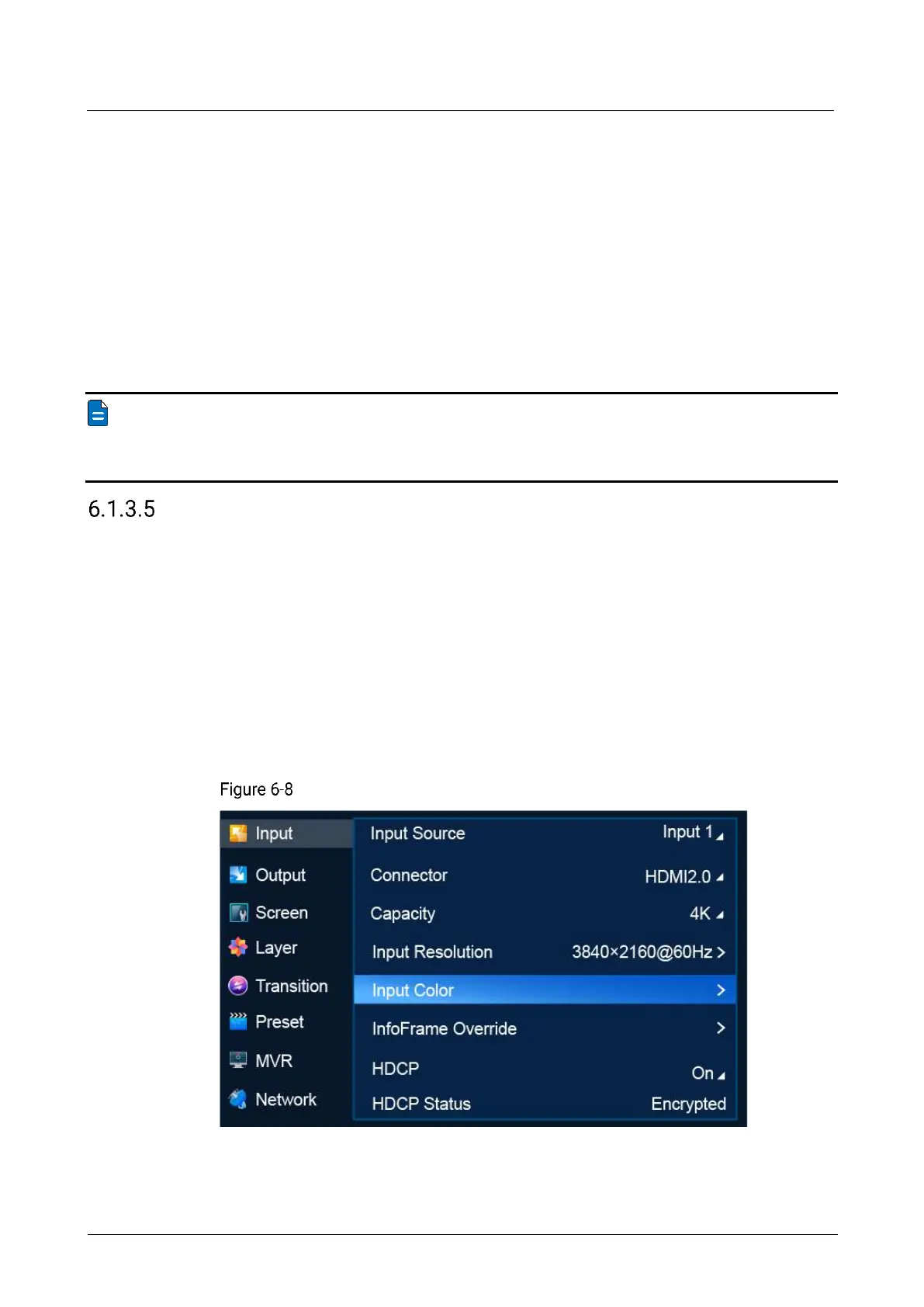
On the main menu screen, scroll to and select Input > Input Color.
Input color settings (P20)



 To Next Page