All-New Event Presentation Switching Solutions
User Manual
IP Address: Enter the IP address of the device to be controlled.
Model: Select the controlled device.
Username: Enter the username for the selected device. The default username is
“admin”.
Password: Enter the password for the selected device. The default password is
“MTIzNDU2”.
Click Save to complete the connection configuration.
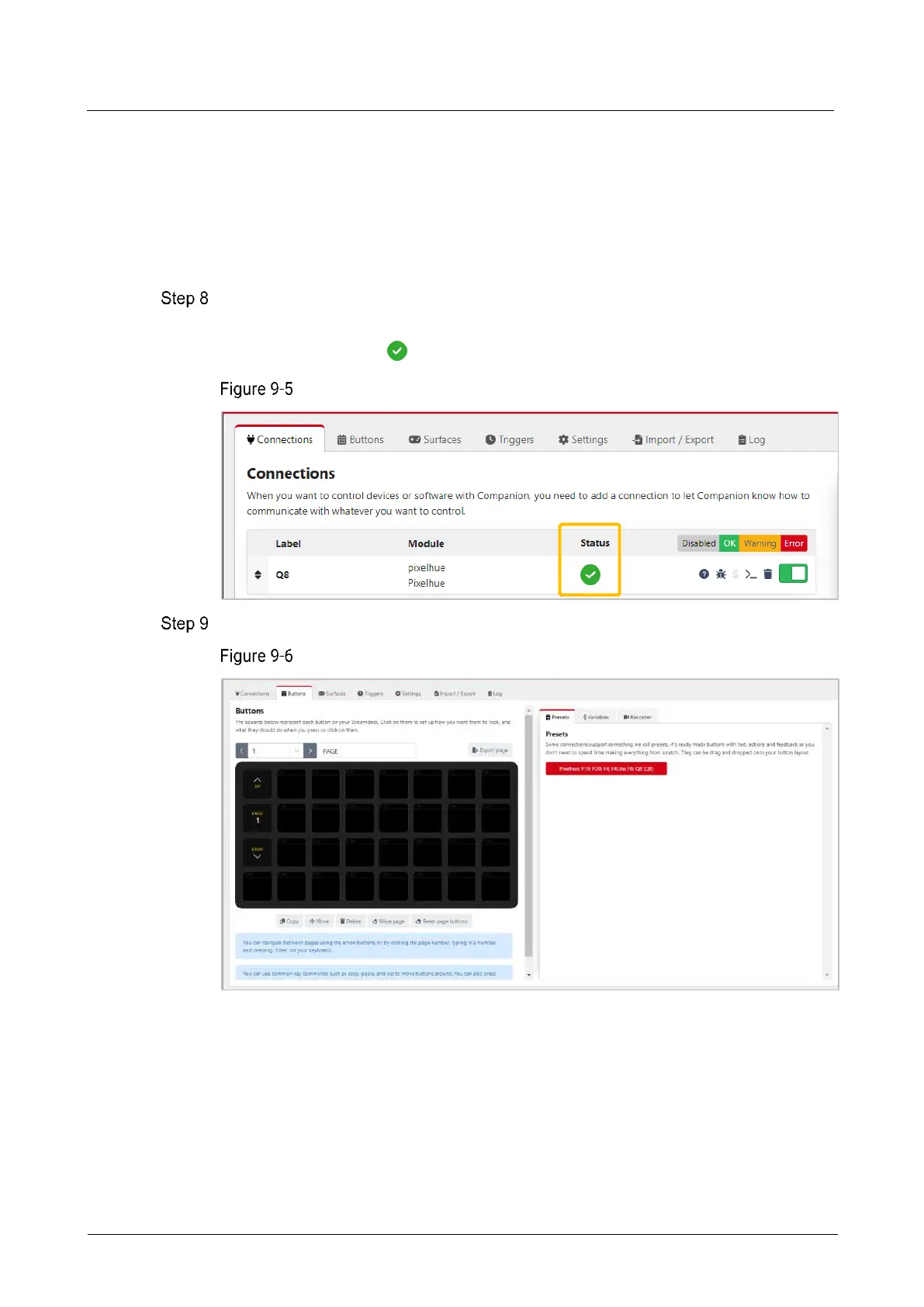
If the configuration is correct, under the Connections tab, the status of the connected
device is displayed as .
Device connection complete
Click Buttons to enter the Stream Deck button configuration interface.
Stream Deck button configuration



 To Next Page