All-New Event Presentation Switching Solutions
User Manual
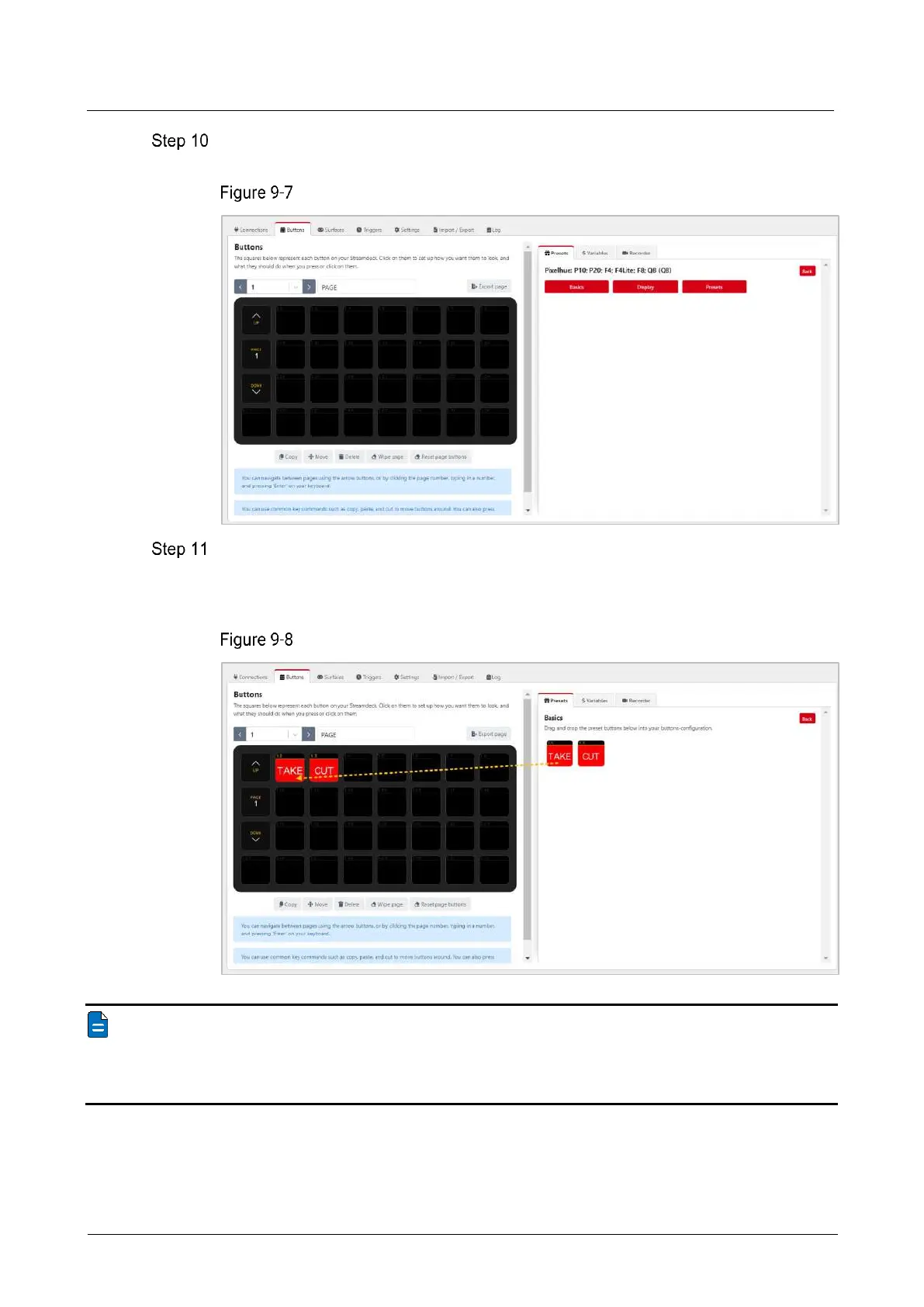
In the Presets area on the right, click the added control device to expand the preset
function menu.
Preset function menu
Click one of the Basics, Display and Presets menu buttons on the right side to
expand the function list, drag the function buttons on the right side to the buttons of
Stream Deck on the left side, and complete the button binding between the control
function and Stream Deck.
Function binding - Basics
Note
Since Stream Deck does not support page navigation horizontally, when adding functions to
the buttons on the Stream Deck, make sure the number of buttons horizontally matches the
physical device.



 To Next Page