All-New Event Presentation Switching Solutions
User Manual
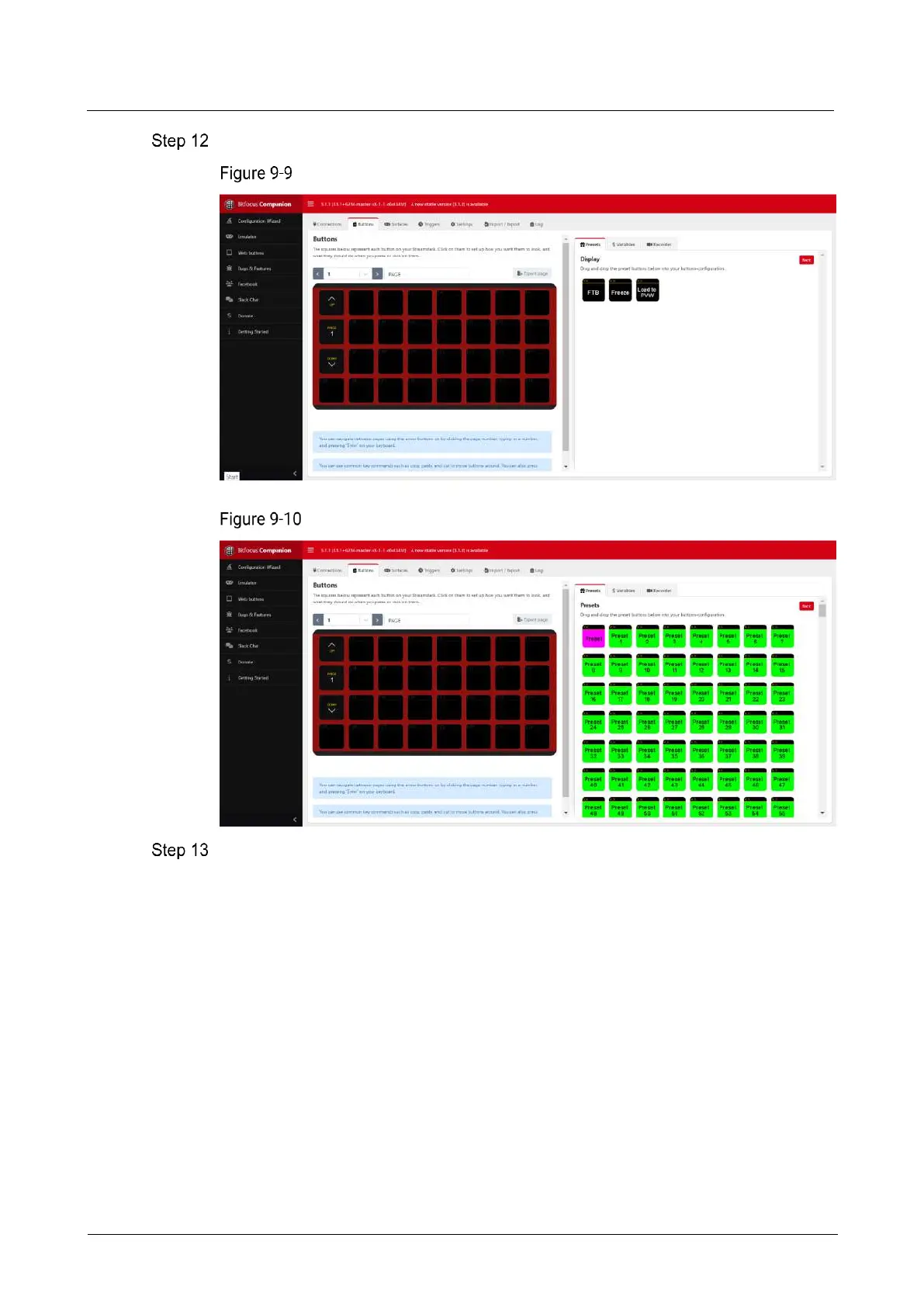
Click Back to select a different function menu and complete more function bindings.
More function binding - Display
More function binding - Presets
After the configuration is completed, the function name will be displayed on the
button of Stream Deck. Press the corresponding button, and check whether the
function bound to the button is triggered in the controlled device.
Yes = > Stream Deck is successfully configured.
No = > Contact your technical support to find out the reason and reconfigure.
Other Operations
Replace button function
Directly drag a new function from the right side list to the target button to replace
the existing function.
Delete button function
Click Delete at the bottom to activate button function deletion. Click the function
on the button that needs to be deleted to delete the corresponding function.



 To Next Page