All-New Event Presentation Switching Solutions
User Manual
7 Event Management Software PixelFlow
Notes
The Multiviewer signal is not affected by device backup function.
Interface Example (P20)
Description
Turn on or turn off the function.
: On
− All: Select all screens.
− Specific screen name: Select the desired screen.
: Off
Reset to Factory Settings
Reset the device data and settings to factory default values.
Prerequisites
None
Notes
Please do this with great caution.
The reset action does not affect the device firmware version.
Power-off is not allowed during the reset process.
The device will restart automatically after the reset is completed.
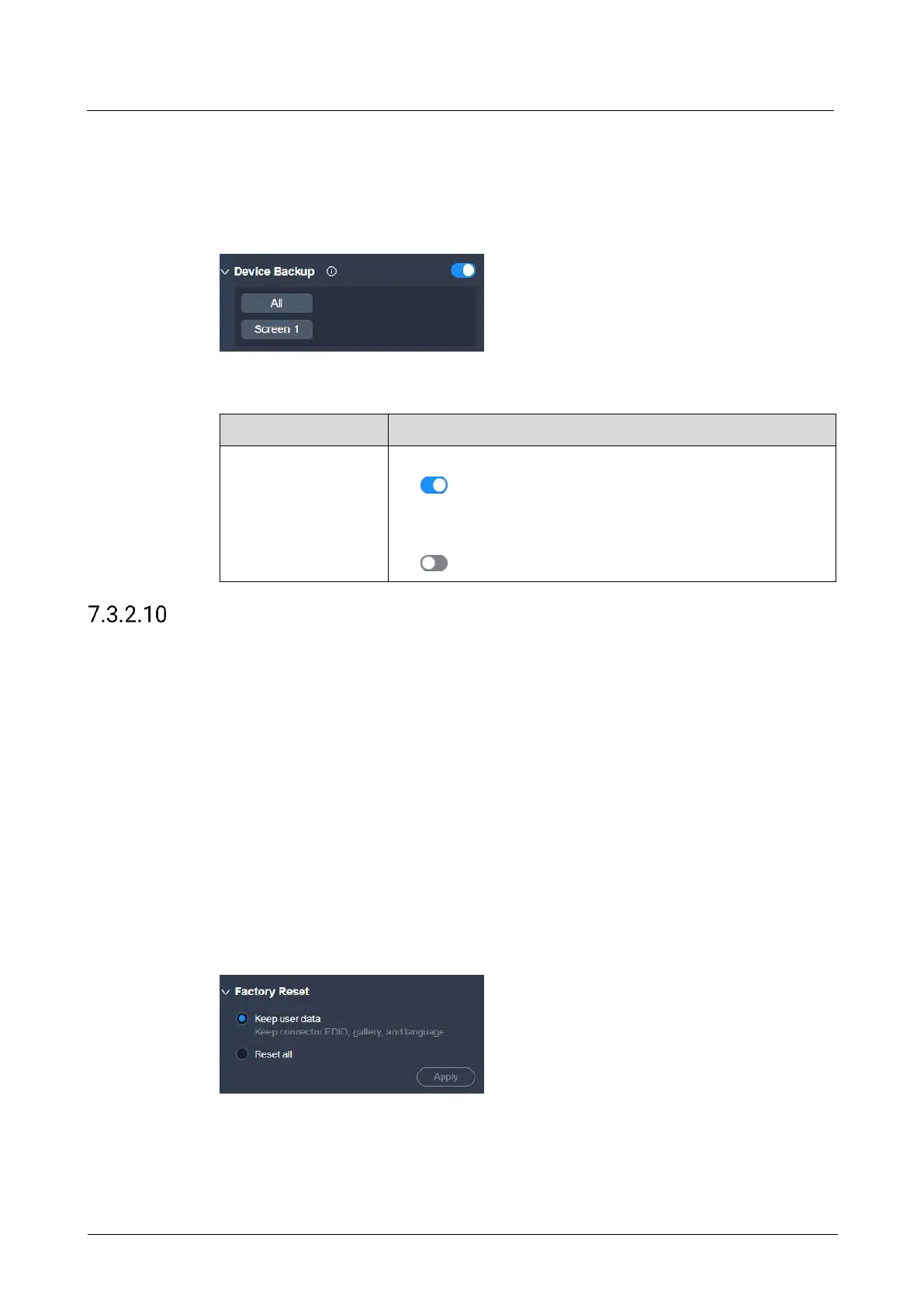
Interface Example (P20)
Description
Select Keep user data or Reset all, and then click Apply.
Keep user data



 To Next Page