All-New Event Presentation Switching Solutions
User Manual
7 Event Management Software PixelFlow
Configure Card Properties
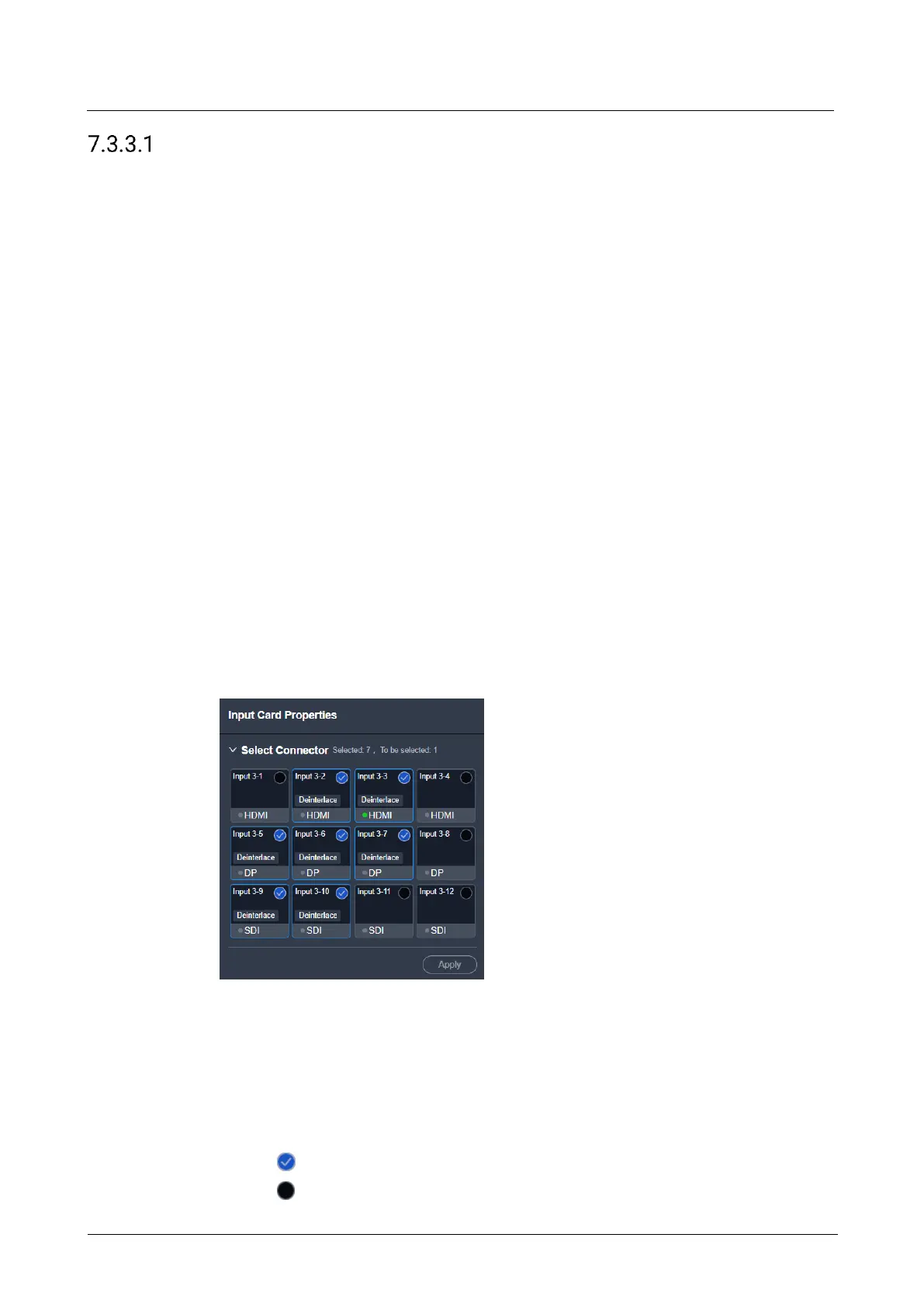
Set the input connectors to be used, connector capacity (resource occupation) and
deinterlacing function.
Prerequisites
The connector capacity is available on the P20 and P10.
The deinterlacing function is available on the Q8.
Notes
If the connector is set to be NOT used:
The corresponding layers on the main screens and AUX screens will become
empty layers.
Some connector properties will be restored to defaults, such as resolution and
color parameters.
If the connector capacity is switched on the P20 and P10:
The corresponding layers on the screens will become empty layers, and the DSK
function will be turned off.
Some connector properties will be restored to defaults, such as resolution and
color parameters.
Interface Example (Q8)
Description
Switch the connector capacity.
Select SL or 4K from the drop-down list.
Select the connectors to be used.
The connector status descriptions are as follows:
− : Selected
− : Not selected



 To Next Page