All-New Event Presentation Switching Solutions
User Manual
7 Event Management Software PixelFlow
Set the deinterlacing function.
Click the Deinterlace icon.
− : On
− : Off
After the settings, click Apply.
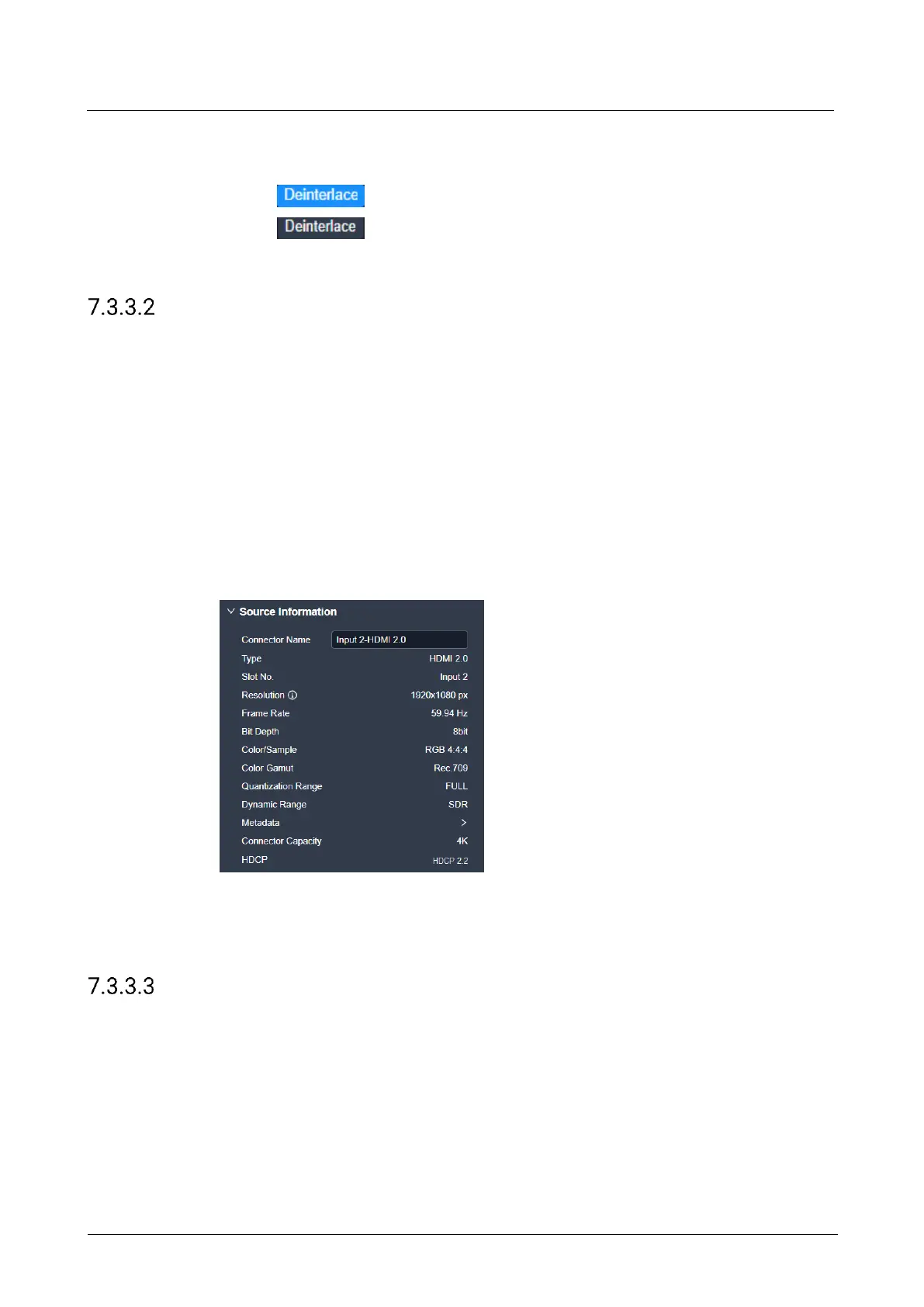
View Input Source Info
View the basic properties of the input connector and change the input connector
name.
Prerequisites
A fine signal is connected to the input connector.
Notes
None
Interface Example (P20)
Description
On the Basic tab interface, change the connector name as required.
Configure Override Parameters
Configure the InfoFrame override parameters of the input source, so that the device
can use it when doing some calculations. This action does not change the parameter
values that come with the input source.
Prerequisites
The HDR-related parameter settings are applicable to the HDMI 2.0 connectors on
the P20, and make sure you have turned on the HDR format conversion function in
the device property configuration page before the settings. For specific operations,
please refer to 7.3.2.5 Configure HDR Format Conversion.



 To Next Page