All-New Event Presentation Switching Solutions
User Manual
7 Event Management Software PixelFlow
Notes
None
Interface Example (P20)
Description
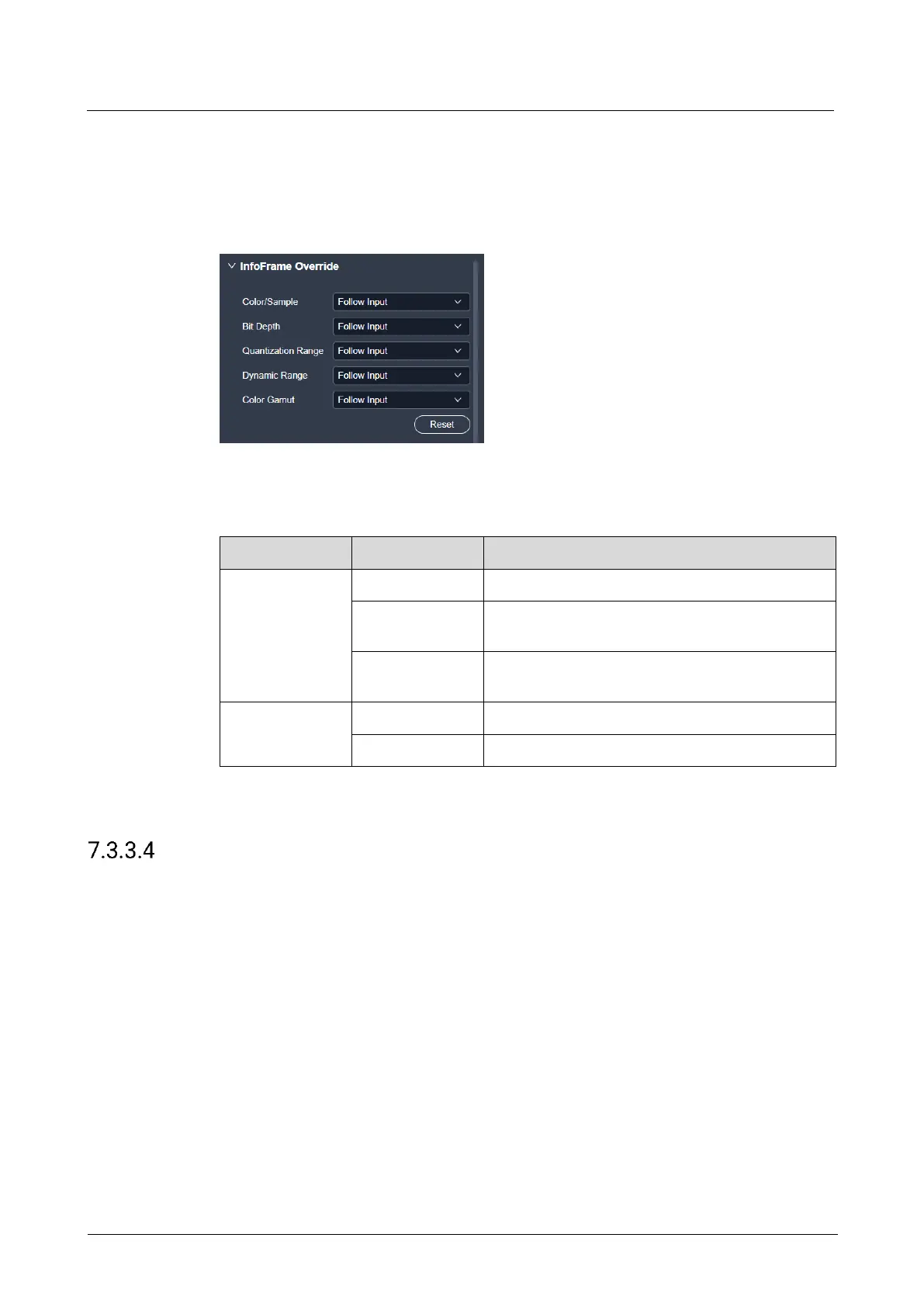
On the Basic tab interface, configure the following parameters.
The sampling format of the input
The bit depth of the input, i.e., the binary digits to
represent a single color
The quantization range of the input
The HDR format of the input
The color gamut standard of the input
Select Follow Input and the device will read the attribute values that come with the
input source.
Configure EDID
Configure the resolution and frame rate of the input. You can select the standard
resolution provided by the device, customize a resolution, or set the advanced
parameters.
Prerequisites
The front-end device outputs the video source from the graphics card.
The input connector must be DP 1.2 or HDMI 2.0. 12G-SDI does not support this
function.
Notes
It is recommended the advanced settings are carried out by the trained personnel
only.



 To Next Page